A practical series about local S3-compatible storage: MinIO in Laradock, Laravel Filesystem integration, private files, temporary URLs, direct uploads, and common problems.
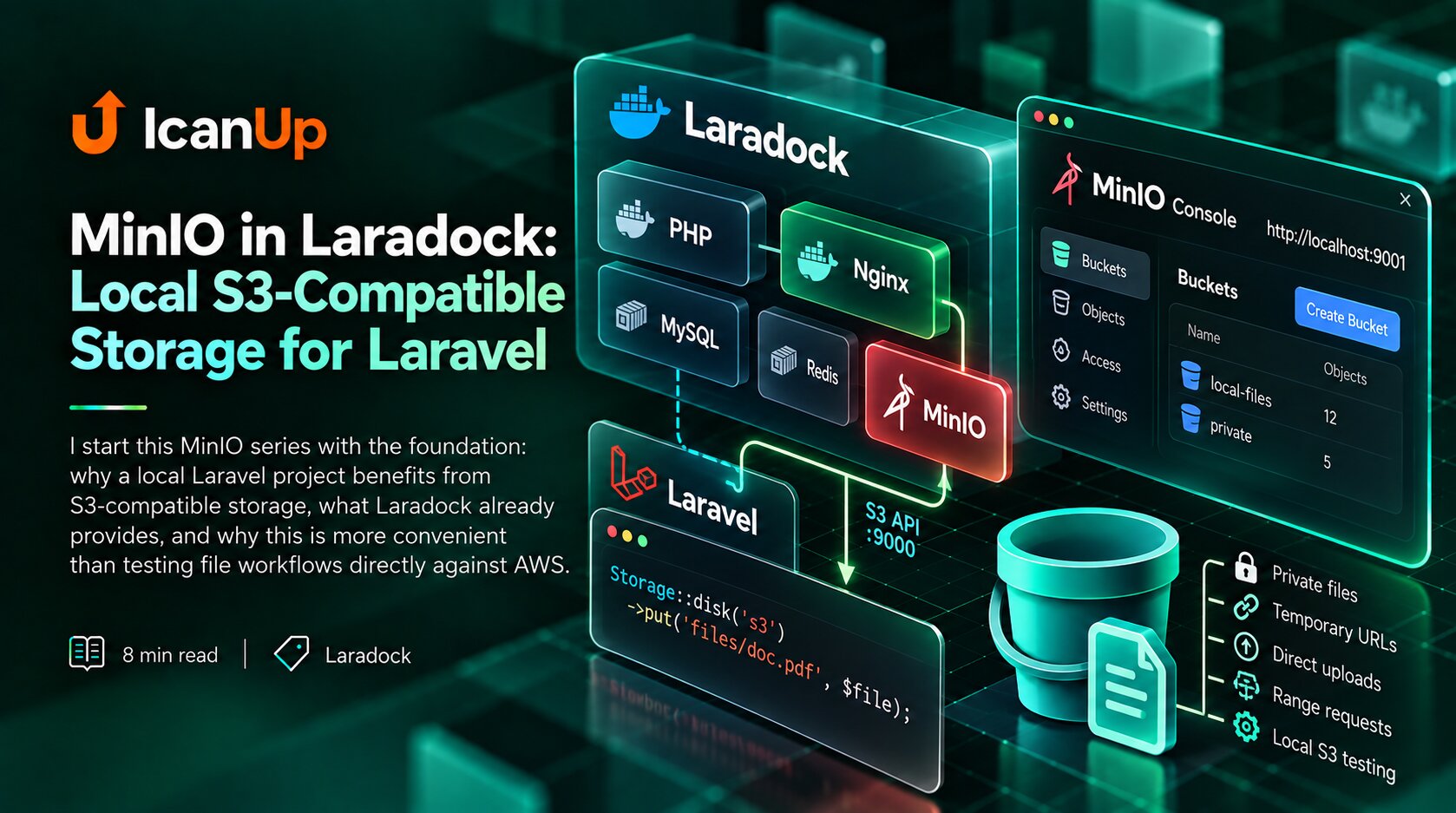
I start this MinIO series with the foundation: why a local Laravel project benefits from S3-compatible storage, what Laradock already provides, and why this is more convenient than testing file workflows directly against AWS.
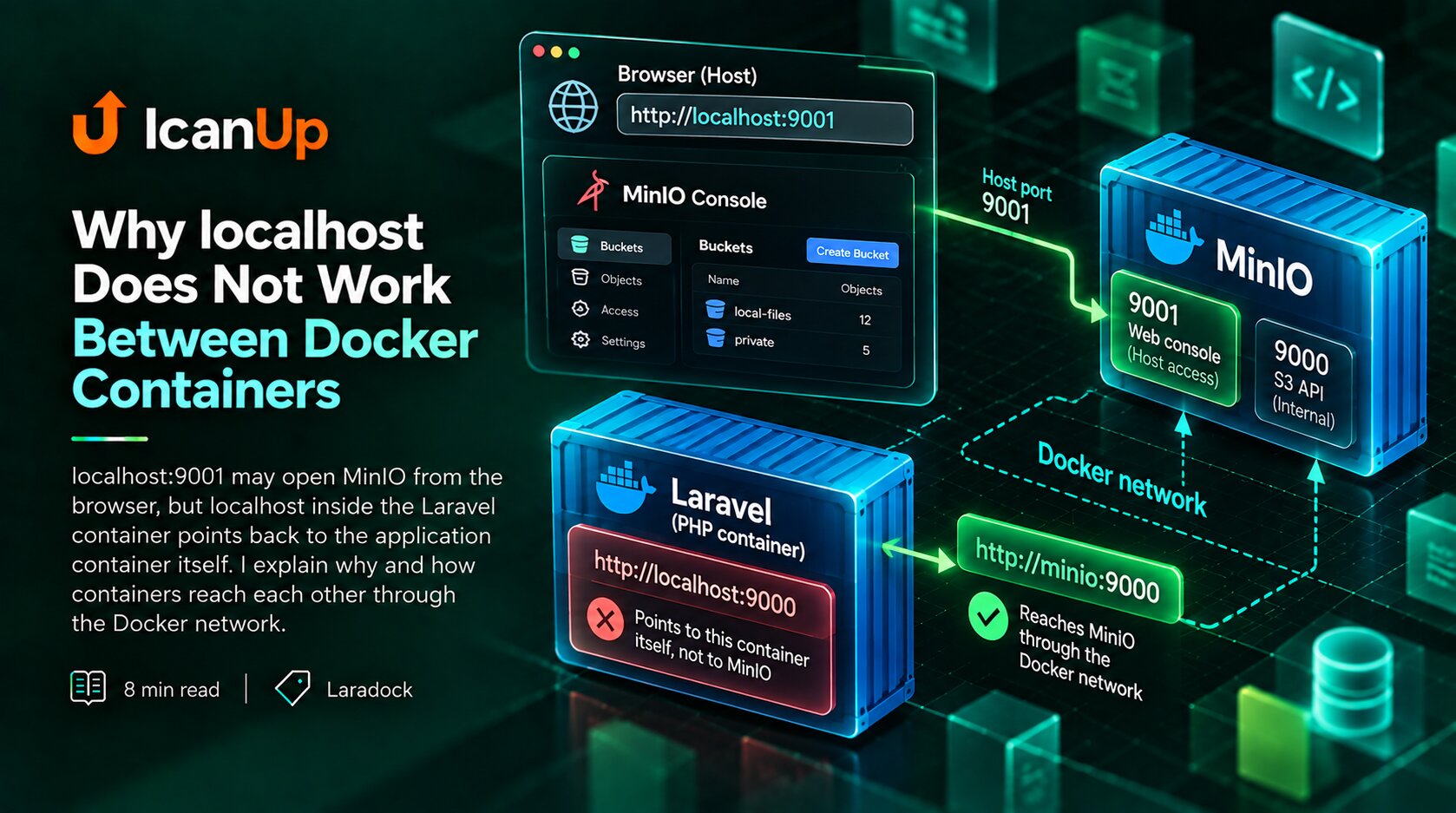
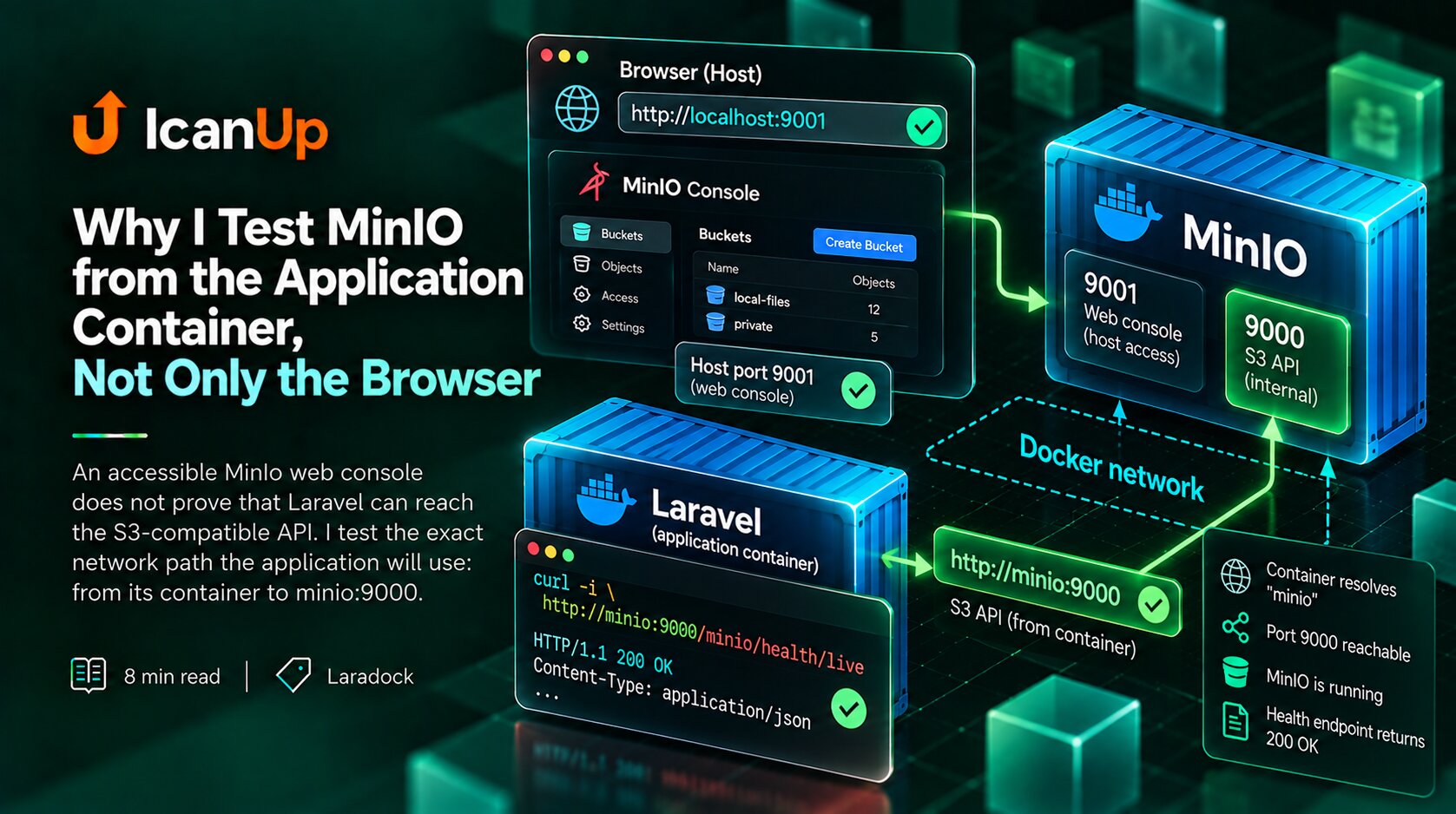
localhost:9001 may open MinIO from the browser, but localhost inside the Laravel container points back to the application container itself. I explain why and how containers reach each other through the Docker network.
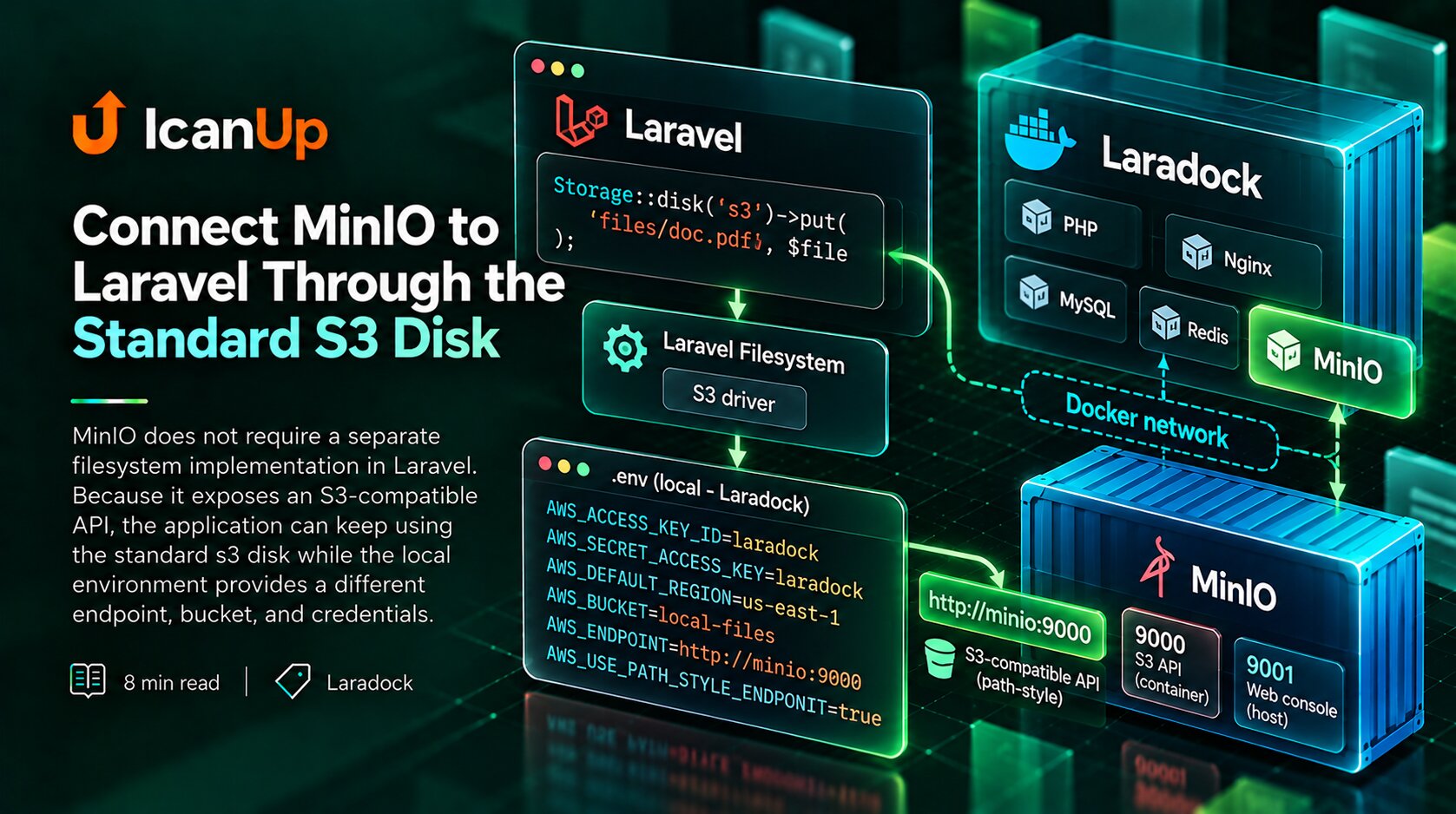
MinIO does not require a separate filesystem implementation in Laravel. Because it exposes an S3-compatible API, the application can keep using the standard s3 disk while the local environment provides a different endpoint, bucket, and credentials.
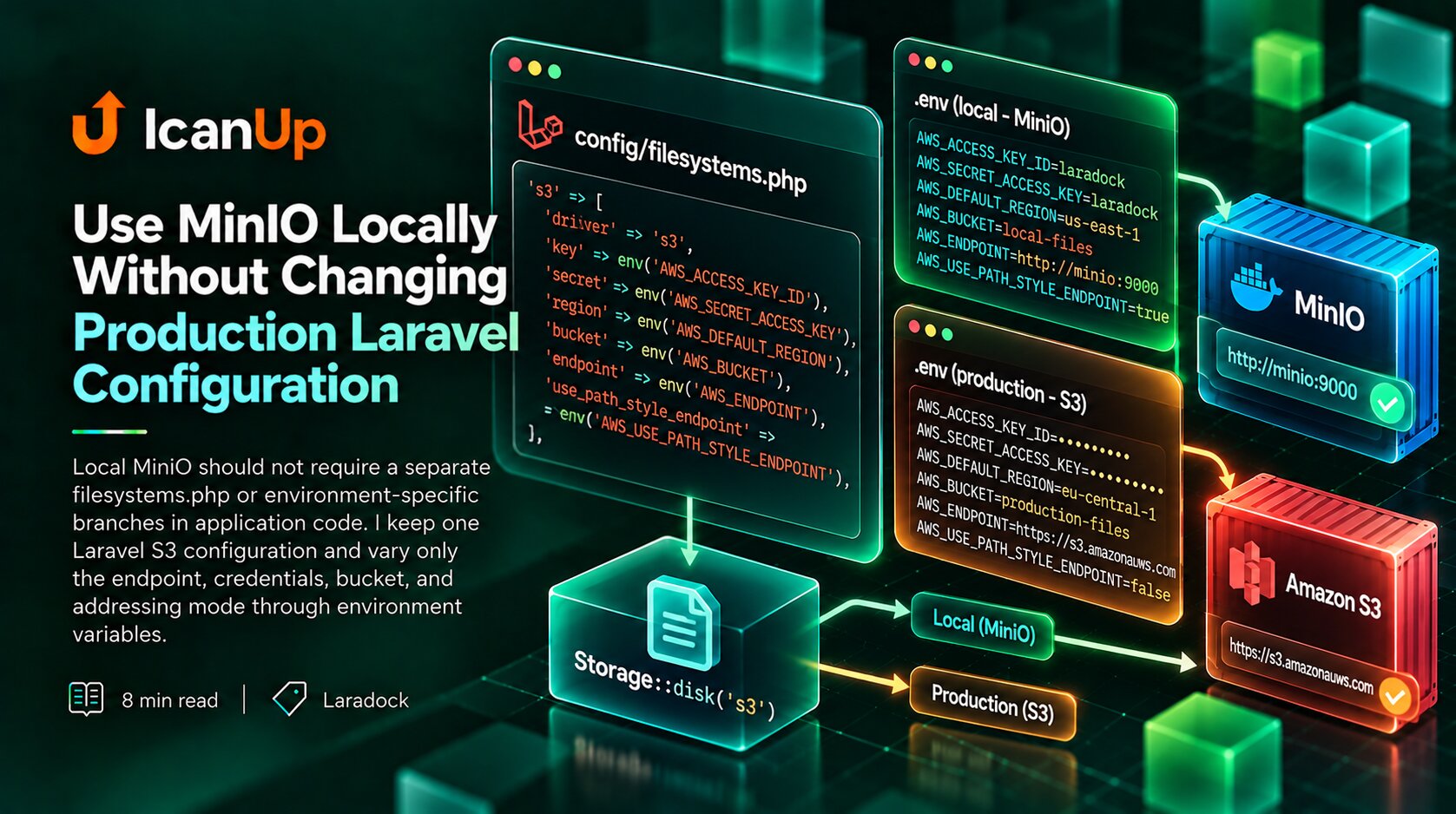
Local MinIO should not require a separate filesystems.php or environment-specific branches in application code. I keep one Laravel S3 configuration and vary only the endpoint, credentials, bucket, and addressing mode through environment variables.
An accessible MinIO web console does not prove that Laravel can reach the S3-compatible API. I test the exact network path the application will use: from its container to minio:9000.
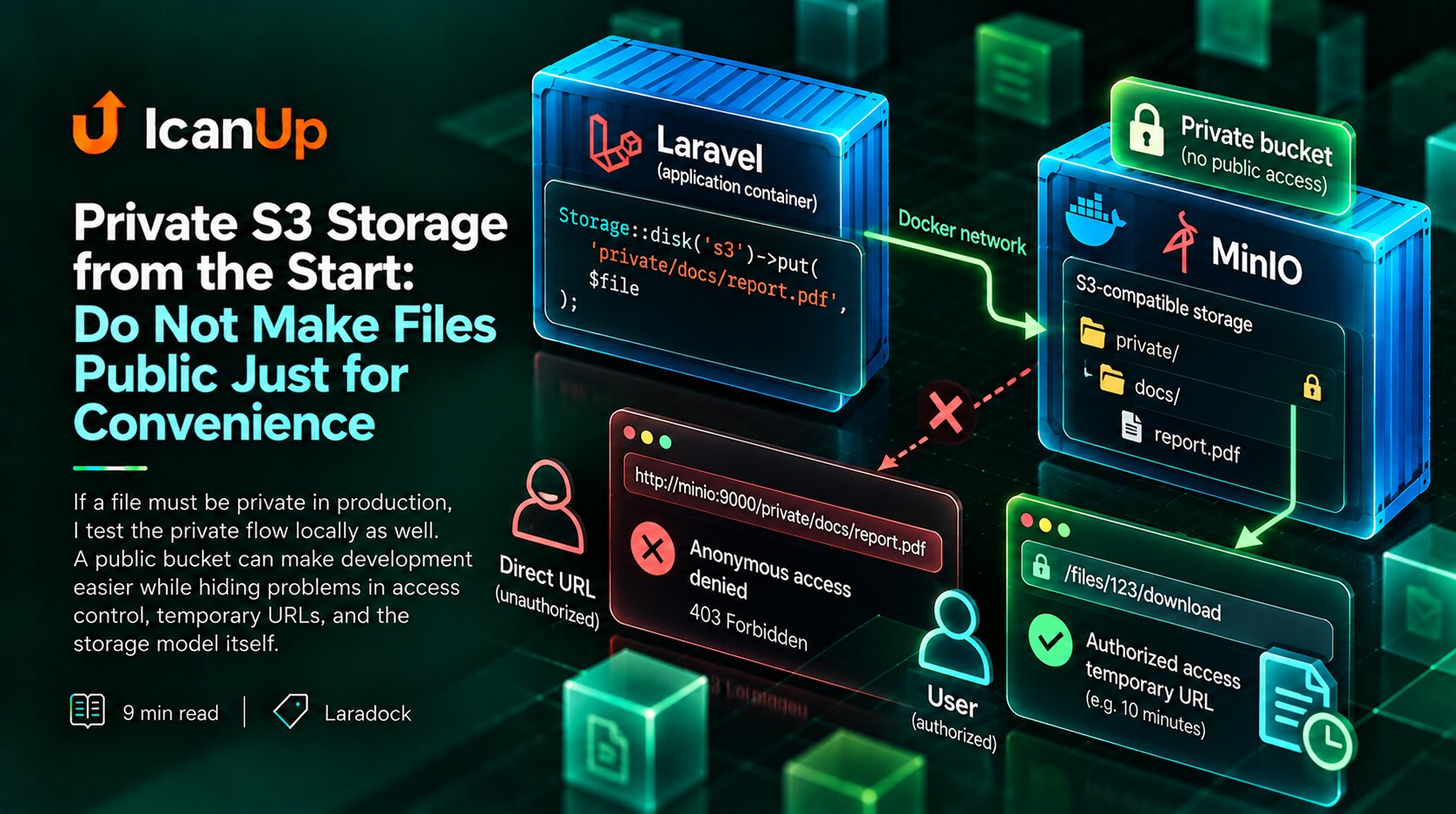
If a file must be private in production, I test the private flow locally as well. A public bucket can make development easier while hiding problems in access control, temporary URLs, and the storage model itself.
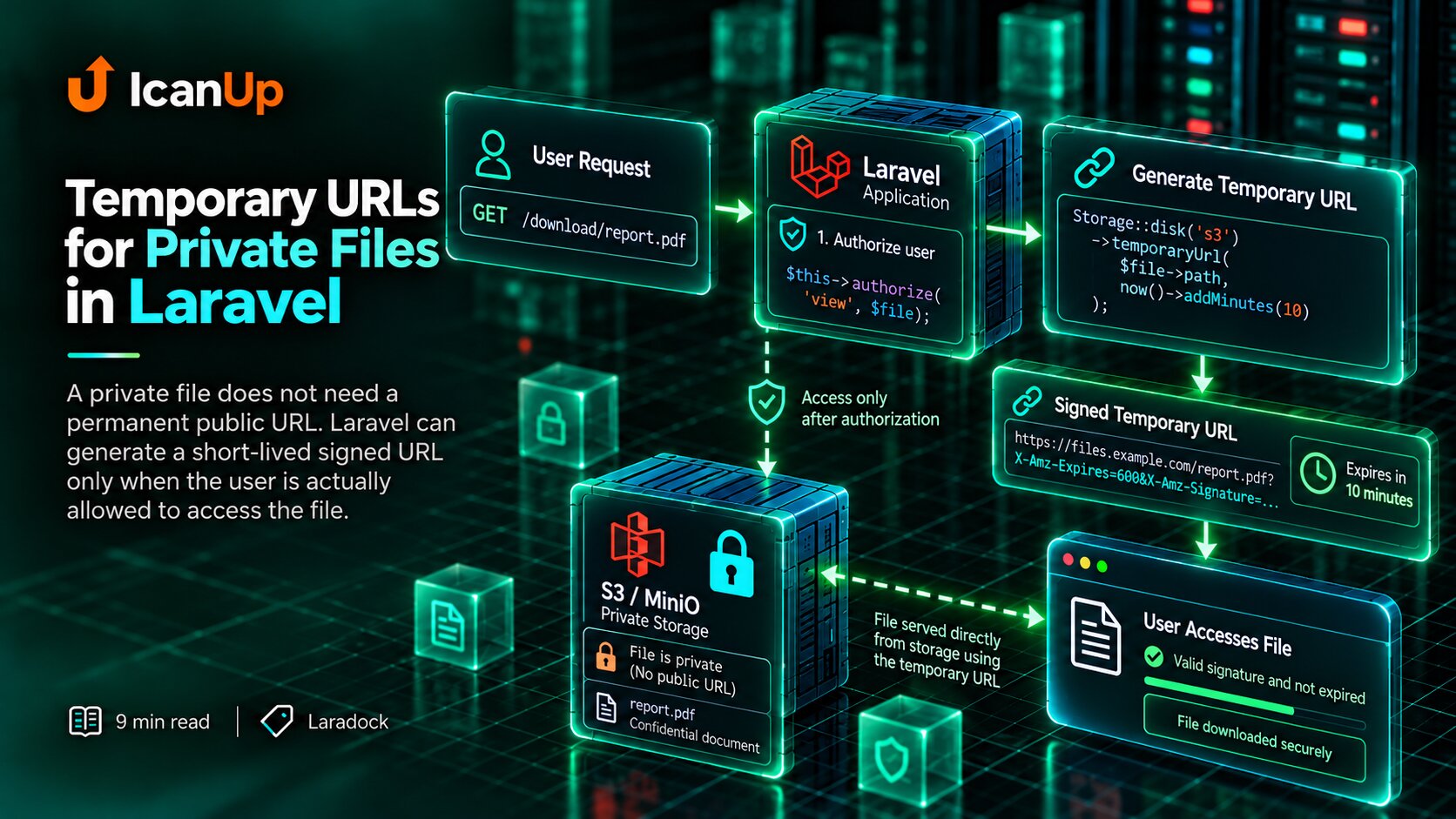
A private file does not need a permanent public URL. Laravel can generate a short-lived signed URL only when the user is actually allowed to access the file.
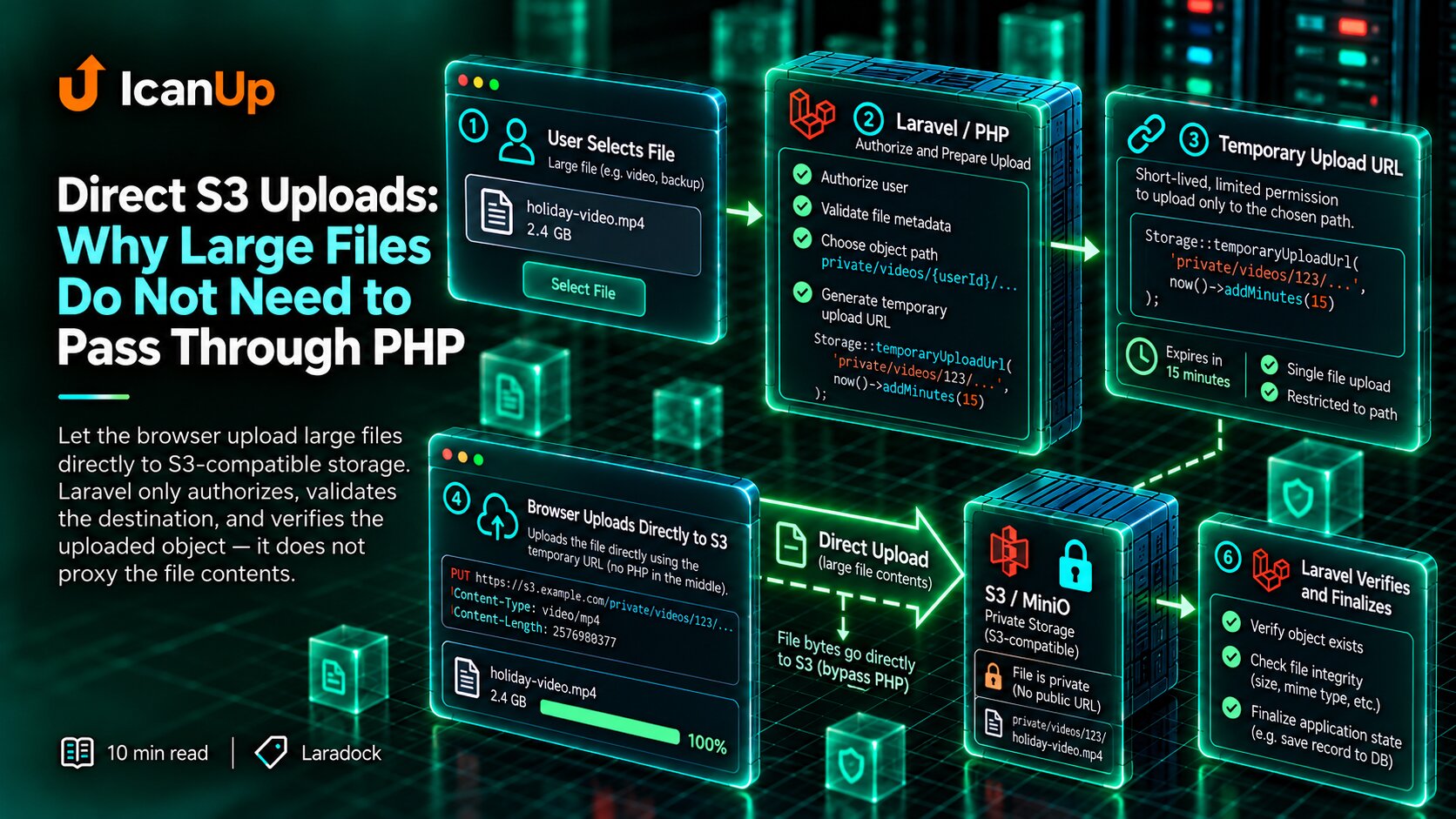
PHP does not need to proxy every byte of a large upload. The application can authorize the operation, choose the object path, and issue short-lived upload permission while the browser sends the file directly to S3-compatible storage.
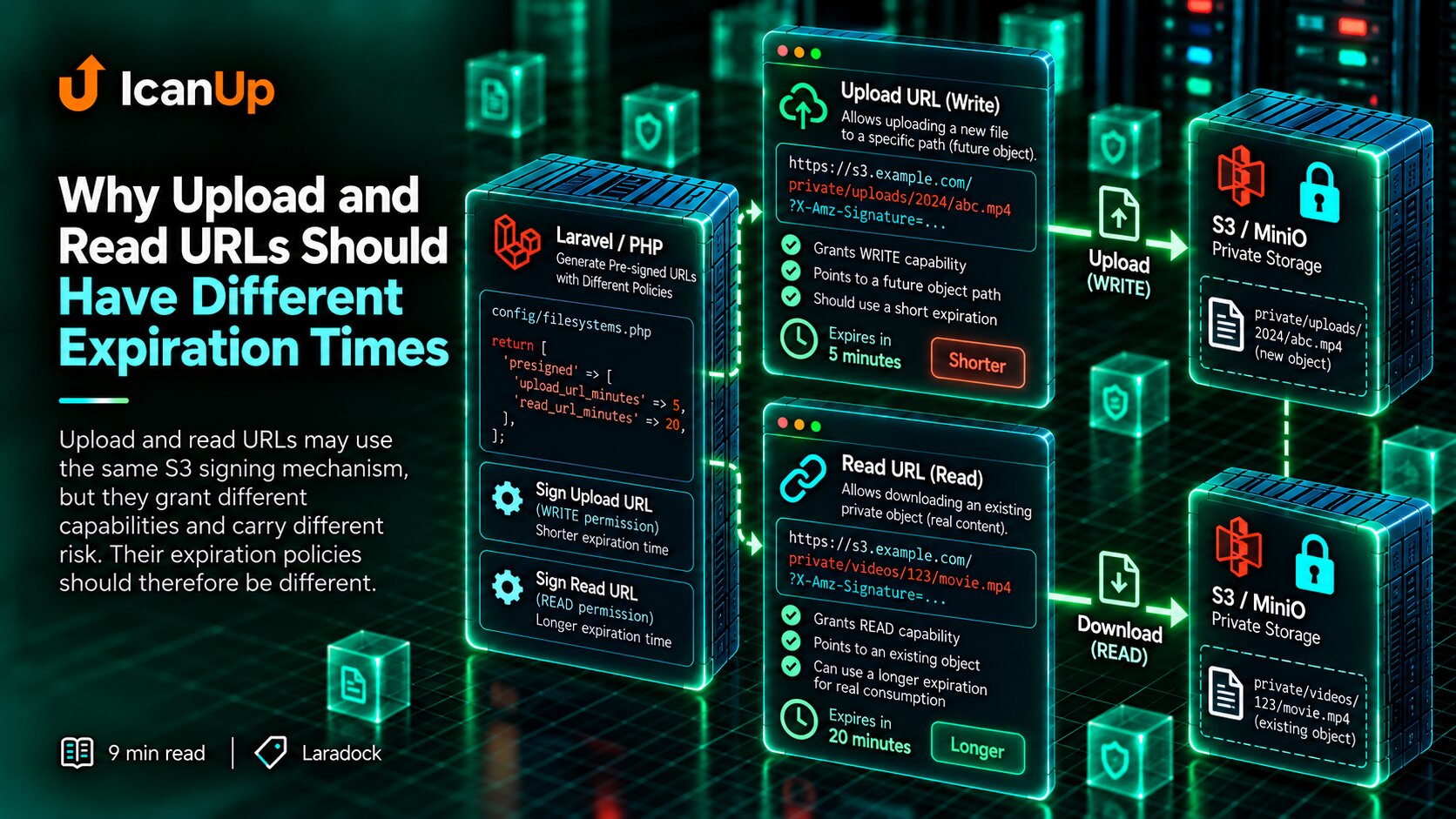
Signed upload and read URLs may use the same S3 mechanism, but they grant different capabilities and carry different risk. I therefore do not give them one shared expiration policy.
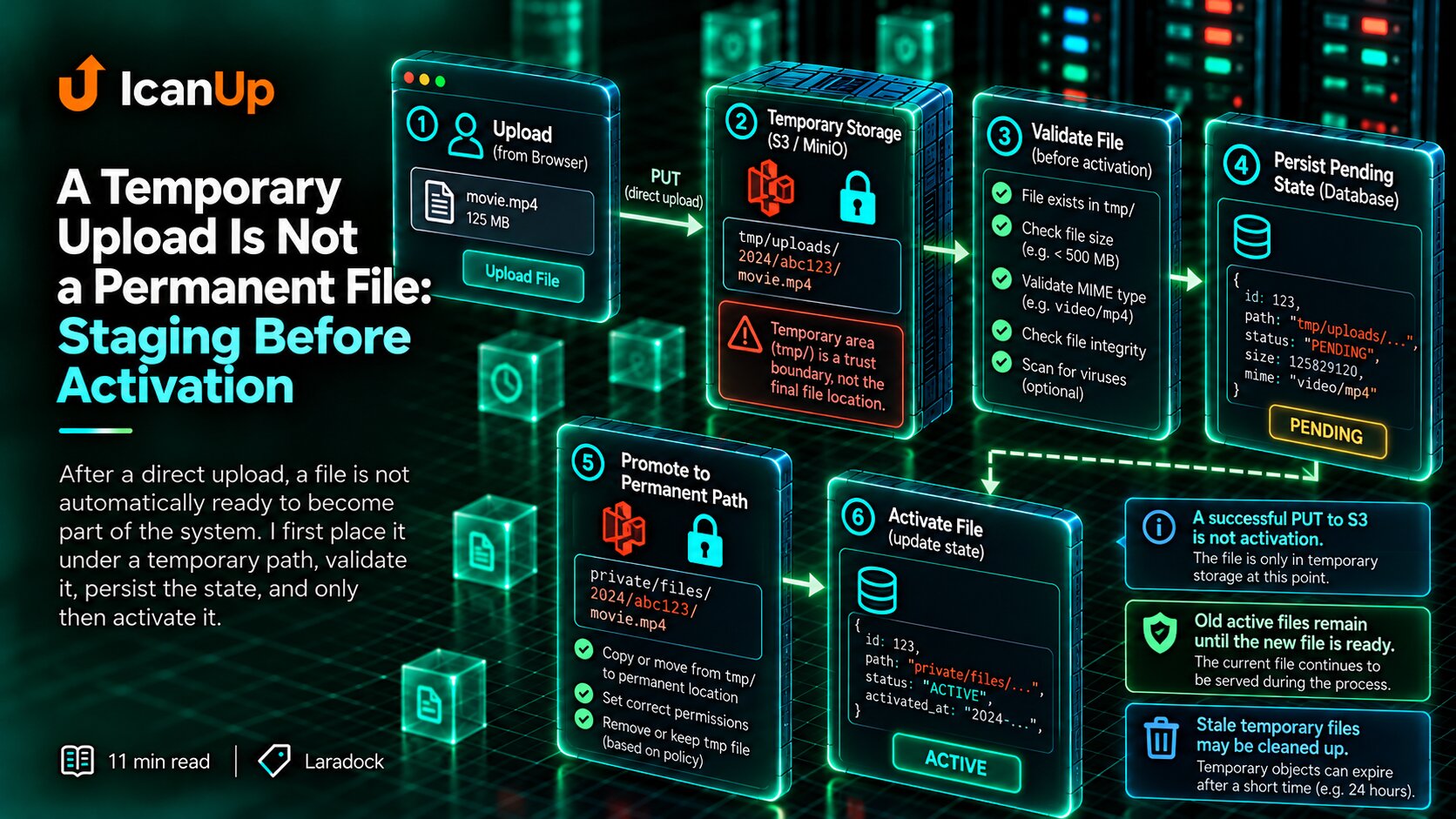
After a direct upload, a file is not automatically ready to become part of the system. I first place it under a temporary path, validate it, persist the state, and only then activate it.
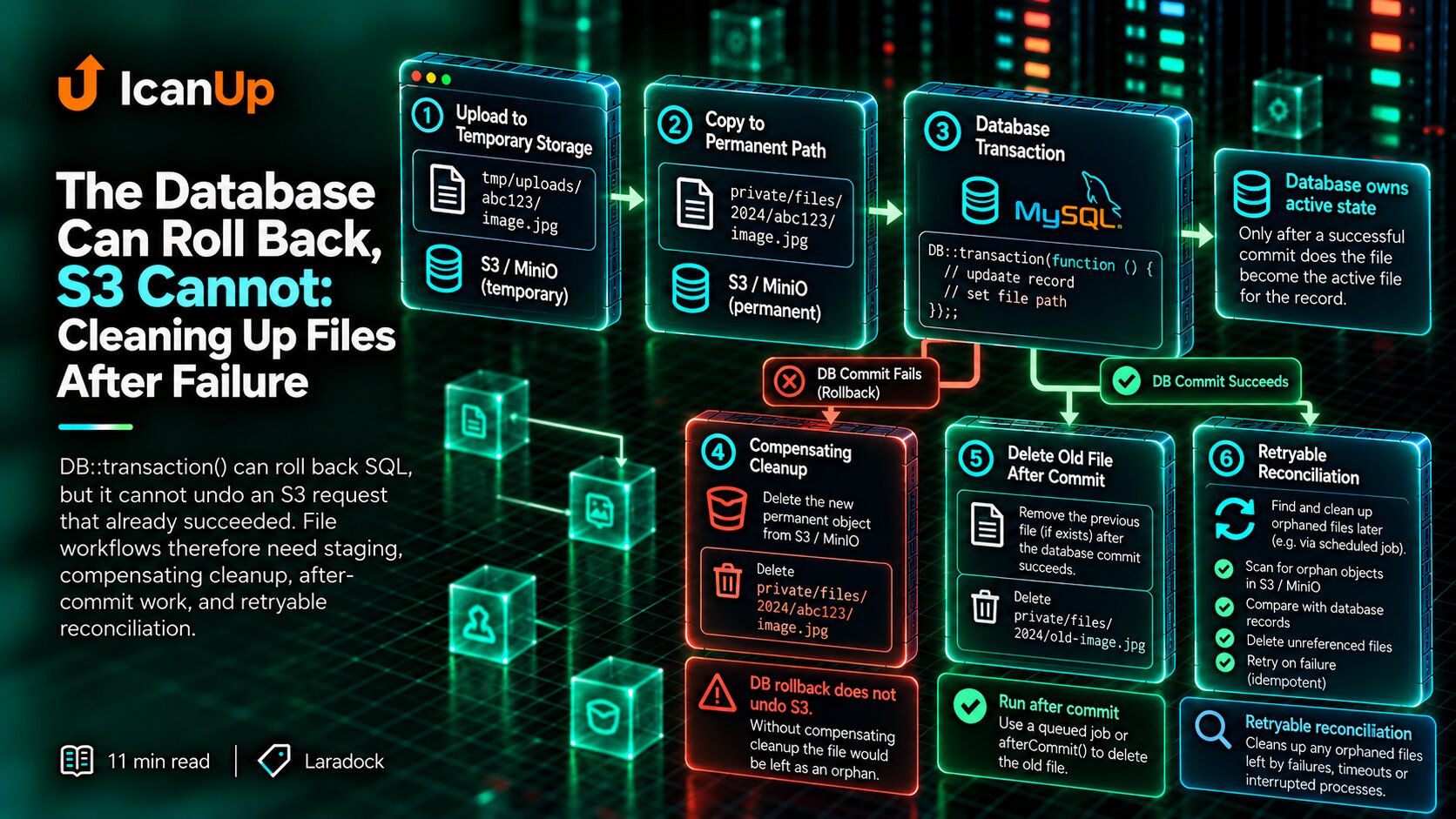
DB::transaction() can roll back SQL, but it cannot undo an S3 request that already succeeded. File workflows therefore need staging, compensating cleanup, after-commit work, and retryable reconciliation.