After I added MinIO to Laradock, the next step was connecting that storage to Laravel.
At this point it would be easy to introduce a dedicated MinioStorageService, add provider-specific read and write methods, and gradually couple the application to MinIO.
But MinIO exposes an S3-compatible API, and Laravel already supports S3 through Filesystem.
I therefore did not add a new way of working with files. For Laravel, MinIO remains a normal s3 disk with a different storage endpoint.
I Do Not Want Application Code to Know About MinIO
$minioStorage->put( $path, $contents,); $minioStorage->delete( $path,);Storage::disk('s3')->put( $path, $contents,); Storage::disk('s3')->delete( $path,);In the second version, application code only knows about a filesystem disk.
It does not need to know whether MinIO, AWS S3, or another S3-compatible provider is behind that disk.
The local environment can use MinIO while another environment uses different infrastructure without rewriting every place that works with files.
The Standard s3 Disk Remains the Foundation
's3' => [ 'driver' => 's3', 'key' => env('AWS_ACCESS_KEY_ID'), 'secret' => env('AWS_SECRET_ACCESS_KEY'), 'region' => env('AWS_DEFAULT_REGION'), 'bucket' => env('AWS_BUCKET'), 'endpoint' =>There is no separate driver=minio here.
The driver remains s3.
Only infrastructure configuration changes: the S3-compatible API endpoint, credentials, region, bucket, and addressing mode.
Local Differences Stay in Environment Configuration
AWS_ACCESS_KEY_ID=laradockAWS_SECRET_ACCESS_KEY=laradockAWS_DEFAULT_REGION=us-east-1 AWS_BUCKET=local-files AWS_ENDPOINT=http://minio:9000 AWS_USE_PATH_STYLE_ENDPOINT=trueI do not need an if local then MinIO
The environment tells Laravel where the storage service lives.
In my local Docker environment the endpoint is http://minio:9000.
I covered why localhost inside the container does not point to MinIO separately: the application container reaches the neighboring service through the Docker network and its service name.
The Endpoint Changes the Destination, Not the Application Contract
Application | vStorage::disk('s3') | vLaravel Filesystem | vS3 driver | vconfigured endpoint | +--> MinIO locally |AWS_ENDPOINT only answers where the S3-compatible API is located.
It does not change how application code asks to store, read, or delete a file.
That is why the MinIO endpoint belongs in configuration rather than domain services.
I Use Path-Style Addressing for Local MinIO
http://minio:9000/local-files/example.txt | +--> bucketFor a local minio:9000 endpoint, AWS_USE_PATH_STYLE_ENDPOINT=true is convenient.
The bucket name is then included in the request path.
This is simpler on a local Docker network than requiring a separate DNS hostname for every bucket.
Laravel Does Not Create a Bucket Just Because Its Name Is in .env
AWS_BUCKET=local-files only tells Laravel which bucket to use.
The bucket itself must exist in the storage service.
After configuring MinIO, I therefore confirm that the expected bucket exists before testing writes from Laravel.
My First Check Uses the Standard Storage API
Storage::disk('s3')->put( 'checks/minio.txt', 'MinIO works',); Storage::disk('s3')->exists( 'checks/minio.txt',); Storage::disk('s3')->get( 'checks/minio.txt',); Storage::disk('s3')->delete( 'checks/minio.txt',);I do not need a dedicated controller or MinIO-specific client for the first check.
I want to verify the same API the application will actually use: write an object, confirm it exists, read it, and delete it.
If these operations work through Storage::disk('s3'), the basic Laravel-to-MinIO integration is working.
After Writing I Verify the Object in MinIO
After put(), I open the expected bucket in the MinIO console and check checks/minio.txt.
This confirms that Laravel actually wrote the object to the intended S3-compatible storage rather than accidentally using another disk.
After verification, the test object is removed through the same Storage API.
After Changing .env I Check the Configuration Cache
php artisan config:clearA correct value in .env does not guarantee that Laravel is currently using it.
If configuration was cached earlier, the application may continue using an old endpoint or bucket.
I therefore verify this layer during local setup as well.
I Inspect the Configuration Laravel Actually Resolved
config( 'filesystems.disks.s3.endpoint',); config( 'filesystems.disks.s3.bucket',); config( 'filesystems.disks.s3.use_path_style_endpoint',);When the connection does not work, I do not stop at inspecting .env.
I first check which values actually reached filesystems.disks.s3.
This quickly separates configuration problems from networking or S3 request problems.
I Do Not Hardcode the MinIO Address in an Application Service
$client->put( 'http://minio:9000/local-files/'.$path, $contents,);minio:9000 is the correct address for one particular local environment.
That does not make it part of application logic.
If the address is hardcoded into a storage service, changing to another S3-compatible provider requires code changes.
Laravel Filesystem keeps that detail in configuration.
A Dedicated Storage Service May Be Useful, but Not Because of MinIO
final readonly class PrivateAttachmentStorage{ public function store( string $path, string $contents, ): void { Storage::disk('s3')->put( $path, $contents, ); }}A dedicated class for file behavior may be completely appropriate.
For example, it may define private attachment paths, replacement rules, cleanup of old objects, or other application requirements.
Its reason for existing is then application behavior, not the fact that MinIO happens to be used locally.
Internally, such a class can still use Storage::disk('s3').
The Main Benefit Is the Same Application Code Across Environments
Local Storage::disk('s3') | vMinIO Another environment Storage::disk('s3') | vS3-compatible storage This is the main reason I connect MinIO through the standard S3 disk.
Locally, I get buckets, objects, HTTP APIs, and other S3-compatible storage behavior.
At the same time, file persistence code does not gain a separate MinIO branch.
The Laravel Endpoint and Browser URLs Are Separate Concerns
http://minio:9000 is reachable from the Laravel container, but a user browser does not know the internal Docker service name minio.
I therefore keep server-side S3 connectivity separate from browser-facing URL generation.
At this stage, proving that Laravel can read and write correctly is enough.
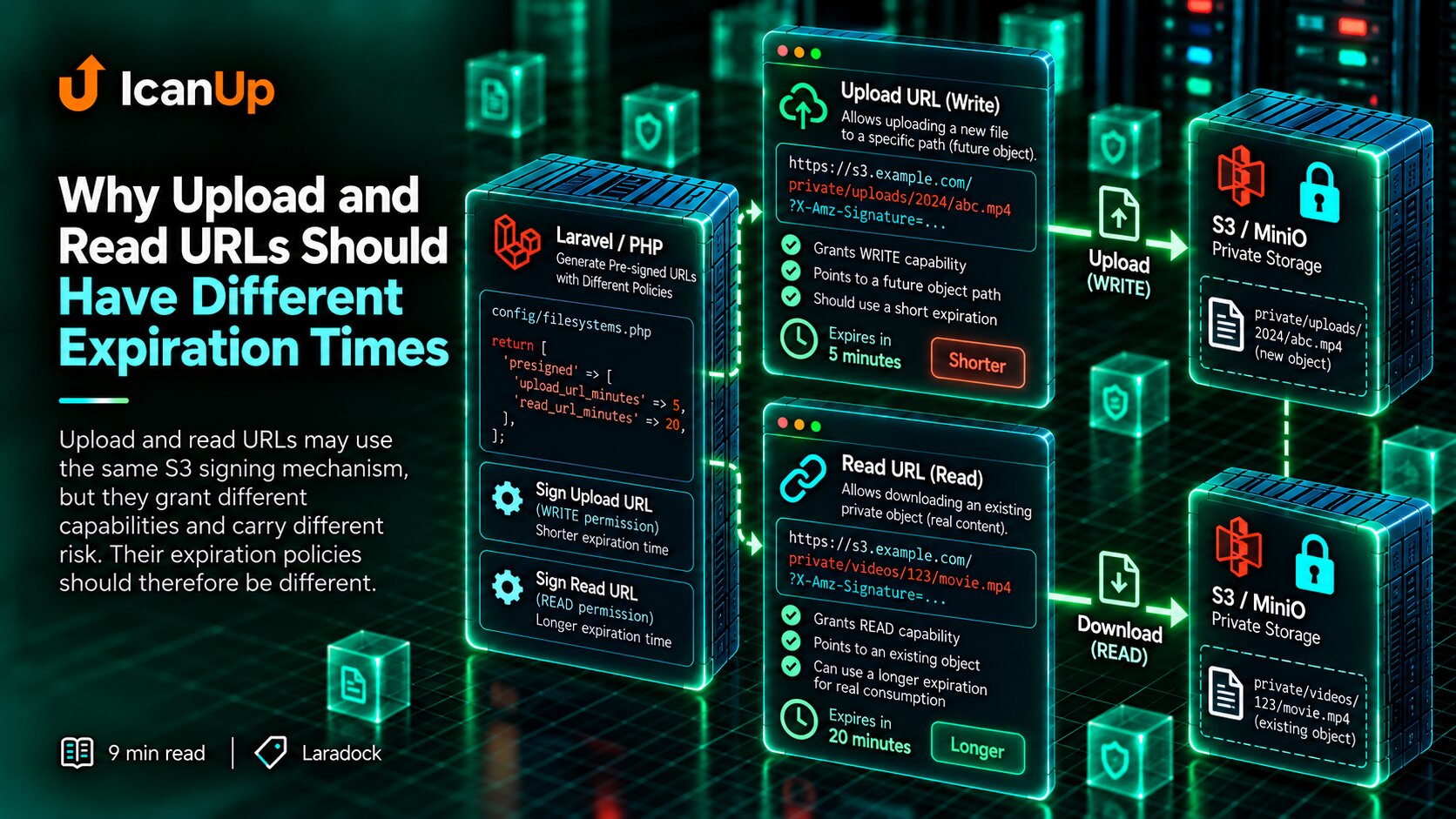
Temporary URLs for private files have their own rules and deserve a separate article.
What I Check After Connecting MinIO to Laravel
My short checklist:
- Is the standard s3 driver being used?
- Does the storage endpoint come from configuration?
- Can the Laravel container reach
http://minio:9000? - Are the credentials correct?
- Does the expected bucket exist?
- Is path-style addressing enabled?
- Does Laravel see updated values after
.envchanges? - Do
put(),exists(),get(), anddelete()work? - Have MinIO-specific addresses or behavior leaked into application code?
MinIO Changes Infrastructure, Not Laravel's Filesystem Contract
With this integration, application code does not gain a new way of working with files.
Laravel continues using Storage::disk('s3').
MinIO simply provides local S3-compatible storage with its own endpoint, bucket, and credentials.
This lets me exercise S3 behavior locally without creating a dedicated filesystem implementation just for MinIO.
If the infrastructure already supports the required contract, I prefer connecting it to Laravel's existing abstraction rather than adding another abstraction around a provider name.
I do not need a separate way to store files in MinIO. I need the standard S3 disk pointed at MinIO in the local environment.