After updating my local Laradock environment, I wanted to bring back one specific service. The command looked targeted: start the existing Nginx container.
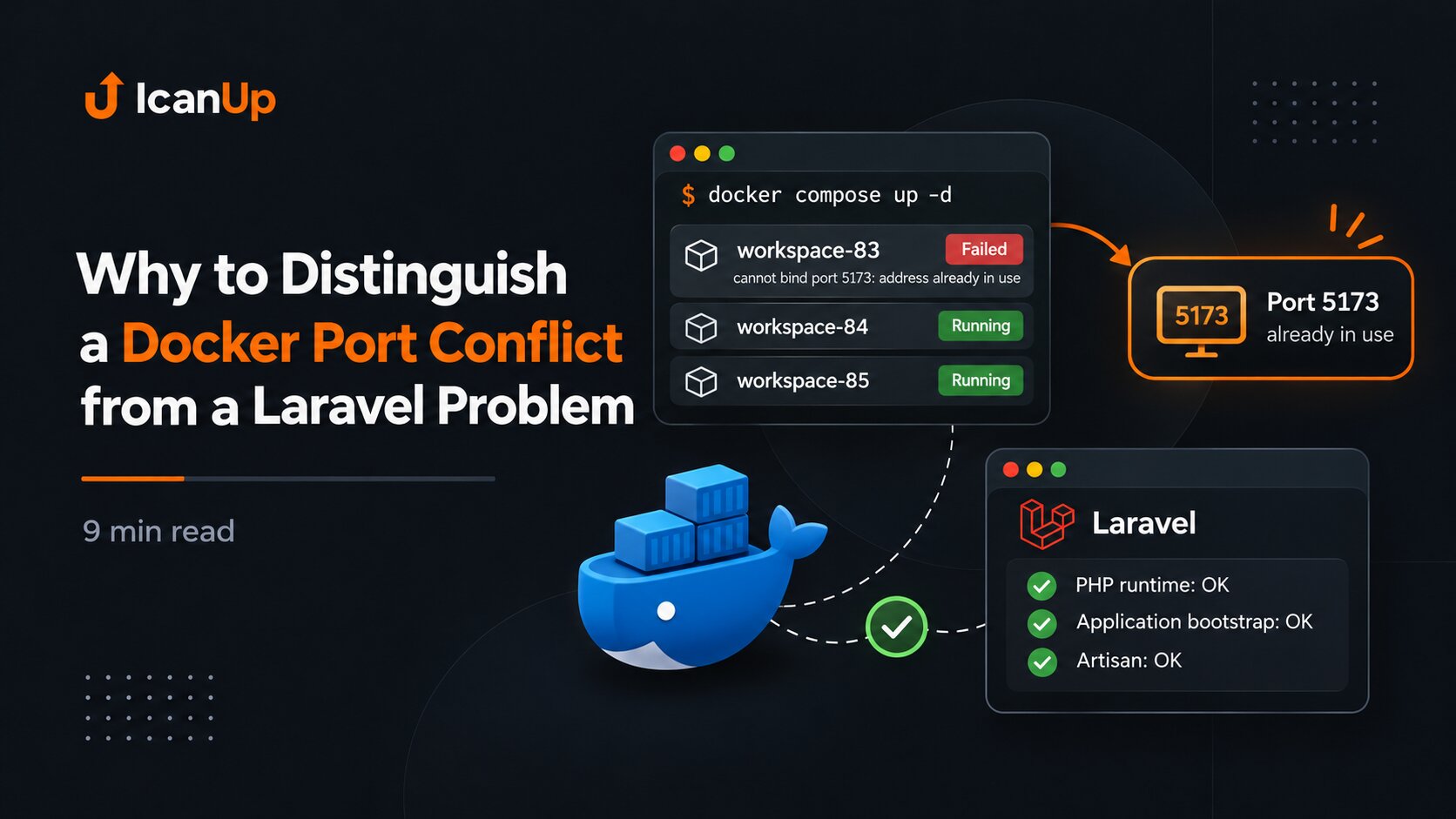
But Compose also started workspace-84 and workspace-85, while the PHP 8.3 workspace could not start because host port 5173 was already in use. A command that looked small affected a much larger part of the environment than I expected.
The problem was not Laravel or Nginx itself. To understand the behavior, I had to inspect the effective Compose configuration, the Compose file set, service dependencies, and current container state.
One Compose Command Uses the Merged Configuration
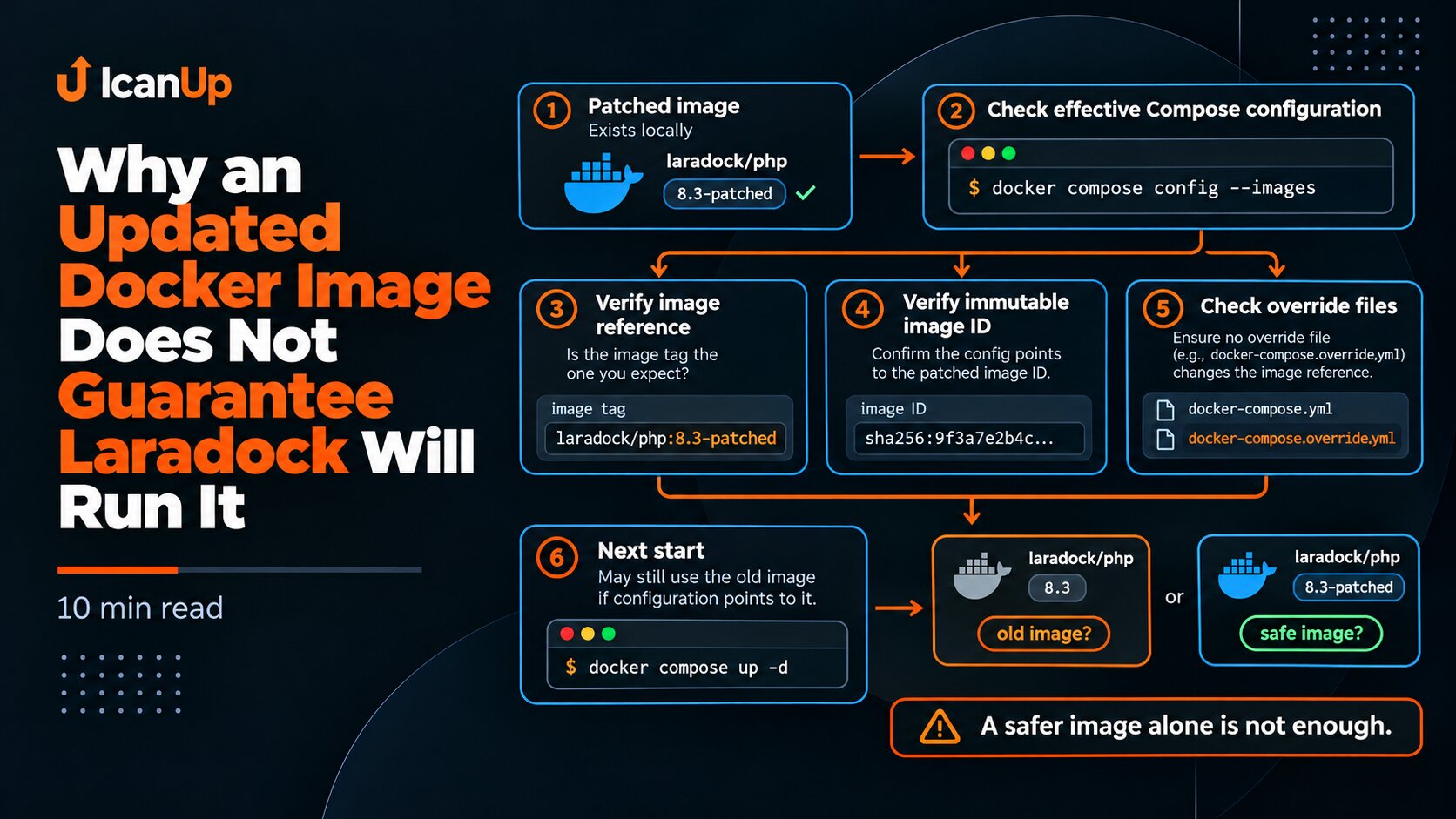
A Laradock configuration may consist of more than one file. The base Compose file can be extended by additional files, while COMPOSE_FILE can define the default file set.
That means docker compose start nginx does not operate on the fragment I happen to remember. It operates on the model Compose actually resolved at that moment.
cd ~/Projects/laradock || exit 1 grep -E '^COMPOSE_FILE=' .env || true docker compose config -qInspect the Full Service List Compose Sees
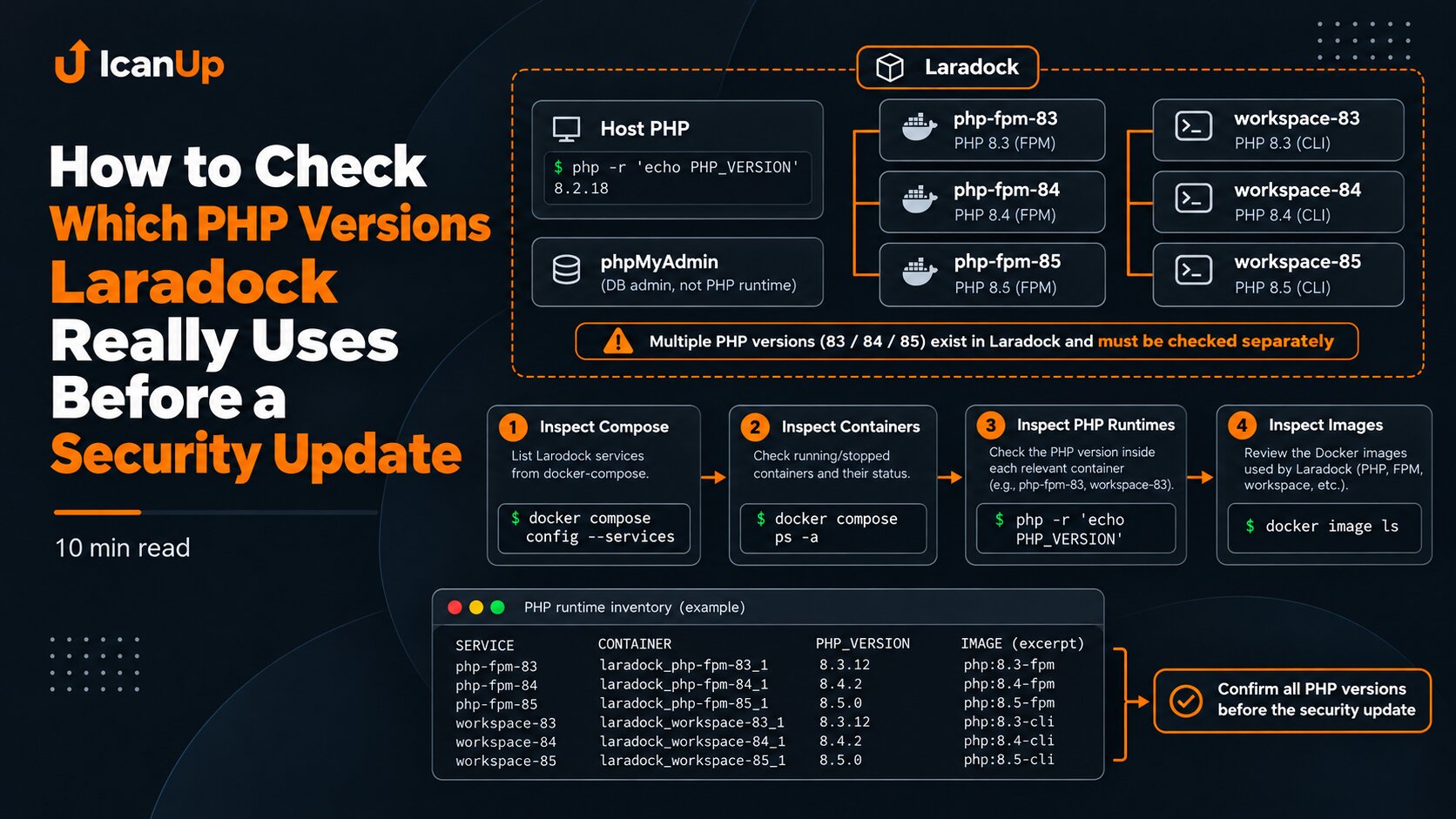
cd ~/Projects/laradock || exit 1 docker compose config --servicesThis is a simple but useful check. It shows not only Nginx or PHP-FPM, but every service present in the current Compose model.
In my case, that included separate PHP-FPM services for 8.3, 8.4, and 8.5, their workspace services, phpMyAdmin, databases, Redis, MinIO, Mailpit, Nginx, and other local dependencies.
At this point it becomes clear that Laradock is not one Laravel container. It is a graph of connected services.
Record Container State Before Starting Anything
cd ~/Projects/laradock || exit 1 docker compose ps -a \ nginx \ workspace \ workspace-84 \ workspace-85 \ php-fpm \ php-fpm-84 \ php-fpm-85In my Laradock setup, workspace represented the PHP 8.3 branch, while workspace-84 and workspace-85 represented PHP 8.4 and 8.5.
This matters because the service name does not always contain the full version. Looking only at container names can make it easy to misjudge which PHP runtime a command will affect.
Inspect Service Dependencies in the Merged Configuration
The service list alone does not explain why a command aimed at Nginx affected workspace services. For that, inspect depends_on after all Compose files have been merged.
I do not publish a full docker compose config because it may contain resolved environment values. Instead, only service names and their dependencies can be extracted.
cd ~/Projects/laradock || exit 1 docker compose config --format json |python3 -c 'import jsonimport sys data = json.load(sys.stdin) for name, service in data.get("services", {}).items(): dependencies = service.get("depends_on", {}) if not dependencies: continue if isinstance(dependencies, dict):What Happened in My Case
After the secured four-file Compose configuration became the default, I freed port 80, validated the configuration, and then tried to start Nginx:
cd ~/Projects/laradock || exit 1 docker compose config -q &&docker compose start nginxInstead of starting only Nginx, Compose also brought up workspace-84 and workspace-85. The PHP 8.3 workspace failed because host port 5173 was already in use.
This result mattered because one workspace failure interrupted the expected Nginx startup path even though Nginx itself was not the root cause.
A Port Conflict in One Dependency Can Look Like a Larger Startup Failure
sudo ss -H -ltnp \ '( sport = :5173 )'The important point is not to conclude that "Laravel is broken". A published-port conflict is a separate Docker-level problem.
First identify what owns the port, whether that process is needed, and whether the PHP 8.3 workspace is required for the current work. Do not automatically kill an unknown process just to let Compose continue.
docker compose up -d Can Affect Even More of the Environment
Later, during local environment recovery, a normal docker compose up -d started databases, Redis, PostgreSQL, MinIO, Mailpit, phpMyAdmin, and the PHP 8.4/8.5 workspace services before stopping at the same PHP 8.3 workspace port conflict.
This is a good example of why the whole Compose model must be understood before running up -d. The command is not about "one website"; it tries to bring the project service set toward the described state.
When You Need to Start Exactly One Existing Container
In my case, when I needed to restore only the already-created Nginx container without touching workspace services, a direct Docker start of that existing container was the more targeted step.
docker start laradock-nginx-1 docker exec \ laradock-nginx-1 \ nginx -tAfter a Failed Start, Inspect Actual State Instead of Guessing
cd ~/Projects/laradock || exit 1 docker compose ps -a echoecho "===== RUNNING =====" docker ps \ --format 'table {{.Names}}\t{{.Image}}\t{{.Status}}'If Compose exits with an error on one service, that does not mean every previous action was rolled back. Some containers may already be running.
That is why I do not automatically repeat the command after a failure. I inspect the actual container state first and decide the next step from evidence.
My Short Diagnostic Order
When Compose starts more than I expected, I diagnose it in this order:
- inspect
COMPOSE_FILEand confirm which Compose files are active; - run
docker compose config -q; - inspect
docker compose config --services; - check
depends_onin the merged configuration; - record the state of the relevant workspace, PHP-FPM, and Nginx services with
docker compose ps -a; - if there is a port conflict, identify the port owner with
ss; - after any partial failure, inspect actual container state again instead of blindly repeating the same command.
The command names a service, but the real scope of its impact is defined by the full Compose model and service dependencies.
Summary
My Laradock case showed a simple lesson: before running Compose, the command name is not enough. You need to know which Compose files are merged, which dependencies the service has, and which containers already exist.
docker compose start nginx looked targeted, but the resolved model connected it to workspace services. One port conflict in the PHP 8.3 workspace changed the whole startup path.
After a complex update, I now inspect configuration and dependencies before starting services. That is safer than discovering the dependency graph through an error.