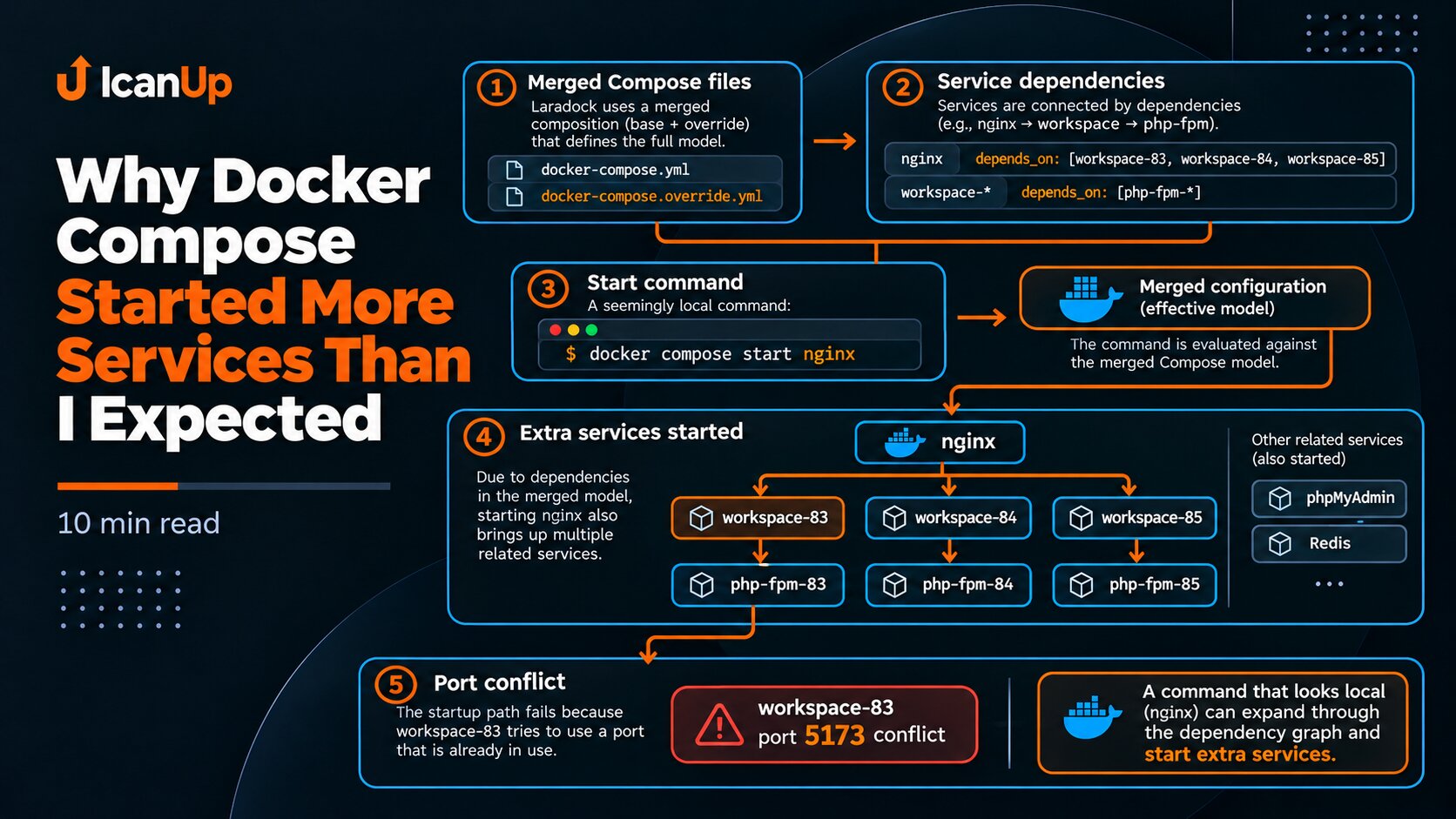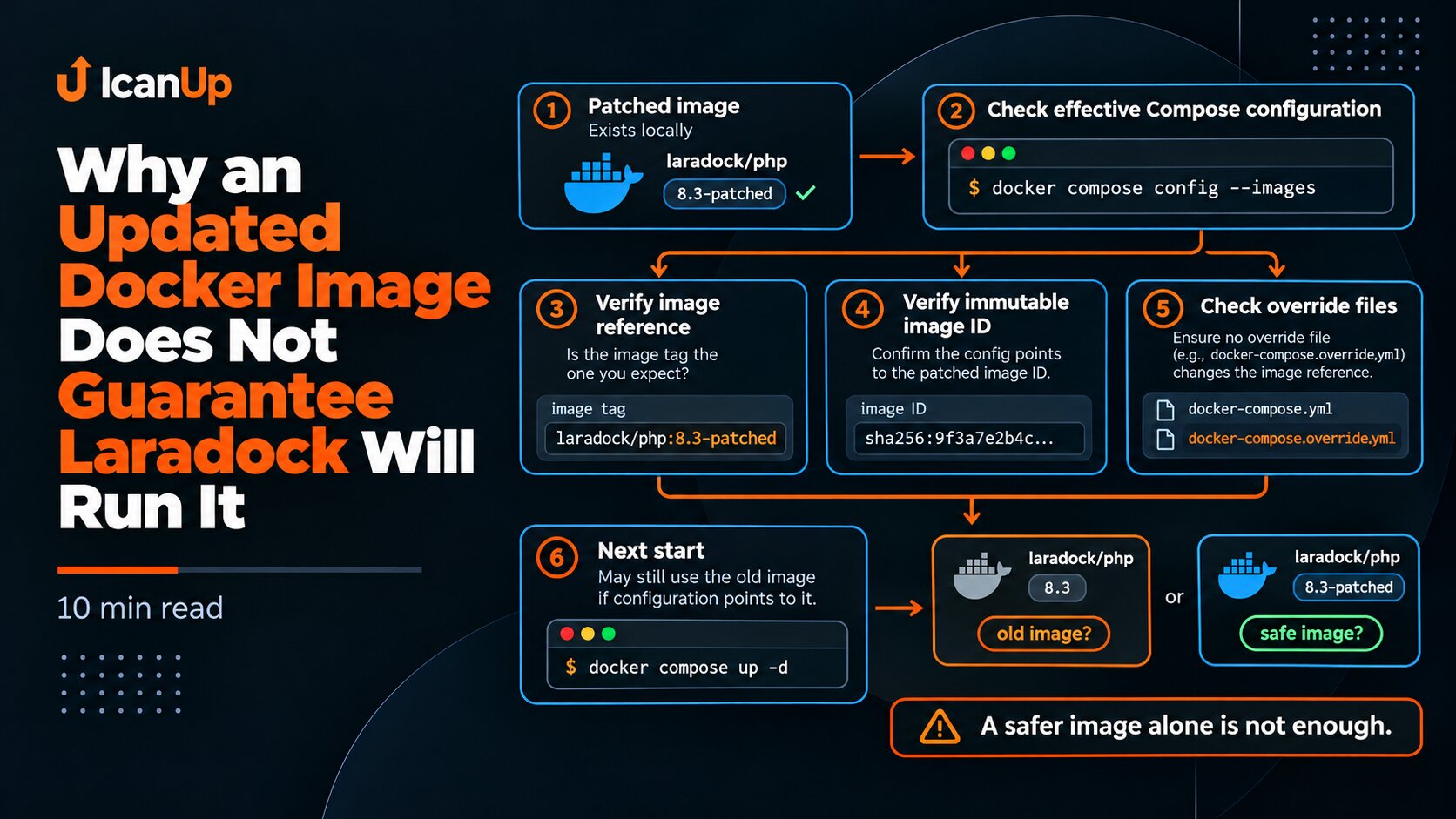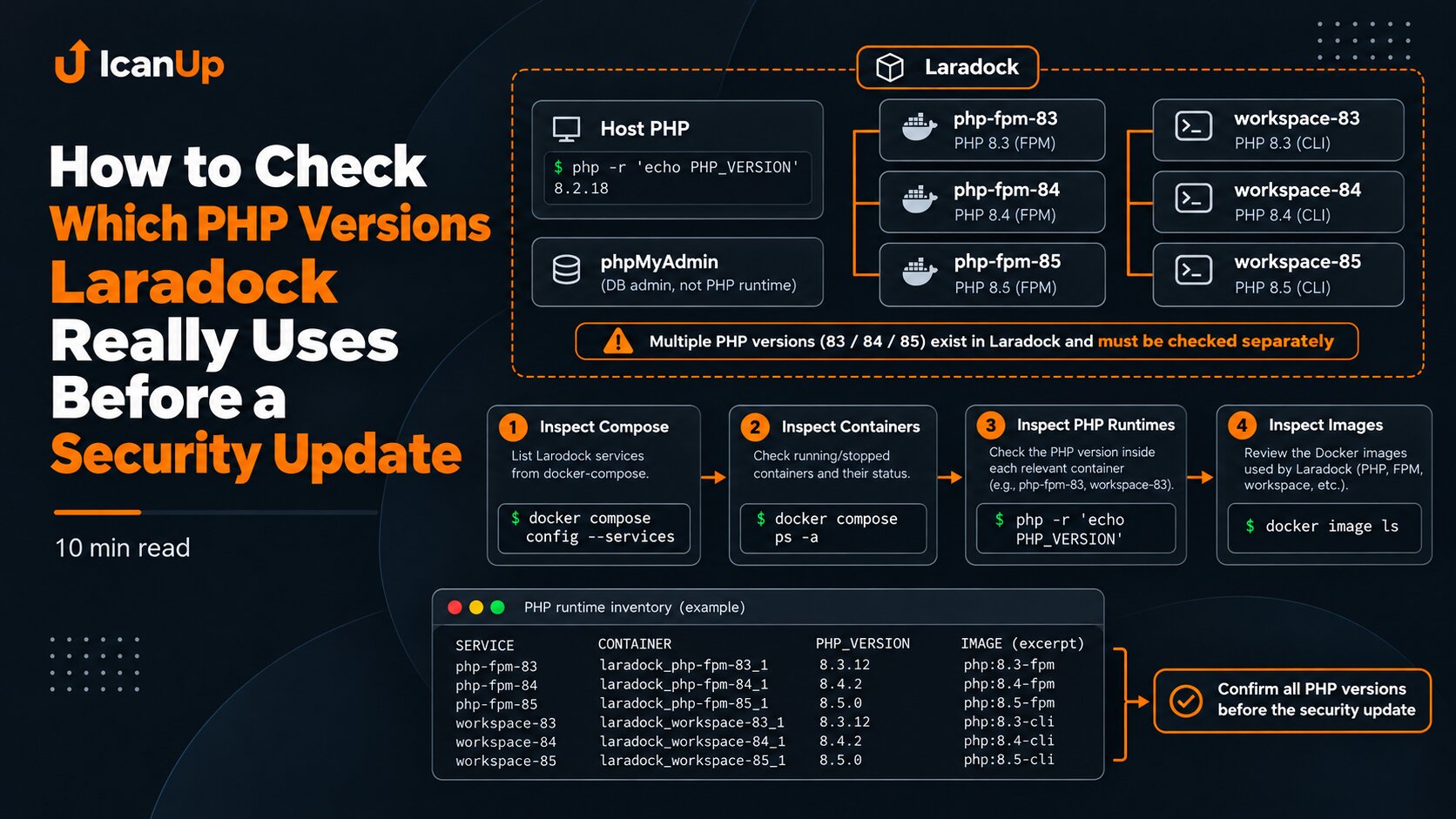
While restoring my local Laradock environment after a PHP security update, one container would not start. It would have been easy to interpret that as an application failure: "Laravel broke after the update."
The real cause was at another layer. The PHP 8.3 workspace tried to publish host port 5173, but that port was already in use by another process.
This case is a good example of why a Docker failure should be isolated before drawing conclusions about Laravel.
Start With Container State, Not Laravel
If a container did not start, the first question is simple: what is its actual state after the command?
There is no reason to immediately run artisan, clear caches, or change application configuration. Check Docker first.
cd ~/Projects/laradock || exit 1 docker compose ps -a workspace docker ps -a \ --filter 'name=laradock-workspace' \ --format 'table {{.Names}}\t{{.Image}}\t{{.Status}}'In my case, the PHP 8.3 workspace remained inactive while other PHP-FPM services and the PHP 8.4/8.5 workspace services could already be running.
That immediately narrows the diagnosis: this does not look like a failure of the entire Laradock environment or every PHP runtime.
Inspect the Docker Error for the Specific Container
docker inspect \ --format 'status={{.State.Status}} exit={{.State.ExitCode}} error={{.State.Error}}' \ laradock-workspace-1.State.Error is especially useful for failures that happen while Docker creates or starts a container. If Docker cannot bind a published host port, the application inside the container may never have started at all.
In that situation Laravel has not had a chance to fail, because the error happened earlier at the Docker runtime layer.
Find What Is Already Listening on Port 5173
sudo ss -H -ltnp \ '( sport = :5173 )'If the command shows a process already listening on 5173, the port conflict is confirmed at the host level.
Do not automatically kill that process. First understand what owns it and whether another local project or active development server needs it.
Inspect the Workspace Published Ports
docker inspect \ --format '{{json .HostConfig.PortBindings}}' \ laradock-workspace-1This check answers the second question: is the container actually trying to publish the port that is already occupied?
If Docker configuration contains a host binding for 5173 and ss shows another listener, that is strong evidence of a port conflict.
Logs Are Useful, but Not Always the Main Evidence
docker logs \ --tail 100 \ laradock-workspace-1 \ 2>&1If the container failed before port binding completed, application logs can be empty or unrelated to the root cause.
For this class of failure, I trust the combination of docker inspect .State.Error, published-port configuration, and ss more than the presence or absence of a Laravel stack trace.
Verify Laravel Separately
After isolating the port conflict, Laravel should be verified separately inside a PHP-FPM container that is already working. In my environment, PHP-FPM 8.5 was running on the patched PHP version.
For a basic check, it is enough to verify that the Composer platform check passes and Laravel can bootstrap and print its version.
cd ~/Projects/laradock || exit 1 docker compose exec -T php-fpm-85 \ php /var/www/icanup/vendor/composer/platform_check.php docker compose exec -T php-fpm-85 \ sh -lc 'cd /var/www/icanup && php artisan --version --no-ansi'Port Conflicts and Laravel Failures Have Different Signals
I separate these two failure classes like this:
- Docker port conflict: the container never reaches running state,
.State.Errorpoints to binding or port allocation,ssshows another listener, and application logs may be empty; - Laravel problem: the container is already running and PHP executes, but
artisan, an HTTP request, or application logs show an application-level error.
This is not an absolute rule for every case, but it is a useful way to avoid mixing two different system layers.
Do Not Blindly Repeat docker compose up
After the first error, it is tempting to run docker compose up -d again. In a complex Laradock environment, that is a bad habit.
The previous command may already have started other dependencies, and repeating it changes state again. First inspect what is actually running after the partially failed operation.
cd ~/Projects/laradock || exit 1 docker compose ps -a echoecho "===== RUNNING =====" docker ps \ --format 'table {{.Names}}\t{{.Image}}\t{{.Status}}'My Diagnostic Order
For a similar situation, I use this short order:
- inspect the problem container with
docker compose ps -a; - read
.State.Errorwithdocker inspect; - inspect the container published ports;
- find the conflicting port owner with
ss; - review recent Docker logs, but do not treat them as the only source of truth;
- verify Laravel separately in a PHP runtime that is already working;
- only then decide whether to free the port, change configuration, or simply leave that workspace stopped.
A container that cannot bind a host port tells you nothing by itself about Laravel running in another healthy PHP runtime.
Summary
In my case, the PHP 8.3 workspace could not start because host port 5173 was already occupied. That was a Docker infrastructure problem, not evidence that Laravel was broken.
Laravel separately passed a basic bootstrap in a working PHP-FPM service, other PHP services were healthy, and the failure was isolated to one published port.
The main lesson for me is to identify the failure layer first. Docker, host ports, PHP runtime, and Laravel are separate layers and should be diagnosed separately.