Not Every Old Habit Is Outdated
When a company has used 1C for years, employees become familiar with more than colors, menus, or button placement. They develop a way of working.
An accountant knows how to create a document quickly. An operator knows how to enter many items. A manager knows where to find a customer, warehouse, or previous transaction. Many of these actions eventually become almost automatic.
A migration can therefore create a strange situation: the new system looks more modern, but an experienced employee suddenly works more slowly than before.
What Is Worth Preserving
Some familiar patterns survive for years not because people resist change, but because they fit everyday work well.
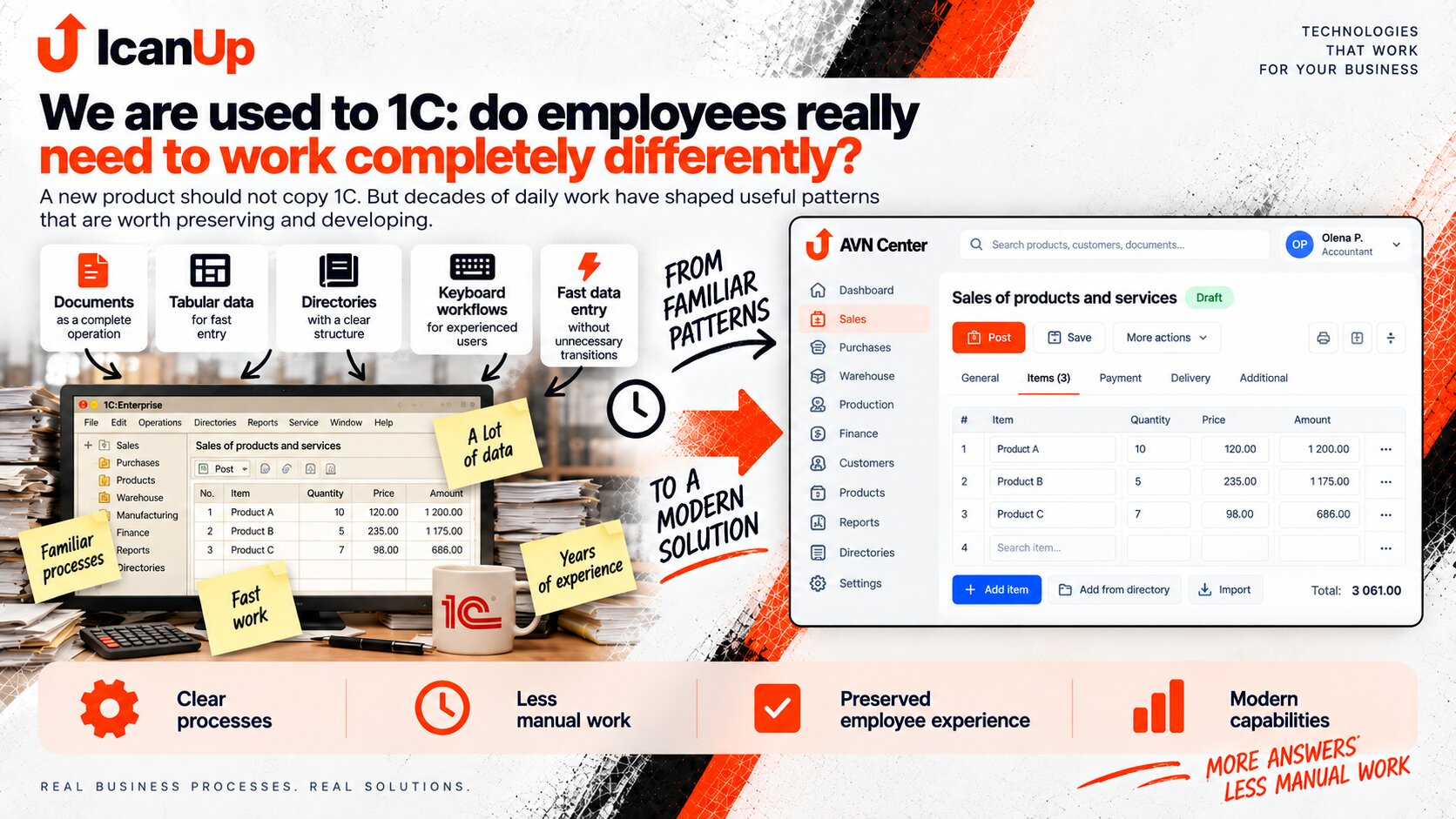
A Document as a Complete Operation
A receipt, sale, payment, or transfer has understandable boundaries and its own state.
Tabular Work
When dozens of items must be entered, a compact table can be much more efficient than a collection of large individual forms.
Predictable Directories
Products, customers, warehouses, and other entities should have a consistent place and a consistent way to search them.
Speed for Experienced Users
Keyboard shortcuts, fast search, copying, and fewer unnecessary transitions have a major impact on daily productivity.
| Familiar Pattern | Why It Helps | How It Can Be Modernized |
|---|---|---|
| Document | One understandable business operation | Clear states, history, relationships, and fewer unnecessary fields |
| Tabular Section | Fast entry of many items | Search, autocomplete, and keyboard navigation |
| Directory | One predictable place for an entity | Better filters, search, and context |
| Copy Document | Avoid entering the same data again | Create a new operation from an existing one |
| Keyboard Shortcuts | High speed for repetitive work | Clear and predictable shortcuts |
How I Would Move a Workflow Into a New System
The starting point should not be a new screen. It should be how a person actually completes the work today.
Observe the Real Work
Understand not only which buttons are clicked, but the complete sequence used to finish the operation.
Find What Saves Time
Fast entry, copying, tables, search, shortcuts, and reuse of information that has already been entered.
Separate the Useful Pattern From the Old Limitation
Not everything familiar should be preserved. Some behavior may exist only because of technical limitations in the old system.
Build a More Modern Version
Keep the understandable logic while reducing unnecessary transitions, improving search, and making operation states clearer.
Test With Real Employees
Evaluate not only appearance but also how much time and how many actions are required for real daily work.
There is another idea that is easy to confuse with a modern interface: modern does not mean large, spacious, and built entirely from cards.
If an employee reviews a short report once a week, a large visual block may work well. But when an accountant handles dozens of documents and hundreds of rows every day, a dense table may be a much better interface.
In this kind of work, scanning speed, information density, predictable navigation, and the ability to complete many actions without constantly switching between mouse and keyboard matter much more.
I would therefore judge modern business software not by how different it looks from 1C, but by how much unnecessary work it removes.
A Few Questions About Moving From a Familiar System
A new product can be modern without requiring employees to forget everything they already know.
Does this mean the new system should copy 1C?
Should a new product not have a completely new interface?
What about employees who have never used 1C?
Does modern web software still need keyboard workflows?
What should genuinely change?
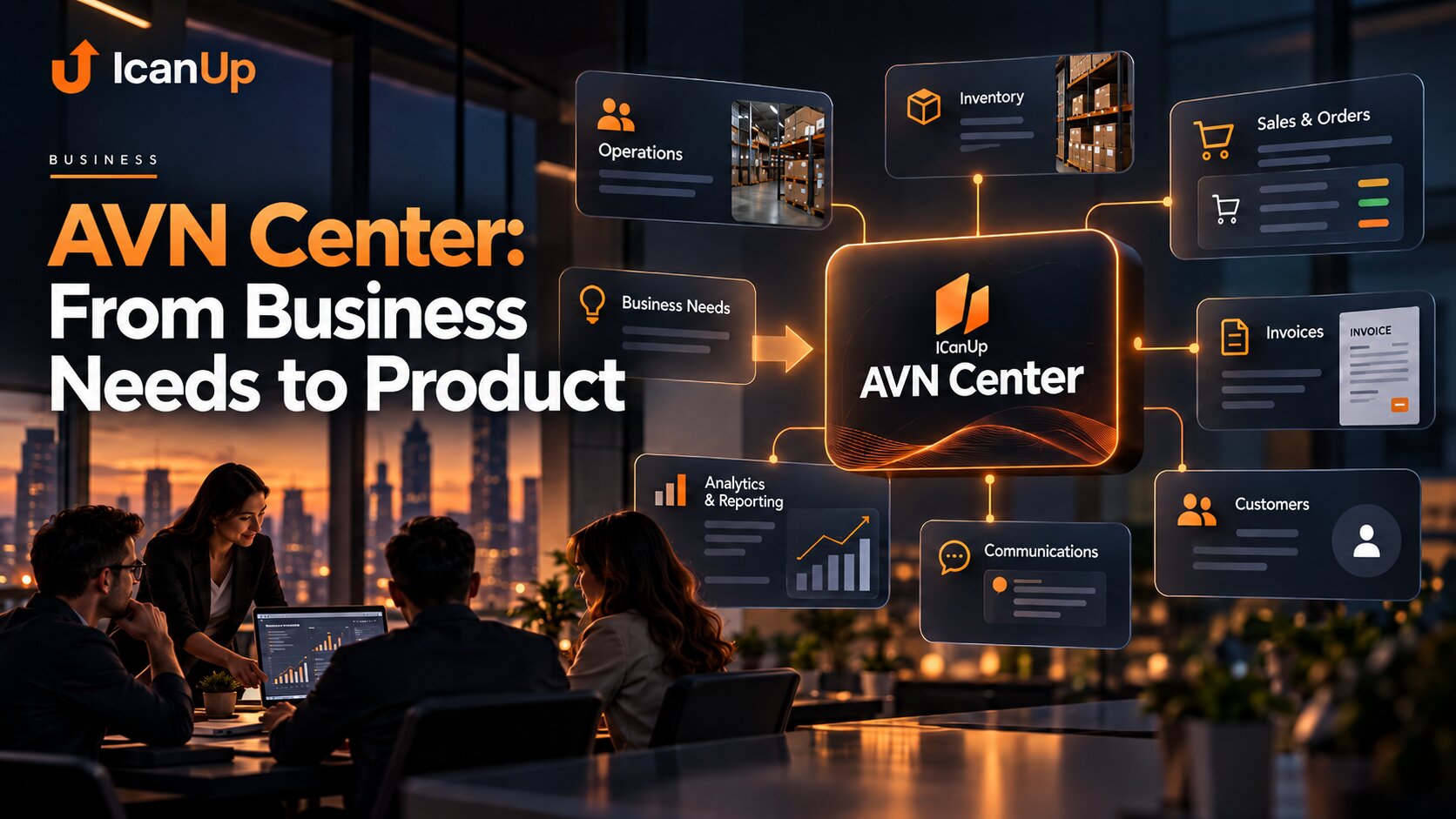
AVN Center: From Business Needs to Product
This series explores real workflows, habits, and business problems that should be understood before they are turned into product features.
A New Product Should Respect People’s Experience
I see AVN Center not as an attempt to replace familiar screens with different screens. The more important goal is to understand real workflows, preserve what helps people work efficiently, and gradually remove what creates unnecessary work.