The Company Should Not Have to Stop for a New System
On a presentation slide, a one-day migration can look very clean: move the data, turn off the old system, open the new one, and continue working.
In a real company, there are open orders, unfinished documents, warehouse balances, payments, reservations, returns, incomplete operations, and people already working with all of that data.
The biggest risk is often not moving tables from one database to another. The difficult part is deciding when the new system becomes authoritative, what happens to operations that started earlier, and how to prove that nothing was lost between the two states.
For me, a good migration does not need to look elegant on a diagram. It needs to be predictable for the business.
What Makes a One-Time Cutover Risky
The more workflows that switch at once, the harder it becomes to understand the cause when something goes wrong.
Incomplete Data
Historical records may be moved while open documents, relationships, or reference data remain incomplete.
Unverified Rules
The new system may be technically correct while one real business scenario has not yet been validated.
Too Many Changes at Once
Employees receive new screens, new rules, and new workflows on the same day.
No Simple Way Back
If the old system has already been disabled, even a small issue can affect the entire company.
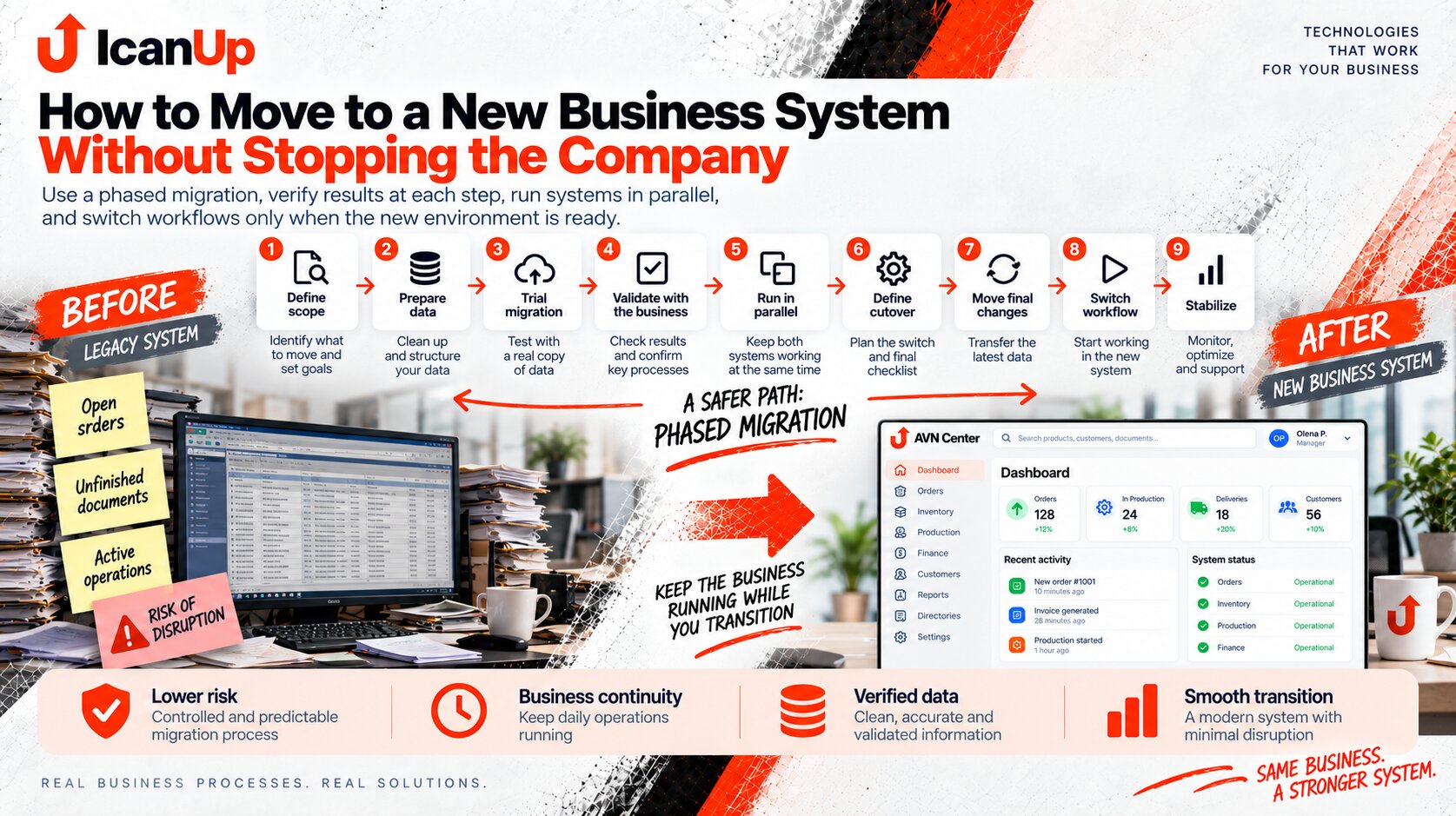
What a Phased Migration Can Look Like
For me, the logical sequence begins with data and ends not with cutover, but with verifying stable operation afterward.
Define the Scope of the First Stage
Do not move the entire company at once. Choose one workflow, department, warehouse, or another part that can be migrated in a controlled way.
Prepare and Clean the Data
Decide which reference data and history are needed, remove duplicates, verify relationships, and define migration rules.
Run a Trial Migration
Move data into the new system without final cutover and verify structures, record counts, balances, and critical relationships.
Validate With the Business
Technical checks are not enough. Employees should confirm that customers, products, documents, balances, and familiar scenarios look correct.
Run in Parallel
For a limited period, selected operations are verified across both systems so differences can be discovered before final cutover.
Define the Cutover Point
It should be clear after which operation or date new business data is created only in the new system.
Move the Final Changes
Before cutover, bring over operations created since the previous migration and reconcile critical values again.
Switch the Workflow
Employees begin creating new operations in the new system while the old system moves into a defined read-only or fallback role.
Stabilize
After launch, review errors, employee questions, unusual cases, and discrepancies instead of treating migration as finished at the cutover moment.
| Stage | What Is Verified | When to Continue |
|---|---|---|
| Trial migration | Data structure and completeness | Critical records and relationships match |
| Business validation | Real working scenarios | Employees confirm the result |
| Parallel operation | Equivalent operations across both environments | Critical differences are explained |
| Final synchronization | Operations created after the trial migration | Data is reconciled before cutover |
| Cutover | New operations occur only in the new system | The main workflow operates reliably |
| Stabilization | Errors and unusual scenarios | The new workflow no longer requires constant manual supervision |
Another challenge is that data migration is not simply copying every old table.
The old system may contain duplicate customers, products with outdated details, historical documents created under old rules, unused records, or fields whose meaning nobody can clearly explain anymore.
If everything is copied without analysis, the new product inherits not only business history but also accumulated problems.
Migration therefore requires separate decisions: what should become active data, what should remain historical, what can be archived, and what should not enter the new system at all.
This is where the idea behind AVN Center naturally returns for me.
I do not want to design the product around an assumption that a company will simply abandon everything it already uses on one particular day.
In a real business, accounting, spreadsheets, warehouse processes, documents, and internal rules already exist. Some parts work well. Some need replacement. Some can be connected long before the entire new environment is ready.
That is why one important principle behind AVN Center is gradual transition: the new product should be able to enter an operating environment instead of requiring the business to dismantle it first.
A Few Questions About Moving to a New System
Every company may need a different migration plan, but risk can still be reduced systematically.
Does all historical data need to be migrated?
Why run a trial migration?
Should both systems run in parallel for a long time?
When is a workflow ready for cutover?
What should happen to the old system afterward?
Does everything need to be replaced at once?
AVN Center: From Business Needs to Product
This series looks not only at what a new business system could become, but also at the practical question of how an operating company can reach that point without breaking its existing workflows.
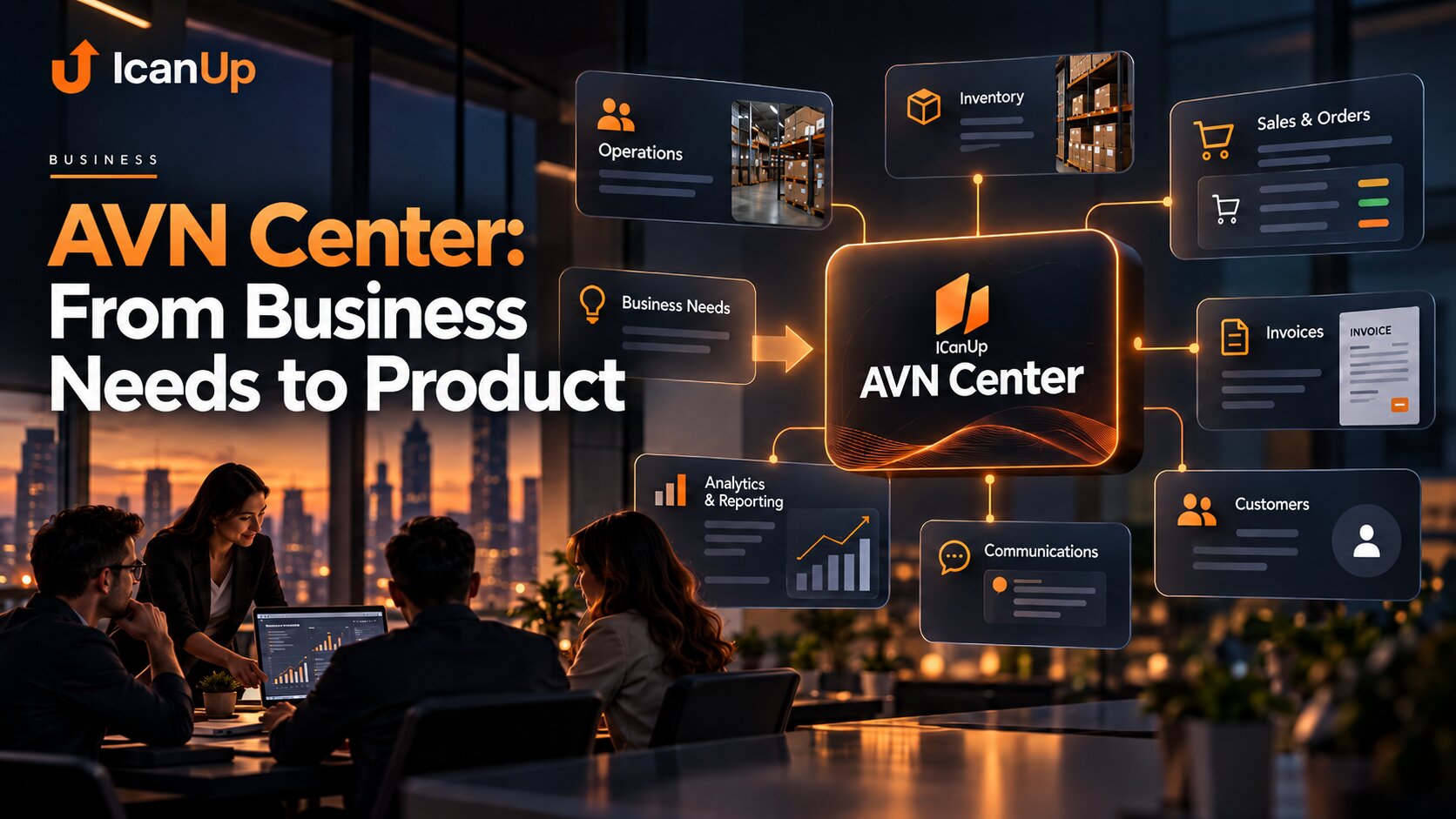
A New Product Should Enter an Operating Business Gradually
I see AVN Center as an environment that can be introduced in stages: connect data, validate workflows, migrate individual areas, and gradually reduce dependence on old systems without requiring the company to stop operating.