I Would Not Start With "Which Features Do You Need?"
A request for a new system often begins naturally: we need inventory, orders, customers, invoices, reports, and permissions.
That list is useful, but it says very little about how this particular company actually operates.
Two businesses may both have inventory and orders while the workflow between them is completely different. In one company, an order reserves stock immediately. In another, a manager first needs approval. An invoice may be created by accounting in one business and by a sales manager in another. A price may be fixed at order time or depend on a later event.
Before thinking about screens and buttons, I would first reconstruct the real path of the work.
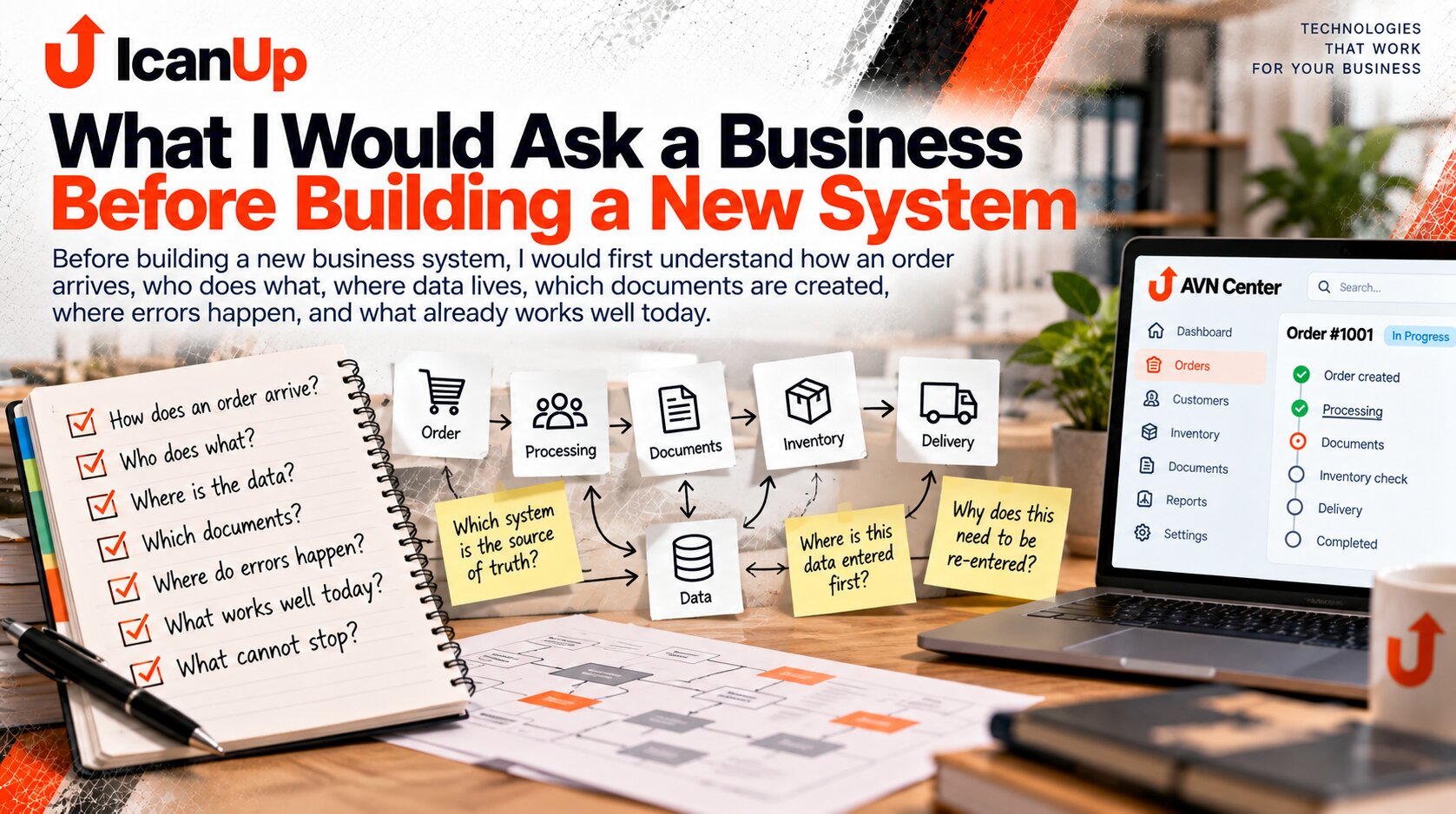
The First Things I Would Want to Understand
These questions reveal much more about the future system than a list of desired pages.
Where Work Comes From
How an order, request, purchase, production task, or another operation enters the company and starts the process.
Who Does What
Which people and roles participate, who makes decisions, who verifies, and who is responsible for the result.
Where the Data Lives
Which information is stored in accounting software, spreadsheets, files, email, chats, or other places.
Which Documents Appear
What is created at each stage, who fills it in, and which later actions depend on that document.
Where Errors Happen Most Often
Which data is entered incorrectly, what needs repeated verification, and where the process moves backward.
What Cannot Stop
Which workflows must continue operating even during migration to the new system.
| Question | What It Reveals |
|---|---|
| How does an order arrive? | The starting point and input channels |
| Who works with the order first? | Roles and responsibility |
| Where is customer data entered first? | The original data source |
| Where is that data transferred next? | Duplication and manual handoffs |
| Which documents are created? | The real document flow |
| Who needs to approve something? | Decision points |
| Where do errors happen most often? | Weak points in the workflow |
| What do people verify manually? | Candidates for automated validation |
| Where do employees look for current information? | Potential source-of-truth problems |
| Which workflow cannot stop? | Boundaries for safe migration |
| What do people like about the current system? | What should not be lost |
I would also ask many questions specifically about data.
Not only which tables exist, but where information is created for the first time. Who creates the customer? Where is the price formed? Who changes stock? Where does a report get its amount? Which system is authoritative when two values disagree?
It is equally important to find copies. If a customer is entered into a CRM, then into accounting, then copied into a spreadsheet, while the phone number is also stored in a manager’s contacts, this is no longer just an interface issue.
It is a question of who owns the data and how it moves between workflows.
How I Would Walk Through One Workflow With the Business
Instead of discussing only "we need an order module", I would take one real order and follow it from beginning to completion.
Show How It Starts
Where the request comes from and what the first action is.
Identify Every Participant
Who receives information, who adds to it, who makes decisions, and who sees the result.
Open Every Tool
Show the applications, spreadsheets, documents, messages, and other places actually used in the workflow.
Show Manual Handoffs
Where data is copied, exported, re-entered, or passed to another person.
Show the Checks
What the employee verifies before continuing and how they know the result is correct.
Walk Through an Exception
What happens when stock is unavailable, a price changes, a customer does not pay, or another unusual situation occurs.
See How the Workflow Ends
What result counts as completion and who needs to know about it.
If I were preparing for the first conversation with a business, I would collect questions roughly like these.
- How does a new order or request arrive?
- Who sees it first?
- Who must make a decision before the workflow can continue?
- Where is customer data entered for the first time?
- Which data has to be entered again?
- Which spreadsheets are used every day?
- Which documents are created during the workflow?
- Who creates each document?
- What do employees verify manually?
- Where do errors happen most often?
- Which errors are the most expensive to correct?
- Where does someone have to wait for another person?
- Which values disagree most often?
- Which source is considered correct when there is a discrepancy?
- Which reports are actually used for decisions?
- Which information can management not get immediately?
- Which workflow cannot stop even for a few hours?
- What do employees like about the current system?
- Which actions can an experienced employee complete very quickly?
- What do you definitely not want to carry into the new system?
This is also the approach I want to bring into the development of AVN Center.
Do not begin by assuming that a business needs a particular set of modules. First understand how the company already works, where data diverges, where people act as the connection between systems, and which workflows genuinely create value.
After that, it becomes much easier to decide what should remain in an existing tool, what can be integrated, and which part is worth building specifically for the business.
The system is then designed around the real work of the company rather than an abstract feature list.
A Few Questions About the First Discovery Conversation
The goal is not to collect the longest possible wish list. It is to understand how the business actually works.
Why is a feature list not enough?
Who should be involved in the conversation?
Why ask what people like about the old system?
Why ask about errors?
Why identify workflows that cannot stop?
Could these questions become an inquiry form?
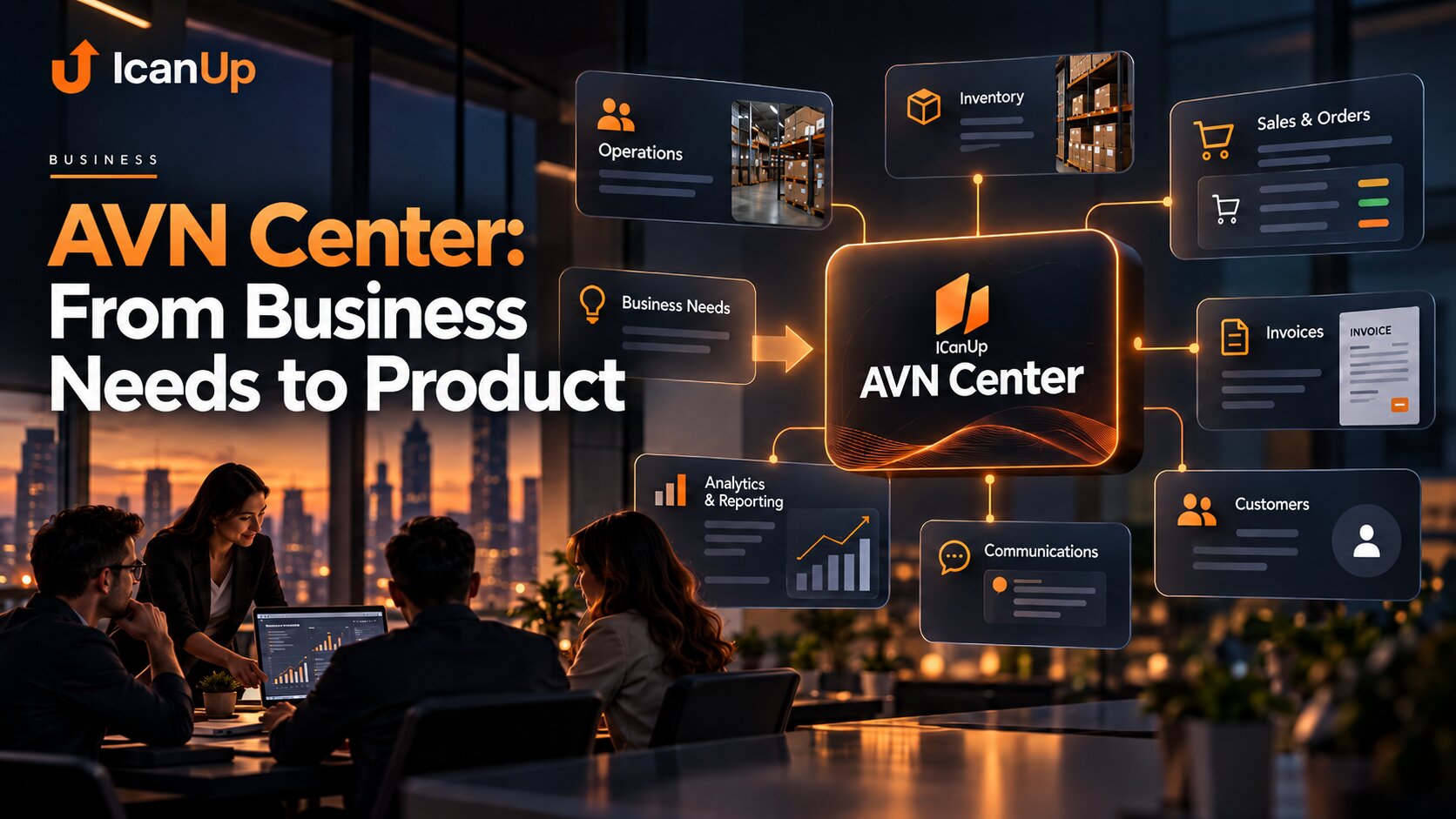
AVN Center: From Business Needs to Product
This series gradually builds an approach for turning real company workflows into system requirements without losing the details that make those workflows work.
Start With How the Business Works Today
Before deciding what should be built, I would first follow one real workflow from beginning to end: people, data, documents, checks, exceptions, and the parts that already work well. For me, this is where the thinking behind AVN Center begins.