A security update does not end with a build or recreate command. After replacing PHP images, you still need to prove that the local environment is actually running the intended versions and that the update did not break application dependencies.
In my Laradock setup, I verified more than one container: the effective Compose model, PHP-FPM 8.3/8.4/8.5, workspace, phpMyAdmin, Laravel boot, MySQL, Redis, local websites, published ports, and build cache.
This sequence was enough to close the PHP patch as a separate completed task without pretending that the entire infrastructure security audit was finished.
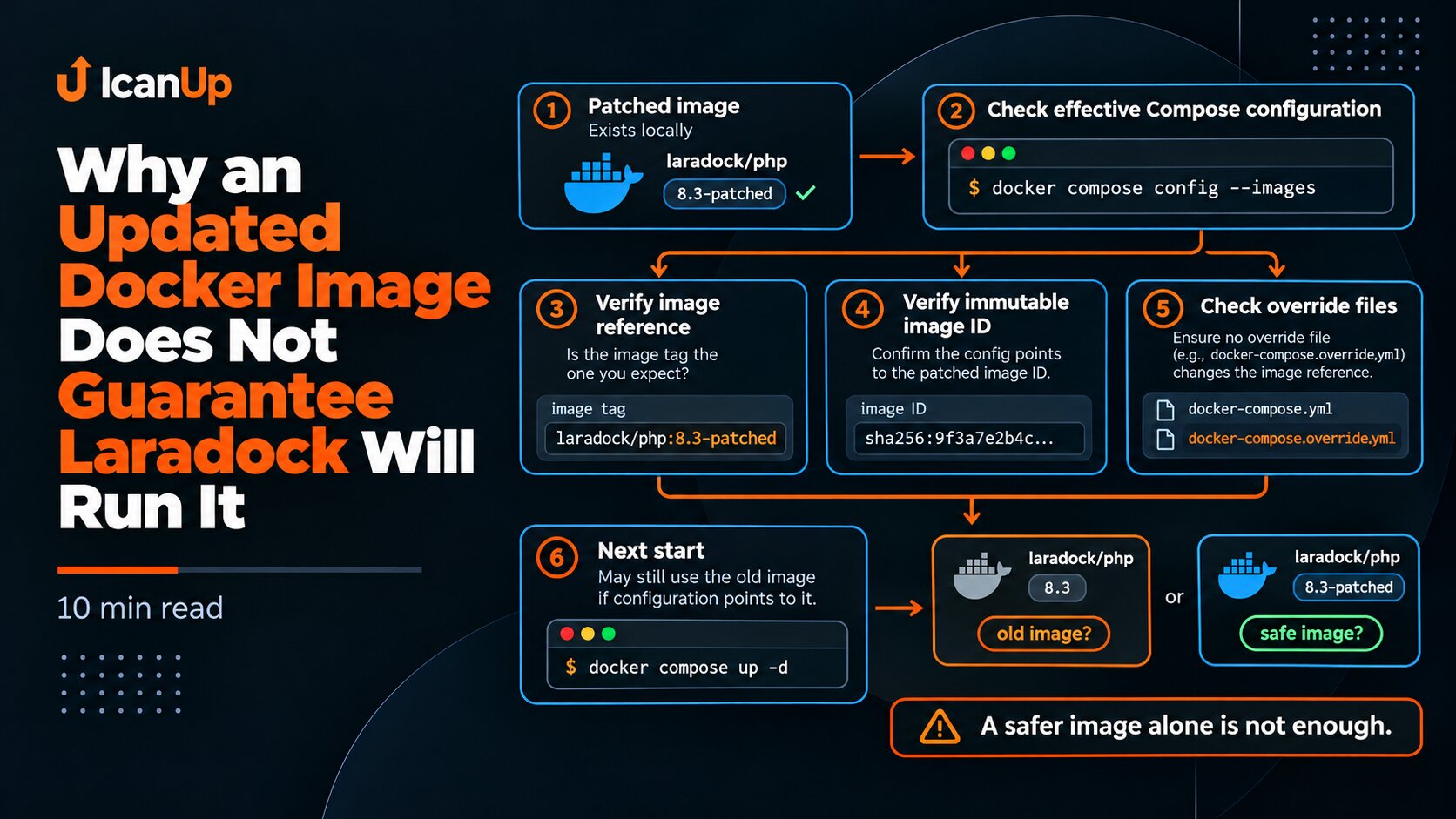
1. Verify the Effective Compose Model First
cd ~/Projects/laradock || exit 1 docker compose config -q echo "===== SERVICES ====="docker compose config --services echoecho "===== IMAGES ====="docker compose config --imagesAfter a security update, this is my first checkpoint. The Compose configuration must be valid, and the image list should show the pinned patched images rather than the old base tags.
In this case, the default Compose setup was moved to a secured four-file model, and after recreation it still resolved to the seven required PHP-related images.
2. Verify the Required Container States
cd ~/Projects/laradock || exit 1 docker compose ps -a echoecho "===== RUNNING CONTAINERS =====" docker ps \ --format 'table {{.Names}}\t{{.Image}}\t{{.Status}}'In the final state, PHP-FPM 8.3/8.4/8.5, phpMyAdmin, and the required local dependencies were running on patched images. The PHP 8.4 and 8.5 workspace services were running as well.
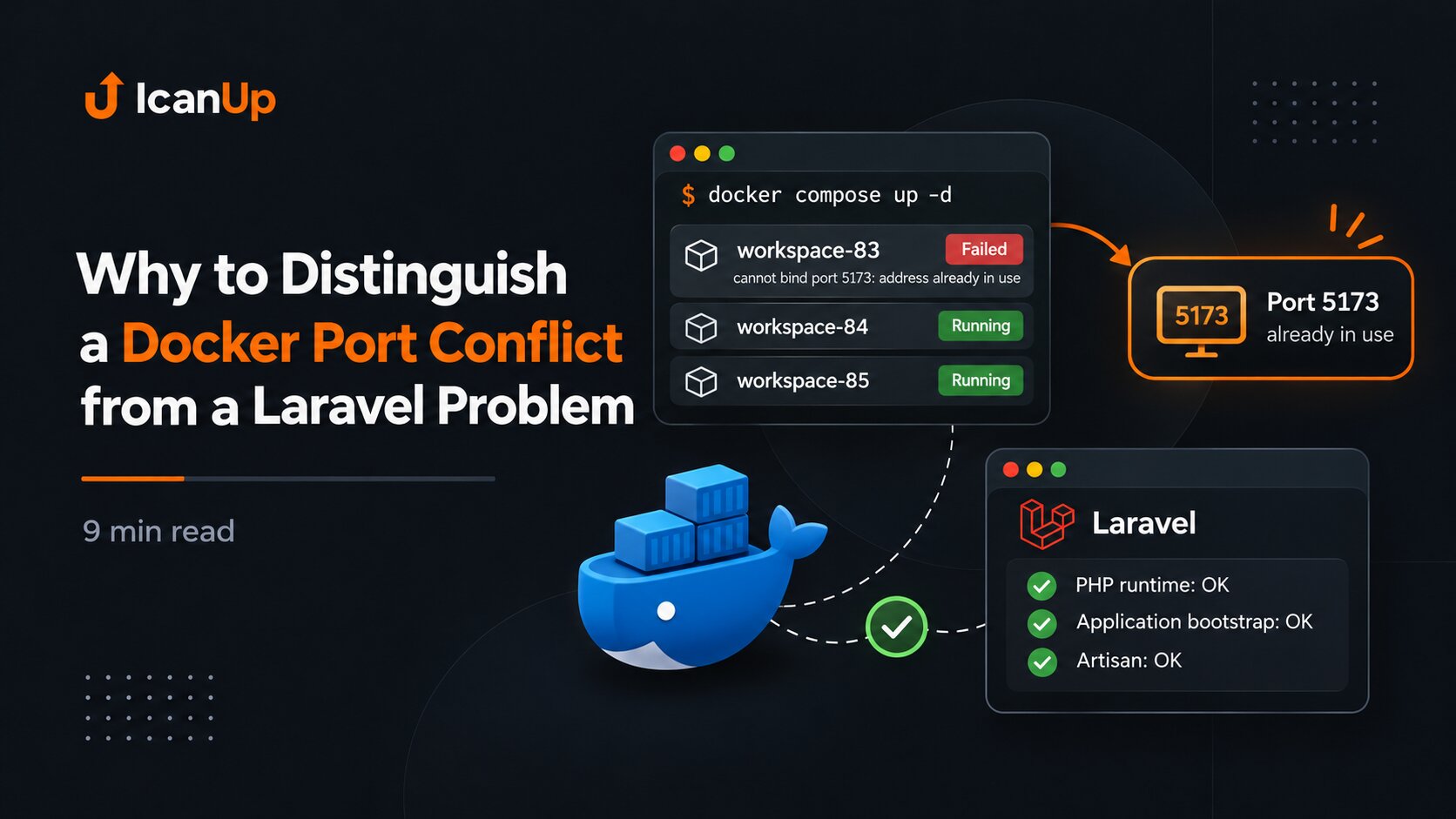
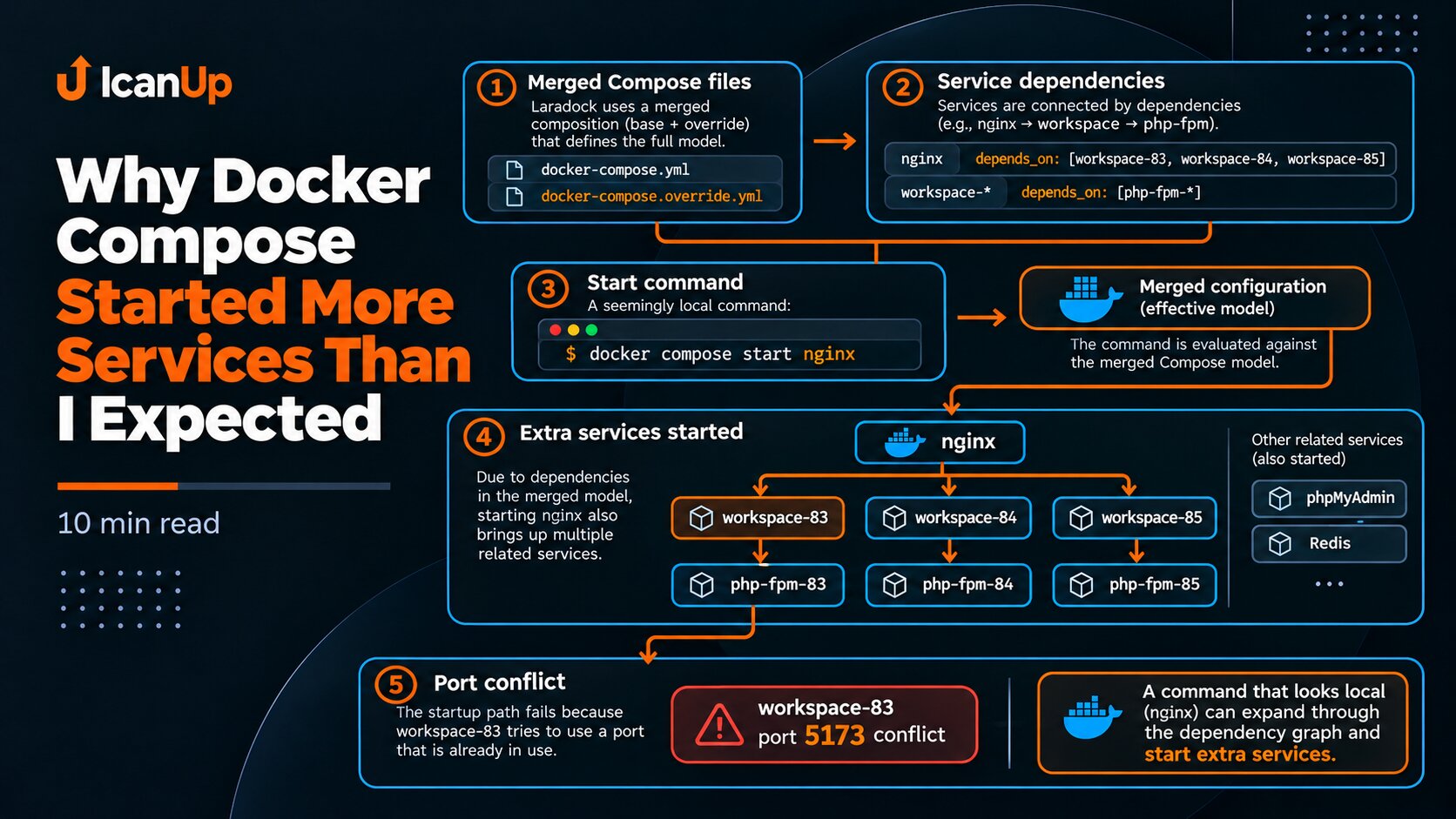
The PHP 8.3 workspace remained a separate exception because host port 5173 was already in use. Its patched image existed, but there was no reason to start the container only to make every service appear "running".
3. Verify PHP in Every Active Runtime
cd ~/Projects/laradock || exit 1 for service in php-fpm php-fpm-84 php-fpm-85; do echo "===== $service =====" docker compose exec -T "$service" \ php -r 'echo PHP_VERSION, PHP_EOL;'doneAn image tag or service name is not enough. I want PHP_VERSION directly from the active container.
I use the same approach for workspace services, but only for containers that are already expected to be running. I do not start a stopped workspace only for a version check.
for service in workspace-84 workspace-85; do echo "===== $service =====" docker compose exec -T "$service" \ php -r 'echo PHP_VERSION, PHP_EOL;'done echo "===== phpMyAdmin =====" docker compose exec -T phpmyadmin \ php -r 'echo PHP_VERSION, PHP_EOL;'4. Verify PHP-FPM Configuration Syntax
cd ~/Projects/laradock || exit 1 for service in php-fpm php-fpm-84 php-fpm-85; do echo "===== $service =====" docker compose exec -T "$service" \ php-fpm -tdoneA new PHP version does not prove that PHP-FPM can load its configuration. php-fpm -t provides a separate syntax and configuration check for the runtime serving the application.
5. Check Docker Health Without Confusing It With Application Health
docker ps -q |while read -r id; do docker inspect \ --format '{{.Name}} | state={{.State.Status}} | health={{if .State.Health}}{{.State.Health.Status}}{{else}}not-configured{{end}}' \ "$id"doneNot every Laradock service has a Docker healthcheck. A not-configured result is not an error by itself.
Likewise, healthy does not replace Laravel, MySQL, or HTTP smoke checks. Docker health is only one verification layer.
6. Verify Laravel Boot Separately From Docker
In this closeout, the basic application verification had two parts: the Composer platform check and a Laravel bootstrap through artisan --version.
This proves that dependencies are compatible with the new PHP runtime and that the application can complete a basic bootstrap.
cd ~/Projects/laradock || exit 1 docker compose exec -T php-fpm-85 \ php /var/www/icanup/vendor/composer/platform_check.php docker compose exec -T php-fpm-85 \ sh -lc 'cd /var/www/icanup && php artisan --version --no-ansi'7. Verify MySQL Through Laravel
A running MySQL container does not prove that Laravel connects to the intended local database.
For the smoke check, I use a read-only SELECT 1 after Laravel bootstrap. Before doing that, verify that the connection really targets the local Laradock MySQL rather than a remote database.
cd ~/Projects/laradock || exit 1 docker compose exec -T php-fpm-85 \ sh -lc 'cd /var/www/icanup && php <<'\''PHP'\''<?php require 'vendor/autoload.php'; $app = require 'bootstrap/app.php'; $app->make( Illuminate\Contracts\Console\Kernel::class)->bootstrap(); $result = Illuminate\Support\Facades\DB::selectOne( 'SELECT 1 AS ok'8. Verify Redis at Two Levels
Redis is also better verified at more than the container-status level. First confirm that Redis itself responds, then perform an application-level smoke through Laravel.
cd ~/Projects/laradock || exit 1 docker compose exec -T redis \ redis-cli pingcd ~/Projects/laradock || exit 1 docker compose exec -T php-fpm-85 \ sh -lc 'cd /var/www/icanup && php <<'\''PHP'\''<?php require 'vendor/autoload.php'; $app = require 'bootstrap/app.php'; $app->make( Illuminate\Contracts\Console\Kernel::class)->bootstrap(); try { $result = Illuminate\Support\Facades\Redis::connection()->ping();9. Verify Nginx and Local Websites
docker exec \ laradock-nginx-1 \ nginx -tAfter the technical smoke checks, I opened the local websites in a browser. This is not a full regression suite, but it is an important final signal that Nginx, PHP-FPM, Laravel, and local dependencies can serve a real HTTP request together.
In this case, all required local websites opened successfully after recreation.
10. Verify Published Ports
docker ps \ --format '{{.Names}}\t{{.Ports}}'sudo ss -H -ltnpDuring closeout, we separately checked the local bindings of protected services. Eight internal service ports remained bound to localhost.
At the same time, Nginx web ports and some development services had a different exposure profile, so I do not confuse "the PHP patch is complete" with "all network risks are closed".
11. Inspect and Clean Docker Builder Cache Separately
docker system dfAfter many security rebuilds, build cache had grown to about 16.33 GB. We cleaned the builder cache specifically rather than using the broader docker system prune.
docker builder prune \ --all \ --force docker system dfAfter cleanup, build cache was 0B while images, containers, and volumes remained. I then verified the image pins again so the cleanup itself would not become the final unverified change.
12. Final Closeout Check After All Changes
Before I consider a PHP/Laradock update complete, I want evidence for every important layer:
- the effective Compose model is valid and resolves to the patched image pins;
- PHP-FPM 8.3/8.4/8.5 report the expected patched versions;
- phpMyAdmin and required workspace services use patched runtimes;
- PHP-FPM configuration passes its syntax check;
- Laravel passes the Composer platform check and a basic boot;
- Laravel performs a read-only MySQL
SELECT 1against the local database; - Redis responds and is available to the application;
- Nginx configuration is valid and local websites open;
- published ports are reviewed and internal services did not become accidentally public;
- builder cache is cleaned when planned and image pins are verified again afterward.
After a security update, verify not only the PHP version but the entire path from the Compose image to a real Laravel request.
Summary
In my case, the update was only ready to close after the patched images survived recreation, PHP runtimes were verified, Laravel booted, MySQL and Redis responded, local websites opened, ports were reviewed, and build cache was cleaned without removing required images or volumes.
That is a much stronger completion criterion than simply seeing a new PHP version after a build.