During a new traffic-spike investigation, I saw 155 upstream connection refused entries in the Nginx error log.
The first hypothesis was obvious: perhaps the burst of requests had overloaded the server and the main production application had started returning 503 responses.
That sounded plausible, but it was wrong.
All 155 recorded upstream failures belonged to another virtual host. The main production site continued to work during the same period.
Why 155 Upstream Failures Initially Looked Serious
The timing overlapped with unusual high-volume traffic. In the same investigation window, Nginx was receiving hundreds of requests from automated clients.
In that context, connection refused naturally reads as "the backend could not handle the load."
But correlation in time is not the same as correlation in cause.
I Stopped Counting Errors and Started Reading Their Context
Do not stop at: upstream connection refused Also identify: server_namerequested hostrequest pathupstream targettimestampclientThe key was not the connection refused message itself but which upstream Nginx was trying to reach.
After grouping the entries, the pattern became clear: all 155 errors pointed to the backend of another service whose local upstream was temporarily unavailable.
The production Laravel backend was not the source of those 155 failures.
The Next Question Was Harder: Why Were Public Scanners Reaching This Virtual Host at All?
The backend itself was local. But a local upstream does not automatically make a service private.
If Nginx exposes a public HTTPS virtual host that proxies requests to that upstream, an external client interacts with Nginx rather than the local port directly.
Privacy therefore has to be enforced at the public entry point, not only at the backend bind address.
There Was No Explicit HTTPS default_server
HTTPS request arrives known hostname? | +-- yes -> matching virtual host | +-- no -> default HTTPS server No explicit default_server? | vfirst matching listen socket may become defaultThe configuration did not have a dedicated HTTPS catch-all using default_server.
The first virtual host for that HTTPS listen socket happened to be the private service. When a scanner connected to the public IP or used an unknown hostname, Nginx could select that server block as the default.
That is why part of the external automated traffic reached a service I did not expect to see in this investigation.
This Was Not Evidence of a Successful Compromise
It is important not to overstate the result.
I established that public requests could be routed to an unexpected virtual host and that its backend was unavailable for some of those requests.
I did not find evidence of successful malicious code execution or a compromise of the service itself.
The First Change Was an Explicit HTTPS Catch-All
server { listen 443 ssl default_server; server_name _; ssl_reject_handshake on;}The purpose of this server block is simple: an unknown HTTPS hostname should not accidentally inherit an application-specific virtual host.
ssl_reject_handshake on lets Nginx reject the handshake before the request reaches a private application.
The Second Change Was Explicit Access Control for the Private Service
location / { auth_basic "Restricted"; auth_basic_user_file /path/to/htpasswd; proxy_pass http://private_backend;}The default server solves unknown-host routing. It does not replace access control for the correct hostname.
So I added Basic Auth to the service itself. Now even a client that knows the valid hostname first has to pass a separate authentication boundary.
The Default Server and Basic Auth Solve Different Problems
Unknown hostname | vHTTPS default_server | vTLS rejected Known private hostname | vprivate virtual host | vBasic AuthAfter the Change, I Verified Every Expected Access Path
Productionexpected -> 200 Developmentexpected -> 401 Private service without credentialsexpected -> 401 Private service after authenticationexpected -> application response Unknown HTTPS hostnameexpected -> TLS handshake rejectedAfter successful Basic Auth, the private service returned 404 for the root route. That was expected: authentication succeeded, but the application did not define /.
This distinction matters too. A 401 represents access control, while a 404 after authentication belongs to application routing.
Nginx Validation Should Be Clean, Not Merely Successful
After the first change, Nginx configuration validation passed but still emitted a warning because server blocks on the same socket used inconsistent listen 443 ssl http2 parameters.
I aligned the parameters and ran nginx -t again until validation was clean.
Production hardening should not end in a state of "it works, but we will leave the warning."
Configuration Changes Need a Backup and Rollback Path
1. copy current config2. edit one boundary3. nginx -t4. reload5. verify public behavior6. verify protected behavior7. keep rollback copy until stableThis was a security fix, but I did not want the fix itself to become an outage.
Each change therefore had a rollback copy, configuration validation, and verification of expected status codes after reload.
Scanner Protection Does Not Replace a Correct Virtual-Host Boundary
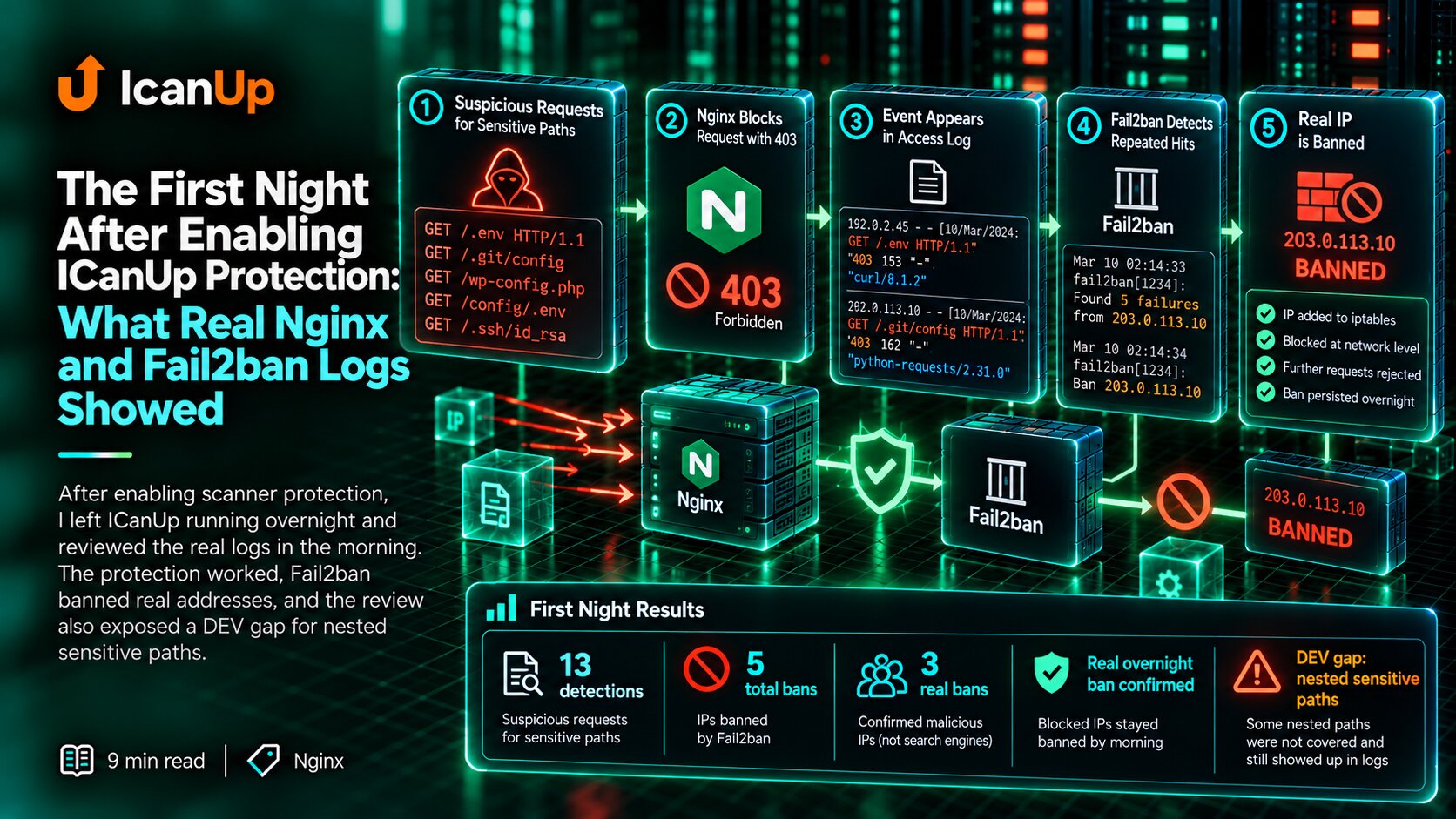
The server already had path-based rules and Fail2ban protections described in the article about Nginx and Fail2ban for sensitive-path scanners.
Those controls are useful for suspicious paths. But when an unknown-host request lands in the wrong virtual host, that is a different boundary problem.
Security layers should not be treated as interchangeable.
The Traffic Signal and the Root Cause Turned Out to Be Different Things
The investigation was triggered by automated traffic similar to what I described in the previous article about automated traffic with a browser-like User-Agent.
But the 503 responses were not evidence that this traffic had taken production down. Instead, they revealed a separate configuration weakness in HTTPS virtual-host routing.
This is a good example of why the first plausible incident story should not automatically become the final conclusion.
What I Check Now When I See Upstream Errors in Shared Nginx Logs
- Which virtual host produced the error?
- Which upstream was actually unavailable?
- Was the production application really failing at that time?
- Which server block is the HTTPS default for unknown hostnames?
- What happens on a direct-IP or unknown-host request?
- Does the private service have its own access control?
- Does
nginx -tpass without warnings? - Were all expected HTTP/TLS outcomes verified after reload?
- Is there a rollback path for the configuration change?
The 155 Errors Changed My Understanding of the Boundary, Not Production Availability
At the beginning of the investigation, 155 upstream failures looked like a possible symptom of a production outage.
After tracing them, it became clear that the main application was healthy and the errors belonged to another virtual host receiving external traffic because of implicit HTTPS default-server behavior.
The fix was not to "repair production" but to define the boundary correctly: an explicit default server for unknown hosts and separate access control for the private service.
A shared log tells us that something failed somewhere in Nginx. It does not prove which application failed until we identify the context.