Docker: Inspect Environment Variables of a Running Container
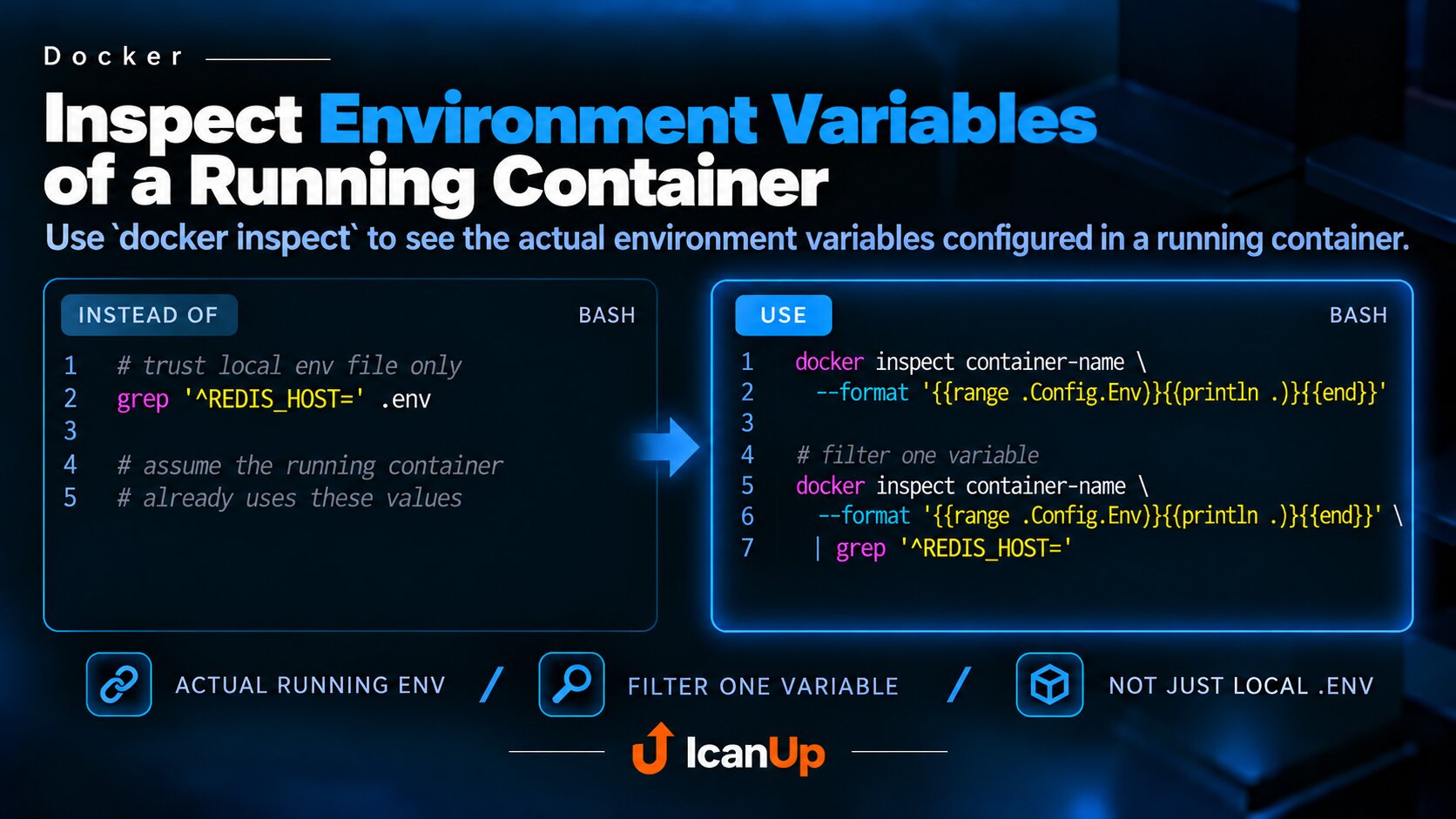
Use docker inspect to see the actual environment variables configured in a running container instead of relying only on values from a local .env file.
When debugging Docker, it is important to distinguish configuration stored in .env from the configuration of a container that is already running.
If the container was created earlier, changing .env does not mean the running container is already using the new values.
Inspect the Container Environment Variables
docker inspect container-name \ --format '{{range .Config.Env}}{{println .}}{{end}}'The command reads .Config.Env directly from the container configuration and prints each variable on a separate line.
For example:
APP_ENV=localAPP_DEBUG=trueREDIS_HOST=redisCACHE_DRIVER=redisFilter One Specific Variable
docker inspect container-name \ --format '{{range .Config.Env}}{{println .}}{{end}}' \ | grep '^REDIS_HOST='This is useful when you only need to confirm one host, port, mode, or another specific value without scanning the entire environment.
In short: .env shows the intended configuration, while docker inspect shows the configuration used by the actual container that was created and is running.