
Швидка порадаDocker
Laradock MinIO: Find the Console URL, Username, and Password
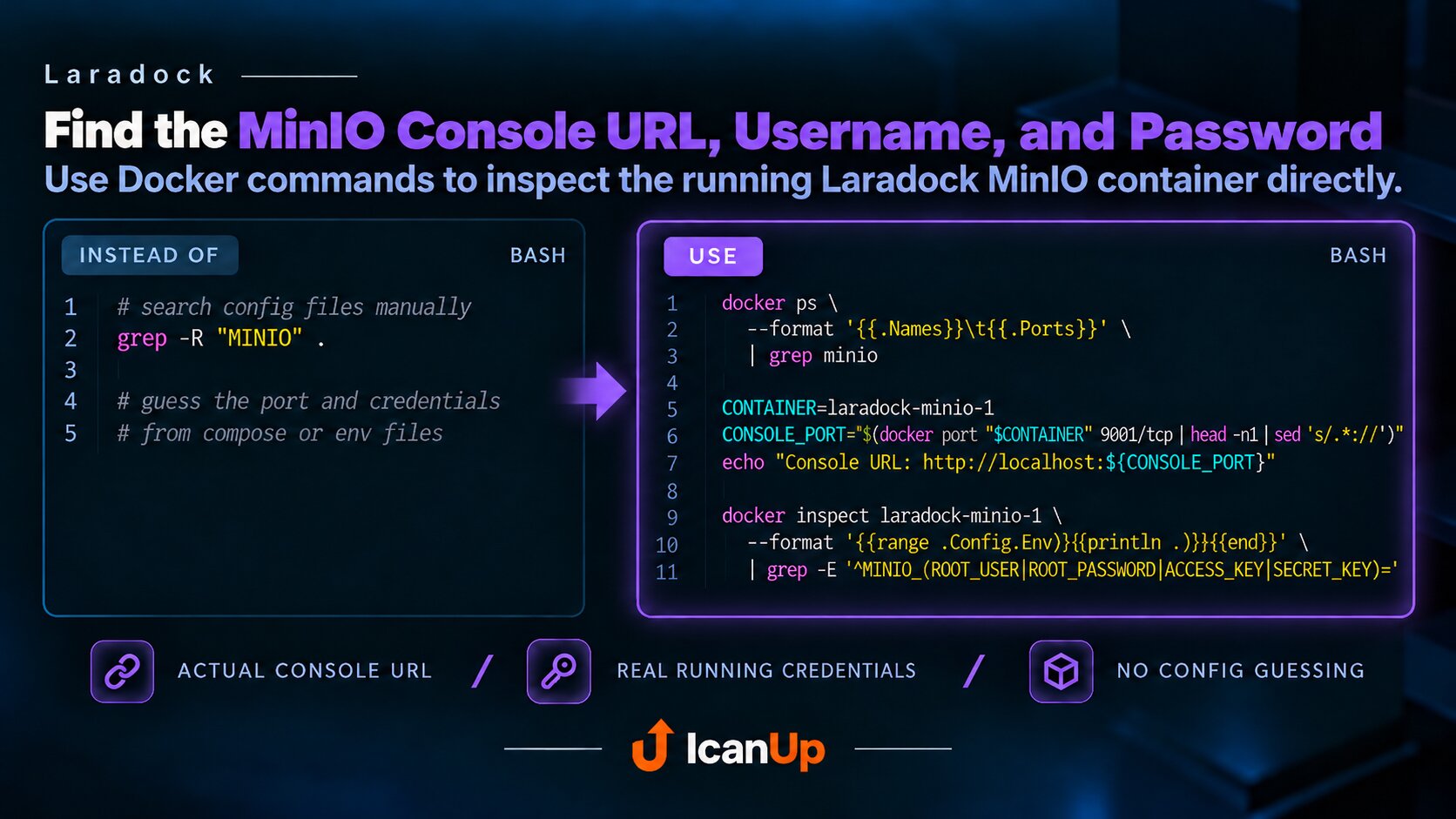
A few Docker commands can show the actual local MinIO Console URL and credentials of a running Laradock container.
If MinIO is already running in Laradock, you do not need to search configuration files for the port, username, and password. Docker can show them directly.
1. Find the MinIO Container
BASH - Find the MinIO container
docker ps \ --format '{{.Names}}\t{{.Ports}}' \ | grep minio2. Find the MinIO Console URL
BASH - Get the actual console port
CONTAINER=laradock-minio-1 CONSOLE_PORT="$( docker port "$CONTAINER" 9001/tcp \ | head -n1 \ | sed 's/.*://')" echo "Console URL: http://localhost:${CONSOLE_PORT}"This reads the actual host port of the running container. If Laradock uses a custom port, the command returns that port instead of assuming the default.
3. Find the Username and Password
BASH - Get MinIO credentials
docker inspect laradock-minio-1 \ --format '{{range .Config.Env}}{{println .}}{{end}}' \ | grep -E '^MINIO_(ROOT_USER|ROOT_PASSWORD|ACCESS_KEY|SECRET_KEY)='With current MinIO versions, the values you normally need are MINIO_ROOT_USER and MINIO_ROOT_PASSWORD. Use them to sign in to the MinIO Console.
These commands print secrets to the terminal. Do not copy the output into public logs, screenshots, or documentation.
In short: docker port tells you where to open the MinIO Console, while docker inspect shows the credentials configured in the running container.
#minio #laradock #docker #docker-inspect