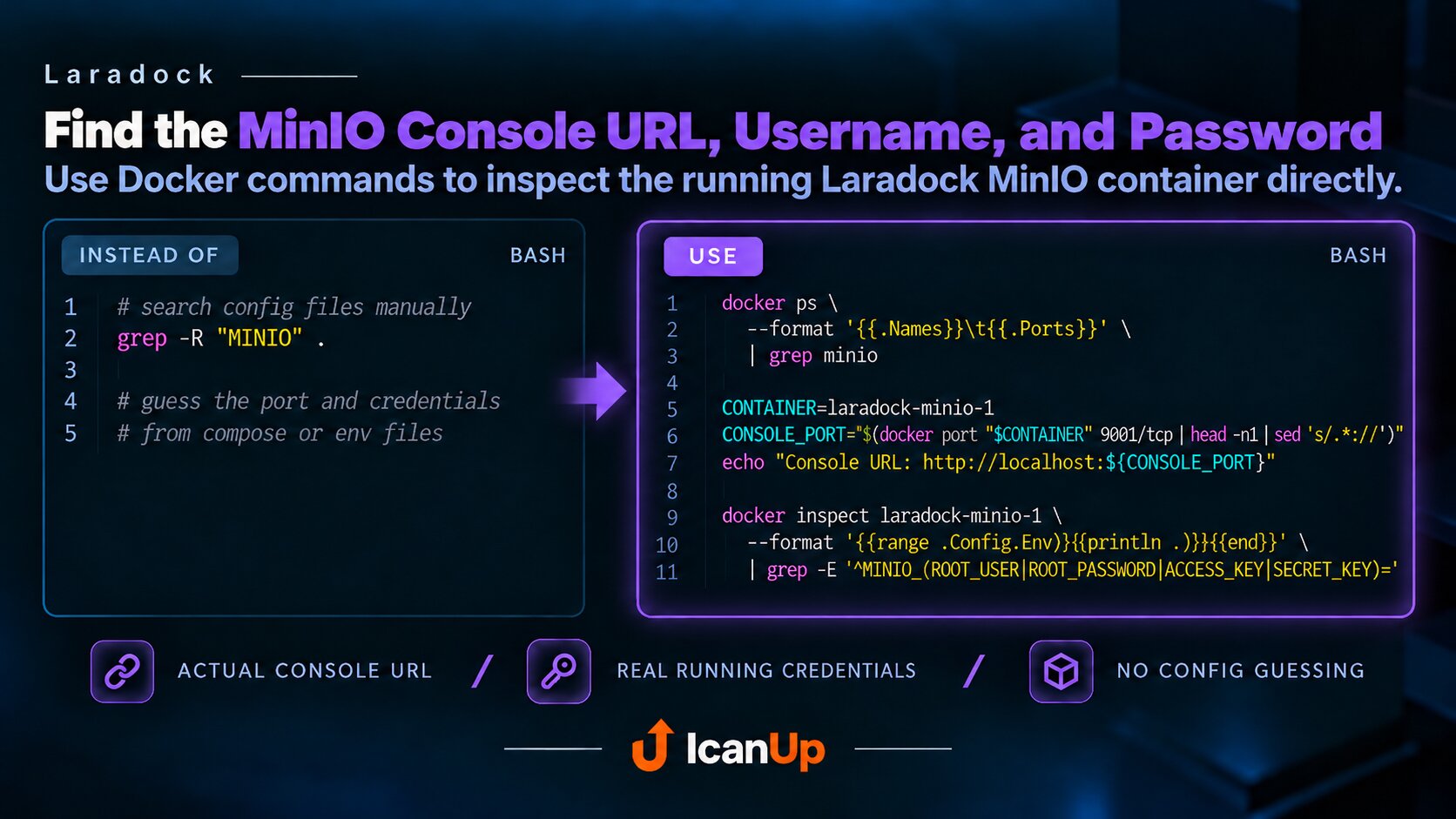
Швидка порадаDocker
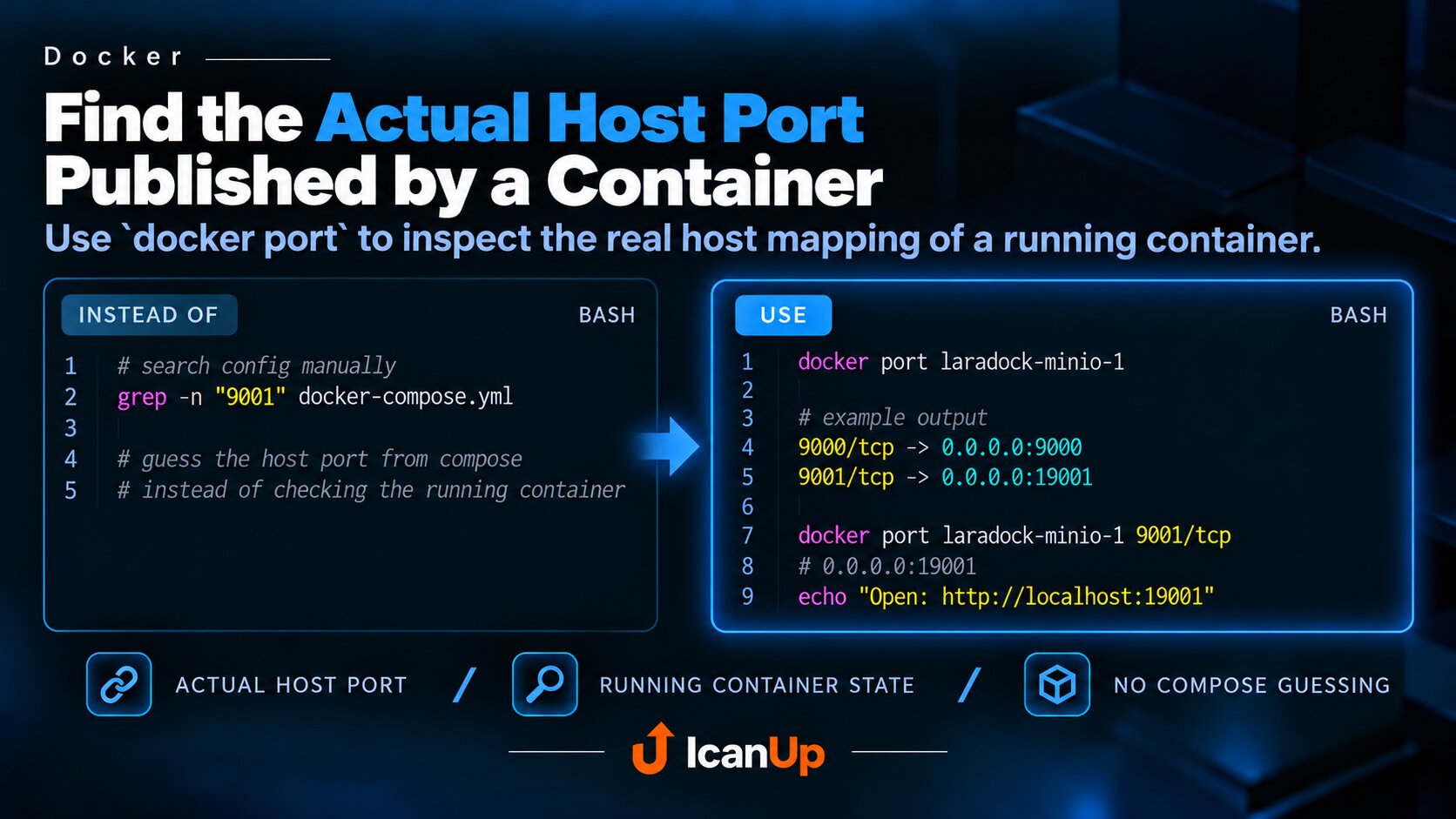
Docker: Find the Actual Host Port Published by a Container
Instead of searching docker-compose.yml, inspect the actual port mappings of a running container with docker port.
When you need to open a local service in the browser or connect to it from the host machine, the important value is not the internal container port but the port Docker actually published on the host.
You do not need to search for it manually in docker-compose.yml.
Inspect the Actual Ports of the Running Container
BASH - Show all published container ports
docker port laradock-minio-1For example, the output may look like this:
BASH - Example port mapping
9000/tcp -> 0.0.0.0:90009001/tcp -> 0.0.0.0:19001Here 9001 is the port inside the container, while 19001 is the actual host port. Locally, the service should therefore be opened through localhost:19001.
Query One Specific Container Port
BASH - Find the mapping for one port
docker port laradock-minio-1 9001/tcpdocker port shows the actual state of the running container. This is safer than assuming the current docker-compose.yml matches the container that is already running.
In short: when you need the real host port of a container, use docker port <container>.
#laradock #docker #docker-port #port-mapping #docker-compose