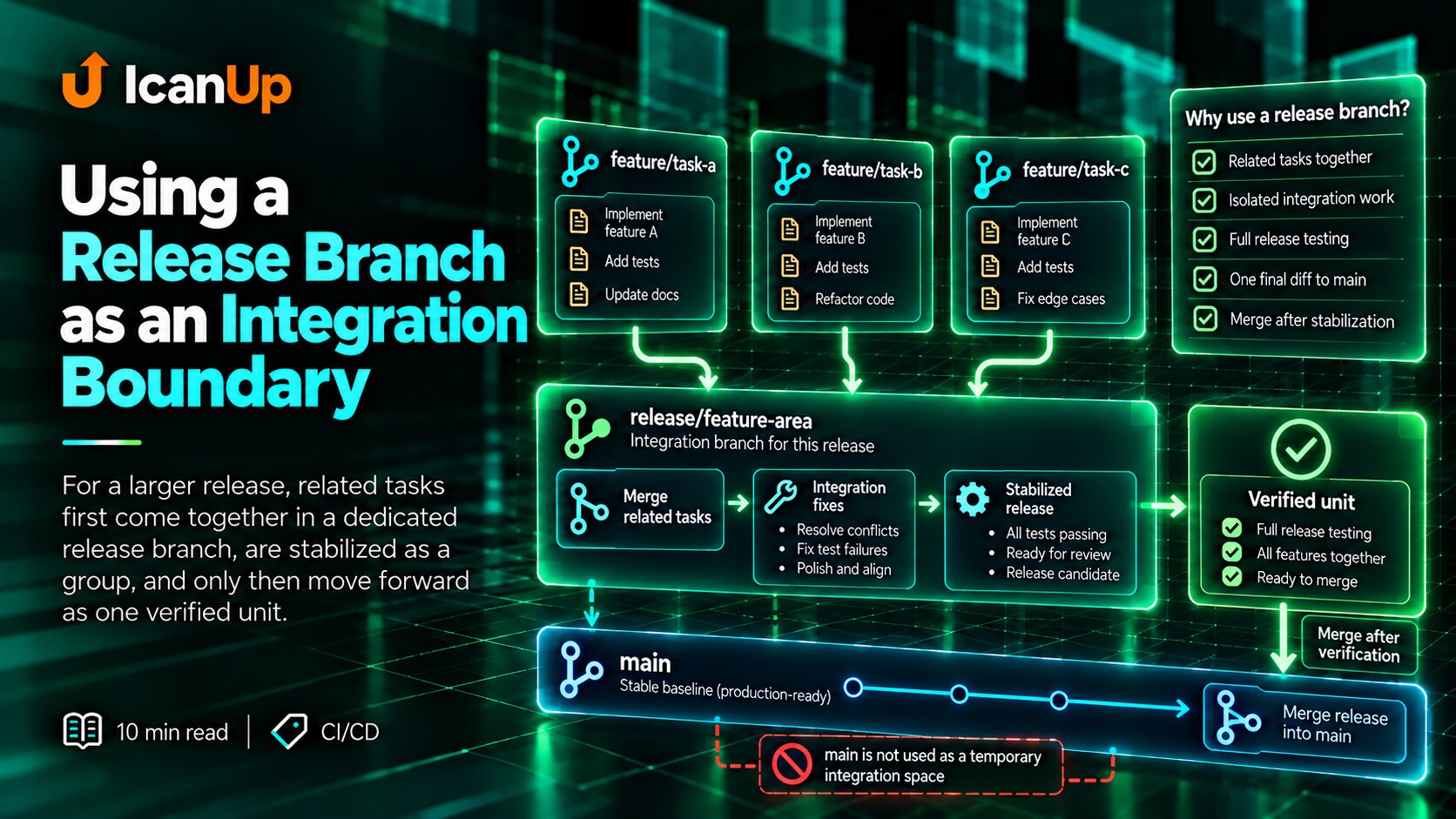
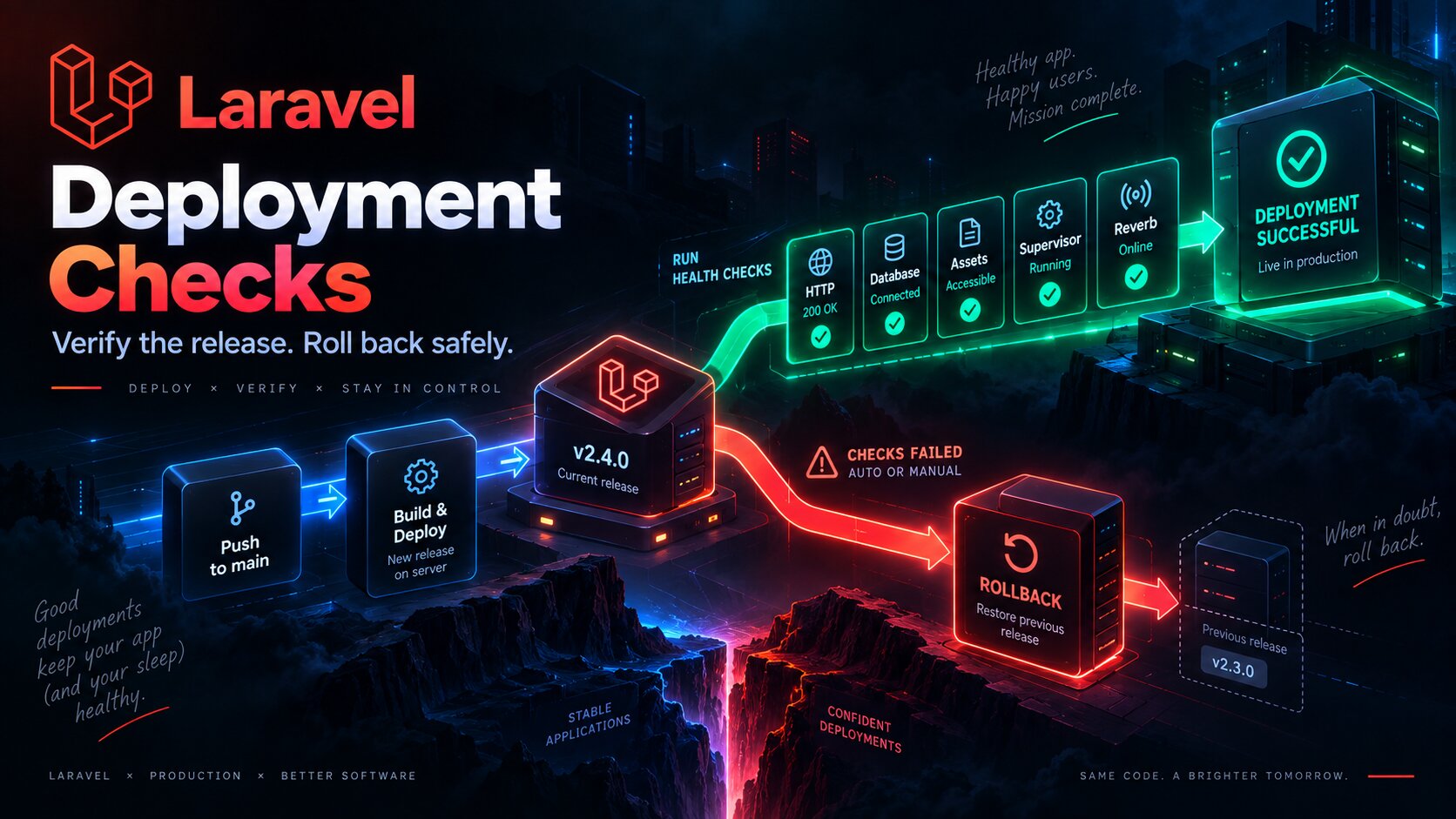
When I connected GitLab Merge Requests with Jira in ICanUp, the first idea looked simple: when a Merge Request is created, move the issue; when it is merged, move it again.
It quickly became clear that this kind of automation can cause problems if it reacts to every event without enough context.
I did not need automation to own the entire issue lifecycle. I only needed it at two points that GitLab could verify reliably.

I Did Not Want to Automate the Entire Issue Lifecycle
The simplest implementation would be to let GitLab move an issue from the beginning of work all the way to completion.
That was the wrong automation boundary for me.
GitLab knows that a Merge Request was created or merged. It does not know whether I actually started working, whether testing passed, or whether the issue is ready for production.
Automation should make decisions only where it has a reliable technical signal.
I Kept Only Two Automatic Transitions
Event | Current status | New status |
|---|---|---|
Merge Request created for development | In Progress | Ready for Review |
Merge Request merged into development | Ready for Review | Ready to Test |
Everything else remains manual.
I move the issue to In Progress when work actually begins. After Ready to Test, automation stops controlling the issue as well.
Manual:To Do | vIn Progress Automatic:In Progress | | Merge Request created vReady for Review | | Merge Request merged vReady to TestThe First Guard Is the Target Branch
A Merge Request being created is not enough by itself.
The same repository can have Merge Requests targeting development, main, or another branch.
An automatic transition should happen only when the target branch matches the workflow stage being automated.
Event:Merge Request created Required:target branch = development If target branch = main:skipThis is especially important for production Merge Requests. A merge into main should not move a Jira issue again after it has already passed review and testing.
The Second Guard Is the Current Status
Even the correct GitLab event does not automatically mean that Jira should transition the issue.
A Merge Request event can be delivered again, or the issue may already have moved to another stage.
Before a transition, I check both the event and the current Jira status.
MR created: if current status = In Progress -> Ready for Reviewelse -> skip MR merged: if current status = Ready for Review -> Ready to Testelse -> skipClosed and Merged Are Not the Same Event
Another important boundary is that a closed Merge Request is not the same as a successfully merged Merge Request.
A Merge Request can be closed because the plan changed, the branch was wrong, or the work is no longer needed.
In that case, Jira should not move the issue to Ready to Test.
Merge Request merged-> transition may run Merge Request closed without merge-> no status changeThe Jira Issue Key Needs a Reliable Source
The automation needs an issue key before a GitLab event can be connected to Jira.
In my workflow, the source branch is the strongest location. The Merge Request title is another source, while the commit message is only a fallback.
Priority: 1. source branch2. Merge Request title3. commit message as fallback Example branch: feature/PROJECT-123-fix-paginationI do not bind the automation to one branch prefix.
feature/, fix/, chore/, or another convention can change. The issue key is the important part.
A Repeated Webhook Must Not Repeat the Transition
A webhook should not be treated as something that is guaranteed to arrive exactly once.
Repeated delivery, a repeated automation run, or another technical retry should not push the issue through another status.
The same event should leave the system in the same correct state.
First event: Ready for Review+ MR merged= Ready to Test Repeated event: Ready to Test+ same MR merged= skipThe current-status guard provides a simple protection here. After the first successful transition, the expected source status no longer matches, so the repeated event does nothing.
Two Small Automation Rules Were Better Than One Large Rule
At first, one large rule that understands the entire issue workflow can look convenient.
It quickly accumulates conditions for opened, merged, closed, target branch, current status, and multiple exceptions.
I preferred two rules with one responsibility each.
Rule | Trigger | Single action |
|---|---|---|
Merge Request created | MR created for development | In Progress -> Ready for Review |
Merge Request merged | MR merged into development | Ready for Review -> Ready to Test |
Rule 1 - Merge Request Created
Trigger:GitLab Merge Request created Conditions:- target branch is development- Jira key can be resolved- current Jira status is In Progress- Merge Request is not closed- Merge Request is not already merged Action:Ready for ReviewRule 2 - Merge Request Merged
Trigger:GitLab Merge Request merged Conditions:- target branch is development- Jira key can be resolved- current Jira status is Ready for Review Action:Ready to TestWhy a Production Merge Does Not Move the Issue
After testing, I may create another Merge Request targeting main.
That is a different delivery stage.
If automation reacted to every merge, a production Merge Request could unexpectedly change the Jira status again.
The target branch is part of the workflow rule, not just a technical webhook detail.
After Ready to Test, a Person Decides Again
Automation stops exactly where GitLab no longer knows enough.
A merge into development confirms that the code entered the shared branch. It does not confirm that testing passed or that the issue is ready for production.
The following transitions therefore remain manual.
Ready to Test | | manual vTesting | | manual decision +--> Ready to Deploy | +--> WaitingThe Audit Log Became Part of Verification
For automation like this, seeing the final Jira status is not enough.
I also need to understand why a rule ran or why it skipped an event.
The Audit Log therefore became part of troubleshooting rather than a secondary screen.
- Which GitLab event triggered the rule.
- Which Jira issue key was resolved.
- Which target branch the Merge Request used.
- Which Jira status existed before evaluation.
- Whether a transition was executed.
- Why the event was skipped when no transition occurred.
The Scenarios I Verify
Scenario | Expected result |
|---|---|
MR created for development, status In Progress | Ready for Review |
MR merged into development, status Ready for Review | Ready to Test |
MR closed without merge | No change |
MR created or merged for main | No change |
Repeated merged event | No repeated transition |
Unexpected current status | No forced change |
How This Fits My CI/CD Process
This automation does not live separately from the broader CI/CD process in ICanUp.
I previously described how my real Laravel CI/CD pipeline is structured.
The difference here is that the pipeline verifies and delivers code, while Jira automation only synchronizes workflow stages that GitLab has already confirmed.
The Branch Name Became Part of the Contract
Once an issue key is resolved from the source branch, the branch name is no longer only a convenient label.
It becomes part of the integration contract between Git and Jira.
That is why I keep the issue key in the branch name even though Git itself allows almost any naming convention.
I saw the value of careful Git history management in another real case as well, when I needed to move an already pushed commit to the correct branch without losing history.
What Could Go Wrong
- Reacting to a Merge Request for main as if it targeted development.
- Treating a closed Merge Request as successfully merged.
- Skipping the current Jira status check.
- Repeating a transition after a duplicated webhook event.
- Looking for the issue key only in a commit message.
- Automatically moving To Do to In Progress without actual work starting.
- Automatically moving issues after Ready to Test without a testing result.
- Hiding every condition inside one large automation rule.
Automation Should Be Conservative
This case led me to a simple rule: if one required condition cannot be confirmed, doing nothing is safer.
No Jira key - skip. Wrong target branch - skip. Unexpected status - skip. Merge Request only closed - skip.
For automatic transitions, skipping an uncertain event is safer than forcing an issue into another state.
What I Kept for Next Time
- Automate only transitions that an external system can verify unambiguously.
- Check the target branch before every transition.
- Check the current Jira status.
- Treat merged and closed Merge Requests differently.
- Design rules so repeated events remain safe.
- Use the source branch as the primary issue-key source.
- Prefer small automation rules with one responsibility.
- Keep testing and production decisions under manual control.
- Check the Audit Log after automation changes.
Good automation does not try to make every decision for me. It removes only the manual steps for which it already has a reliable signal.
Conclusion
The Jira and GitLab integration became more stable when I stopped treating it as a way to automate the entire issue lifecycle.
In ICanUp, GitLab owns only two transitions it can confirm without assumptions: a Merge Request was created for development, and a Merge Request was successfully merged into development.
The target branch, current status, event type, and repeated webhook delivery are checked before Jira changes. After Ready to Test, control returns to the manual workflow.
The automation does not own the workflow. It only synchronizes two facts that already happened in GitLab.