In the previous article about CVE-2026-109618 and CVE-2026-109619, I explained why the two critical PHP vulnerabilities disclosed on October 21, 2026 require prompt action.
This is the practical follow-up: how to update PHP without reducing the work to a single apt upgrade, and how to verify the full path from the current version to a healthy application after the upgrade.
The examples below use PHP 8.5 on Ubuntu with Nginx and PHP-FPM. For other PHP branches, replace the package names accordingly.
1. First, Check Which PHP Versions Are Actually Installed
php -vphp8.5 -vphp-fpm8.5 -vI do not rely on php -v alone. The php command may point to one version while the PHP-FPM service actually serving the site uses another.
I therefore check CLI and FPM separately. If several PHP branches are installed, I verify each one.
dpkg-query -W 'php8.5*'This shows not only php8.5-cli and php8.5-fpm, but also extensions that should remain aligned after the upgrade.
For distribution packages, evaluate the version together with the vendor security notice because the fix may be backported into a vendor-specific build.
2. Prepare Backups and a Rollback Path Before Updating
A PHP upgrade changes the execution environment for the whole application. Even when package installation is routine, I do not want to start without a recent backup of data and configuration.
For MySQL, an example can look like this:
set -o pipefailumask 077 sudo mysqldump \ --single-transaction \ --quick \ --routines \ --events \ --triggers \ --no-tablespaces \ --databases app_db \ | gzip > app_db.sql.gz gzip -t app_db.sql.gzReplace app_db with your database name. Prefer an already configured secure authentication method instead of placing a password directly in the shell command.
gzip -t verifies archive integrity, but it does not prove that the database can actually be restored. I cover that distinction in the separate article about why the existence of a backup file is not enough.
sudo tar -czf /root/php-config-backup.tar.gz \ -C / \ etc/php/8.5 \ etc/nginx \ etc/supervisorWhen possible, I also prepare a server snapshot or another tested rollback method. It is important to know not only how to upgrade, but also what to do if the application does not start afterward.
3. Check Which Package Updates Are Actually Available
sudo apt-get update apt-cache policy \ php8.5-cli \ php8.5-fpmapt-cache policy shows the installed and candidate package versions. If you use a third-party repository or a distribution package with a backported fix, this is where you should verify the package source and security status.
mapfile -t packages < <( dpkg-query -W \ -f='${binary:Package} ${db:Status-Abbrev}\n' \ 'php8.5*' 2>/dev/null | awk '$2 == "ii" {print $1}') printf '%s\n' "${packages[@]}"I build the list from already installed packages so I do not accidentally add new extensions or upgrade the entire operating system together with PHP.
4. Simulate the Package Upgrade Before Installing Anything
sudo apt-get -s install \ --only-upgrade "${packages[@]}"The -s option does not install packages. It shows what the package manager plans to do.
Before the real upgrade, I verify that required PHP modules are not removed, unrelated packages are not deleted, and no unexpected dependency changes appear.
5. Upgrade the Installed PHP Packages
sudo apt-get install \ --only-upgrade "${packages[@]}"This upgrades the PHP 8.5 components that are already installed. It is not a full operating-system upgrade.
During package installation, PHP-FPM may restart automatically. On a production server, account for a possible brief interruption of dynamic requests.
6. Verify PHP Versions and Configuration After the Upgrade
php8.5 -vphp-fpm8.5 -v sudo php-fpm8.5 -tsudo nginx -tAt this point I want two answers: did the expected PHP version actually get installed, and are the PHP-FPM and Nginx configurations still valid?
A successful apt-get command alone does not prove that the server is ready to handle traffic correctly.
7. Verify Services and Background Processes
systemctl is-active php8.5-fpmsystemctl is-active nginxsystemctl is-active mysqlsystemctl is-active supervisorsudo supervisorctl statusLong-lived processes deserve special attention: queue workers, WebSocket servers, SSR processes, or other services that were already running before the upgrade.
If package hooks or service management already restarted them correctly and they are running on the new PHP version, an additional unconditional restart is unnecessary. But their actual state and runtime version still need verification.
8. Verify More Than an HTTP 200 Response
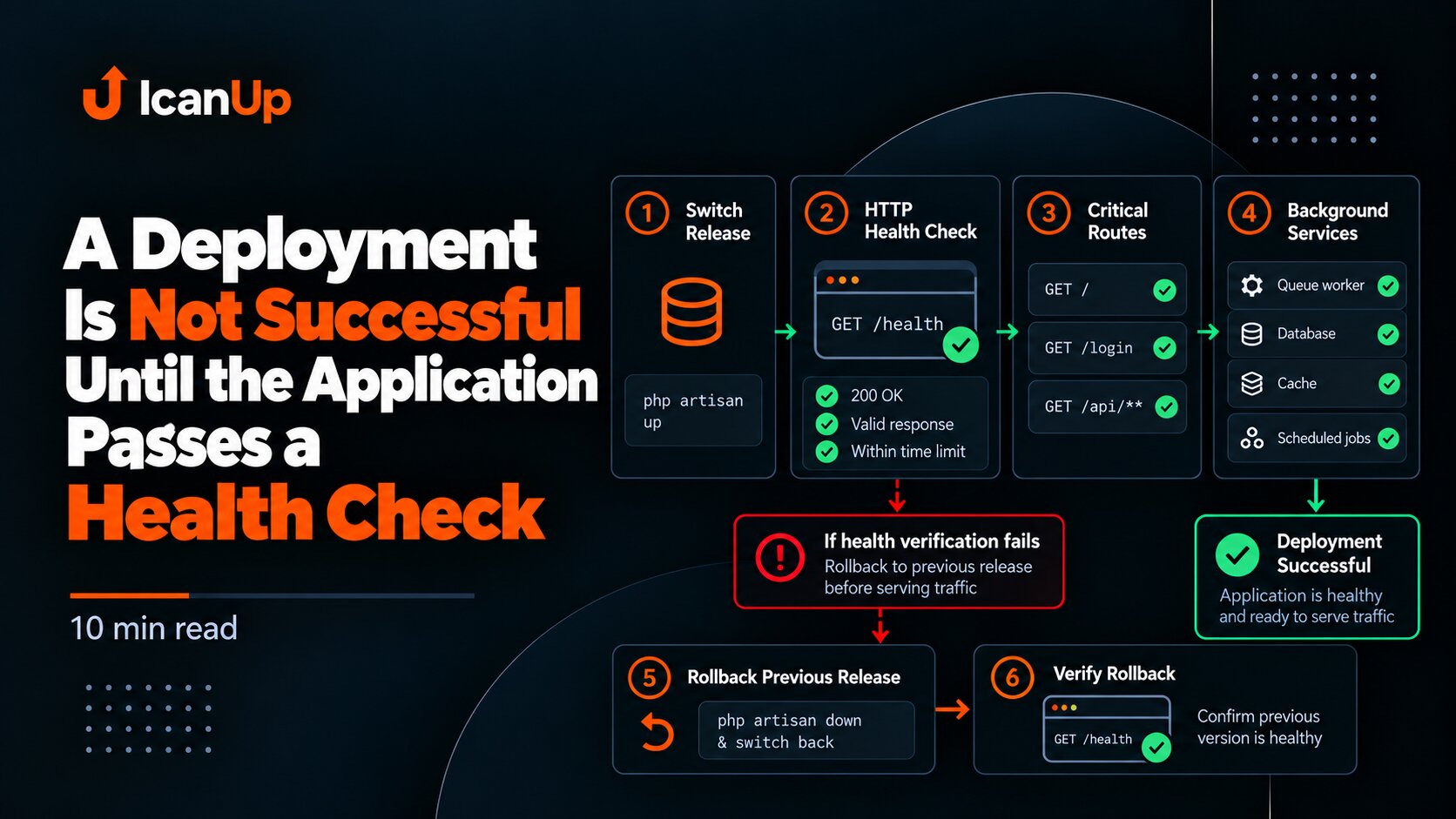
curl -I https://example.com/200 OK is a useful first signal, but it is not enough to close the upgrade.
After changing PHP, I verify at least:
- database connectivity;
- login and authorization;
- queue processing;
- background processes;
- file uploads when applicable;
- critical pages and APIs;
- PHP-FPM, Nginx, and application logs after the upgrade.
If one server hosts several sites, verify each site separately.
9. Updating PHP on Ubuntu Does Not Update PHP Inside Docker
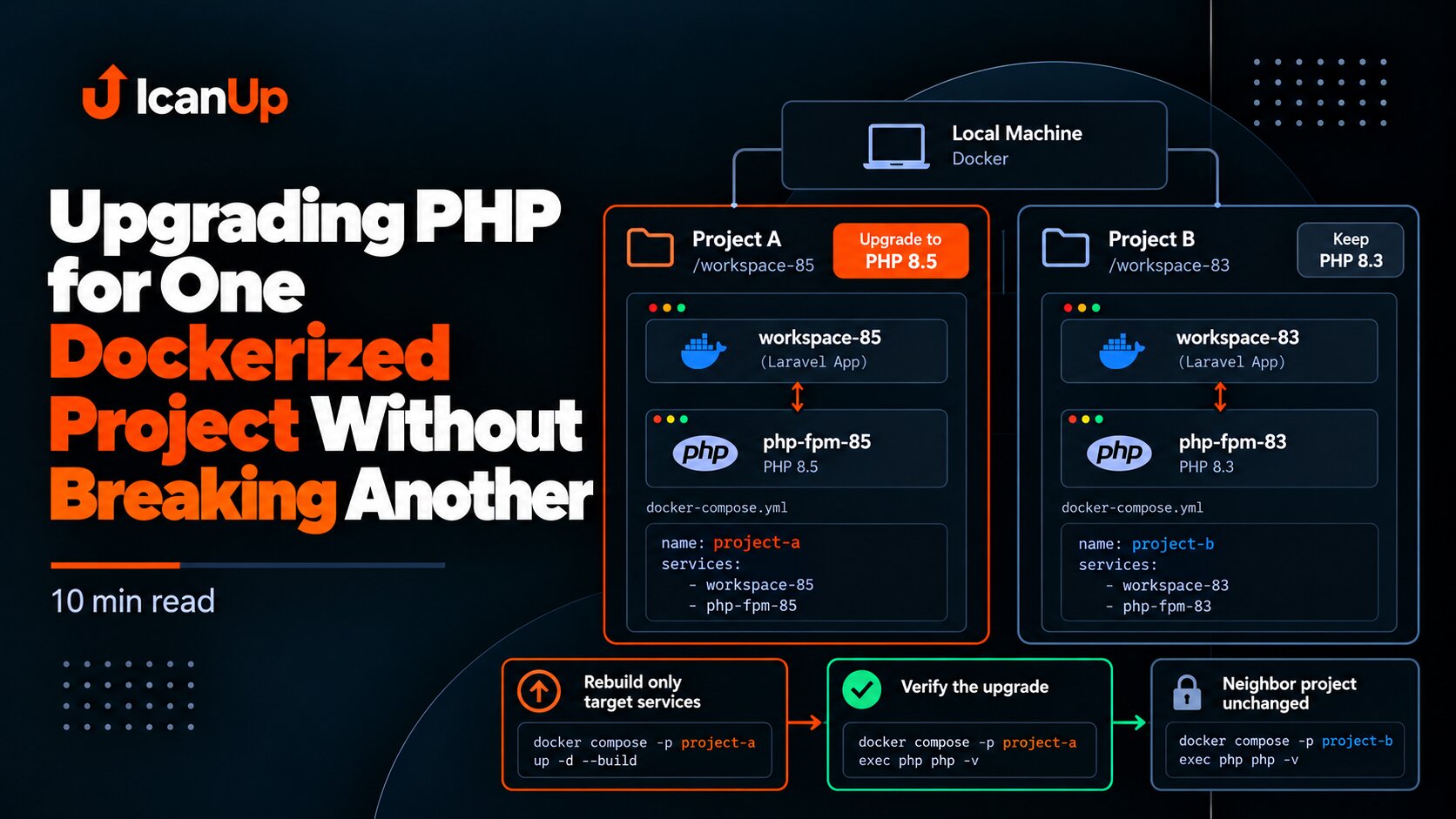
docker ps docker exec <container_name> php -vThis is one of the easiest mistakes to make during urgent remediation: update PHP on the host and assume every environment is now safe.
A container has its own filesystem and image. If it still contains a vulnerable PHP version, update the base image, rebuild the container, and repeat the verification steps.
10. Check Every Other Environment That Runs PHP
A single project may run PHP in several independent places:
- production server;
- development server;
- local environment;
- Docker containers;
- CI images;
- separate queue or service hosts.
Updating one location does not prove that every other environment is fixed.
What I Avoid During an Urgent PHP Upgrade
- I do not stop at
composer update. It does not fix a PHP runtime vulnerability. - I do not upgrade the whole operating system without a reason. During urgent remediation, I want a clearly bounded change.
- I do not skip package simulation. Unexpected module removal is better discovered before installation.
- I do not treat a backup as verified just because a file exists.
- I do not stop at
php -v. FPM, services, the application, and containers all need verification. - I do not forget long-lived processes. They may keep running old PHP processes until they are correctly restarted.
A Short PHP Update Checklist
[ ] CLI version checked[ ] PHP-FPM version checked[ ] Installed PHP packages listed[ ] Vendor package status checked[ ] Database backup created[ ] Configuration backup created[ ] Rollback path prepared[ ] Package upgrade simulated[ ] PHP packages upgraded[ ] PHP-FPM config validated[ ] Nginx config validated[ ] Services checked[ ] Application smoke tests passed[ ] Logs checked[ ] Docker PHP versions checked[ ] Other PHP environments checkedA Safe PHP Upgrade Is a Process, Not One Command
A critical vulnerability in PHP itself requires updating the execution environment rather than only application dependencies.
But installing a new package is not enough. You need to know what was installed before the change, have backups, review the package plan, confirm the new versions, and exercise the application after installation.
Most importantly, verify every place where PHP actually runs. Production, development, Docker, and local environments do not update together automatically.
The upgrade is not complete when the package installs. It is complete when the new PHP version and the application behavior are both verified.