Laravel firstOrCreate(): Find or Create Without Manual if Branching
Replace manual first() plus create() logic with firstOrCreate(), separate lookup attributes from create-only values, use wasRecentlyCreated, and understand the difference from firstOrNew() and updateOrCreate().
Sometimes the intent is very simple: find a model by stable attributes and create it only if no matching record exists.
You do not need to manually call first(), check the result with an if, and then call create(). Eloquent provides firstOrCreate() for exactly this shape.
Replace first() and Manual create() Logic
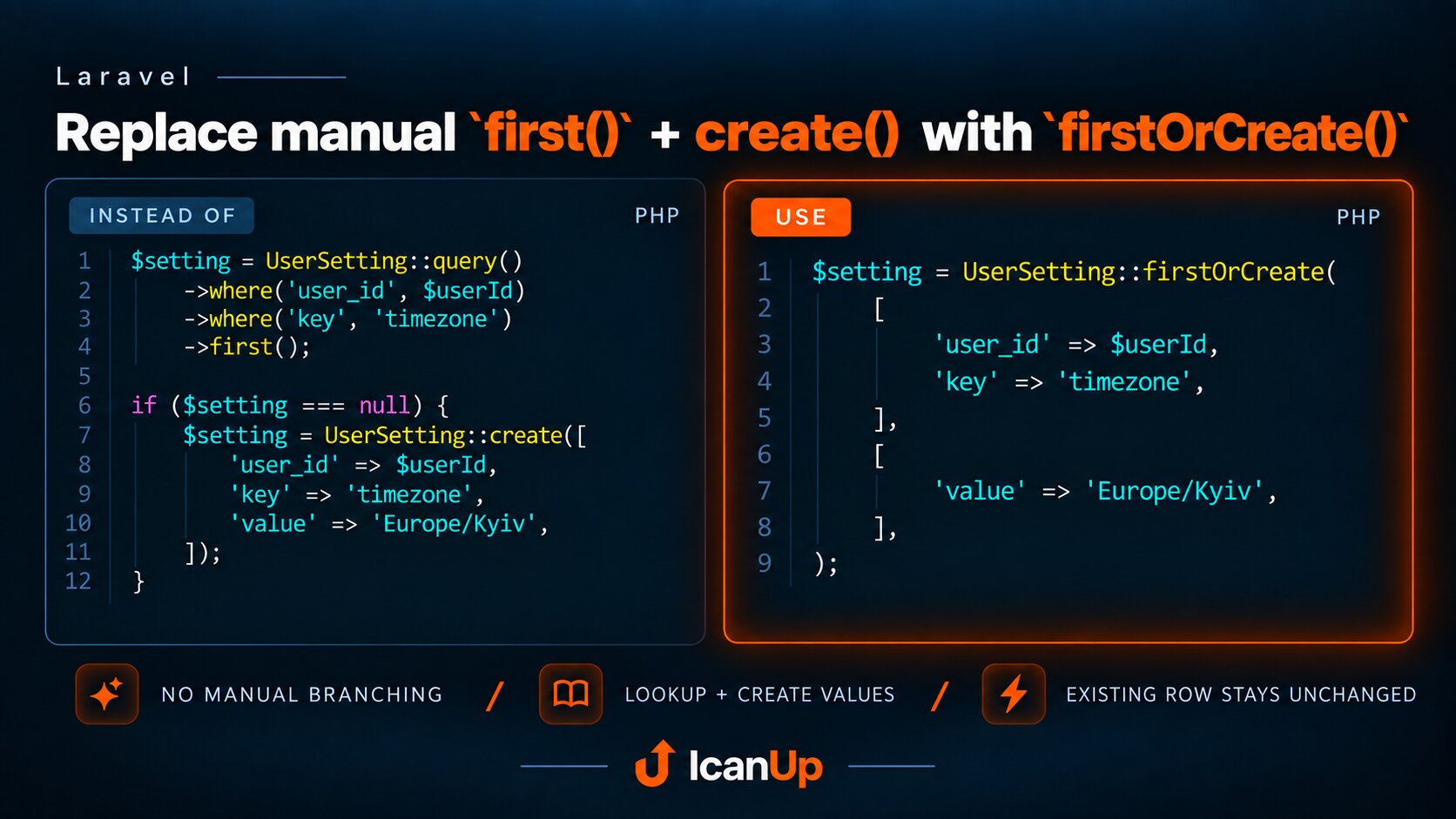
$setting = UserSetting::query() ->where('user_id', $userId) ->where('key', 'timezone') ->first(); if ($setting === null) { $setting = UserSetting::create([ 'user_id' => $userId, 'key' => 'timezone', 'value' => 'Europe/Kyiv', ]);}$setting = UserSetting::firstOrCreate( [ 'user_id' => $userId, 'key' => 'timezone', ], [ 'value' => 'Europe/Kyiv', ],);The code is not only shorter. The call clearly separates two different concerns: how the record is identified and which values should be used only if a new record must be created.
The First Array Contains Lookup Attributes
$setting = UserSetting::firstOrCreate( [ 'user_id' => $userId, 'key' => 'locale', ], [ 'value' => 'uk', ],);Laravel first searches using the attributes from the first array. In this example, the record identity is defined by the user_id + key pair.
If a matching record already exists, it is simply returned. The second array is not used to update it.
The Second Array Is Used Only During Creation
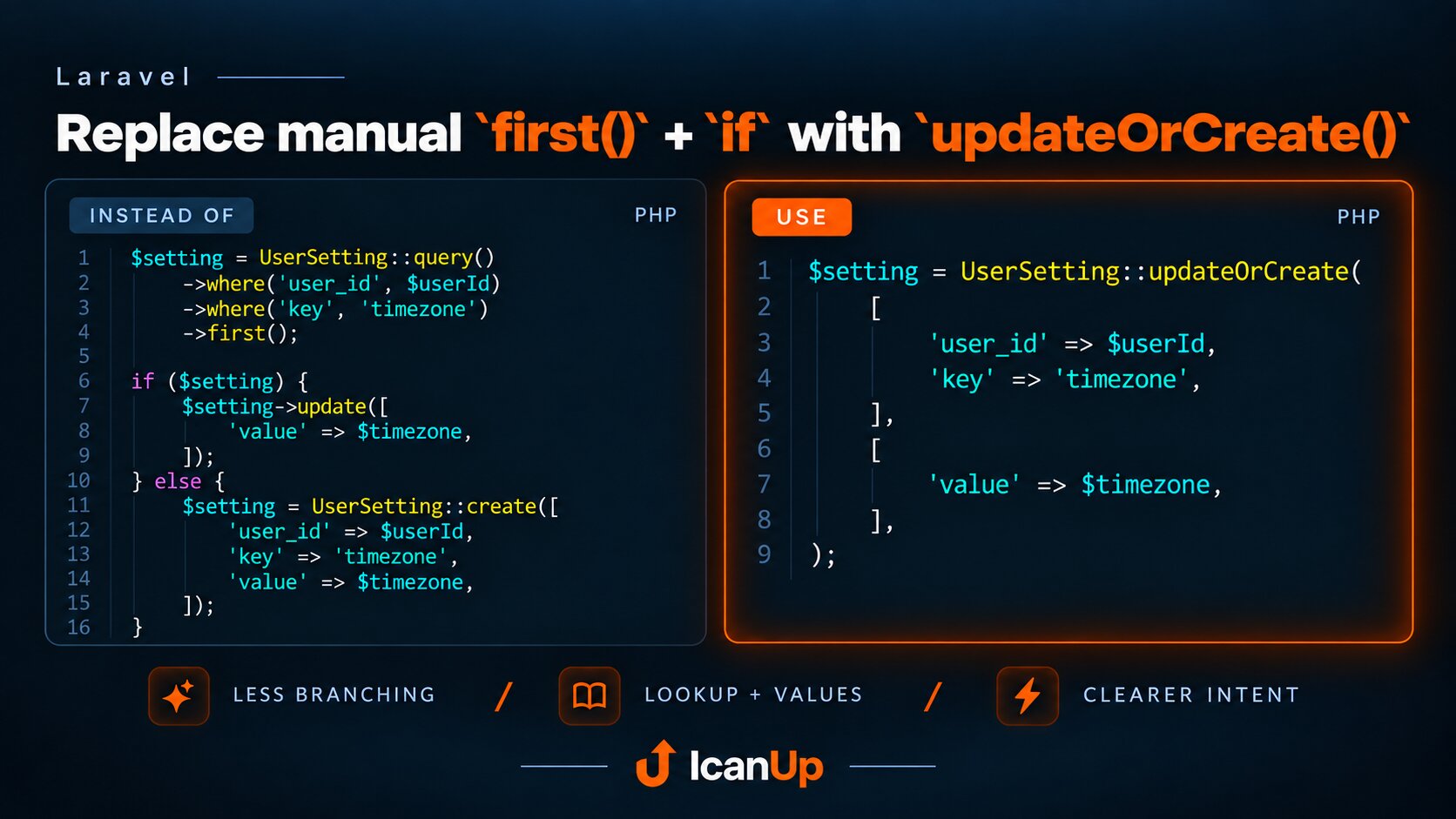
$setting = UserSetting::firstOrCreate( [ 'user_id' => $userId, 'key' => 'theme', ], [ 'value' => 'dark', ],); // Existing value may still be "light".$setting = UserSetting::updateOrCreate( [ 'user_id' => $userId, 'key' => 'theme', ], [ 'value' => 'dark', ],); // Existing value becomes "dark".The choice between these methods should follow the business intent. Use firstOrCreate() when an existing row must remain unchanged. Use updateOrCreate() when its state should be brought in line with new values.
The Returned Model Is Already Persisted
$role = Role::firstOrCreate( [ 'slug' => 'editor', ], [ 'name' => 'Editor', ],); $roleId = $role->id;Whether the model was found or created, the result is an Eloquent model that already exists in the database. You do not need another save() after firstOrCreate().
Detect Whether This Call Created the Model
$role = Role::firstOrCreate( [ 'slug' => 'editor', ], [ 'name' => 'Editor', ],); if ($role->wasRecentlyCreated) { // The row was created by this call.}wasRecentlyCreated lets you distinguish the two outcomes of the same call. This is useful when an additional action should run only after an actual insert.
firstOrCreate() Versus firstOrNew()
$setting = UserSetting::firstOrNew( [ 'user_id' => $userId, 'key' => 'timezone', ], [ 'value' => 'Europe/Kyiv', ],); // A new model is not persisted yet.$setting->save();firstOrNew() performs a similar lookup, but if no row exists it only creates a new model object in memory. The model is not persisted until save() is called.
This is useful when you need to modify, validate, or decide whether to persist the model before writing it to the database.
firstOrCreate() Works Through Relationships
$setting = $user ->settings() ->firstOrCreate( [ 'key' => 'timezone', ], [ 'value' => 'Europe/Kyiv', ], );When the child record naturally belongs to a specific parent, calling the method through the relationship often removes unnecessary detail from the lookup array. The relationship already provides the parent context.
Lookup Attributes Should Describe Stable Identity
UserSetting::firstOrCreate( [ 'user_id' => $userId, 'key' => 'timezone', 'value' => $timezone, ],);UserSetting::firstOrCreate( [ 'user_id' => $userId, 'key' => 'timezone', ], [ 'value' => $timezone, ],);If a changing field is placed in the lookup array, a new value may represent a completely different lookup combination to Laravel.
The first array should therefore contain attributes that define record identity, while initial values for a newly created record belong in the second array.
A Unique Constraint Should Enforce the Same Identity
Schema::table( 'user_settings', function (Blueprint $table) { $table->unique([ 'user_id', 'key', ]); },);If user_id + key must identify exactly one row, that rule should exist in the database as well as in application code.
This matters especially under concurrency, where two requests may both fail to find a row and then attempt to create it almost simultaneously.
Modern Laravel Handles a Unique Constraint Race
In modern Eloquent, after the initial lookup firstOrCreate() falls back to an internal createOrFirst(). If the insert hits a unique constraint violation, Laravel attempts to retrieve the matching record again and return it.
This does not replace a proper unique index. The database constraint is exactly what provides a reliable signal that another process already created the record.
Do Not Assume One SQL Statement
firstOrCreate() describes a convenient Eloquent operation, not a guarantee of one SQL statement. Laravel first attempts to retrieve the model and creates it only when necessary.
The primary benefit is therefore clearer intent and less manual branching.
Mass Assignment Still Applies
If a model must be created, Eloquent follows its normal model creation path. Your $fillable or $guarded rules still apply.
firstOrCreate() is not a way around model rules. It is simply a convenient composition of lookup and creation.
Where firstOrCreate() Fits Best
- reference data with stable identity;
- settings with a natural unique key;
- roles, tags, types, and other records that should only be created when missing;
- related records whose existing state must not be overwritten;
- imports or synchronization flows where repeated runs should reuse an existing record.
When Another Method Is Better
- if an existing row must receive new values, use
updateOrCreate(); - if a new model should be prepared before persistence, use
firstOrNew(); - if absence is an error, use
firstOrFail(); - if many rows need bulk insert-or-update behavior, consider
upsert(); - if the create and existing branches have substantially different business logic, explicit code may be clearer.
A good firstOrCreate() call reads almost like a domain rule: find the entity by its stable identity, and if it does not exist yet, create it with these initial values.