A new task does not always start after the previous work has been neatly committed.
A local branch may still contain unfinished tracked and untracked files while a new feature branch must start immediately from the latest origin/master.
In that situation I do not use reset --hard and I do not create the new branch on top of current WIP. I safely put the changes aside, refresh remote refs, and only then create the new branch.
First I Check Where the WIP Belongs
git branch --show-currentgit status --shortBefore stashing, I want to know exactly which branch owns the unfinished work.
git status --short also shows whether there are new untracked files. That matters for the next command.
I Stash WIP Together with Untracked Files
git stash push \ -u \ -m "wip-before-new-feature"The -u option includes untracked files. Without it, new files may remain in the working tree and accidentally follow you into the new task.
A clear stash message also helps because a few days later it is more useful than trying to remember what stash@{0} contained.
After Stashing I Verify the Working Tree Is Clean
git status --shortgit stash list | headBefore creating the new branch, git status --short should be empty.
At the same time I verify that the stash really exists. It is a simple safety check before moving to another task.
Next I Refresh origin/master with fetch
git fetch origingit fetch origin gives me the latest origin/master without changing the history of the unfinished branch.
For this scenario, that is cleaner than first trying to update a local master.
I Create the New Feature Branch Directly from origin/master
git switch \ -c feature/new-task \ origin/masterThis command does not depend on how current the local master is.
The new branch starts exactly from the commit referenced by origin/master after the fetch.
I Verify That the New Branch Is Really Clean
git branch --show-currentgit status --short git rev-parse HEADgit rev-parse origin/masterMatching SHAs confirm the correct base.
An empty git status --short confirms something equally important: the old WIP did not enter the new task.
The Complete Workflow Fits into One Short Sequence
git branch --show-currentgit status --short git stash push \ -u \ -m "wip-before-new-feature" git status --shortgit stash list | head git fetch origin git switch \ -c feature/new-task \ origin/master Do Not Apply the Old Stash to the New Branch
The stash in this workflow is not meant to move WIP into the new task.
It exists to keep the old work separate. If I immediately run git stash pop in feature/new-task, the clean boundary between tasks disappears.
I Restore WIP on Its Original Branch
git switch feature/old-task git stash list git stash apply stash@{0} git diffgit status --short # Only after verification:git stash drop stash@{0}I prefer stash apply over stash pop when restoring important WIP.
Apply keeps the stash entry. If there is a conflict or I selected the wrong stash, the backup still exists.
After verifying the diff and status, I can remove that specific stash separately.
Why reset --hard Is Not Needed Here
git reset --hard changes HEAD, index, and working tree. It can destroy uncommitted tracked changes.
In this scenario I do not want to destroy old work. I want to put it aside temporarily. A stash matches that intent much better.
Why Local master Can Stay Untouched
After git fetch origin, the current remote ref already exists locally.
git switch -c feature/new-task origin/master uses it directly as the base. Local master can be updated separately when there is an actual reason to do so.
A Clean Branch and a Clean Diff Have the Same Goal
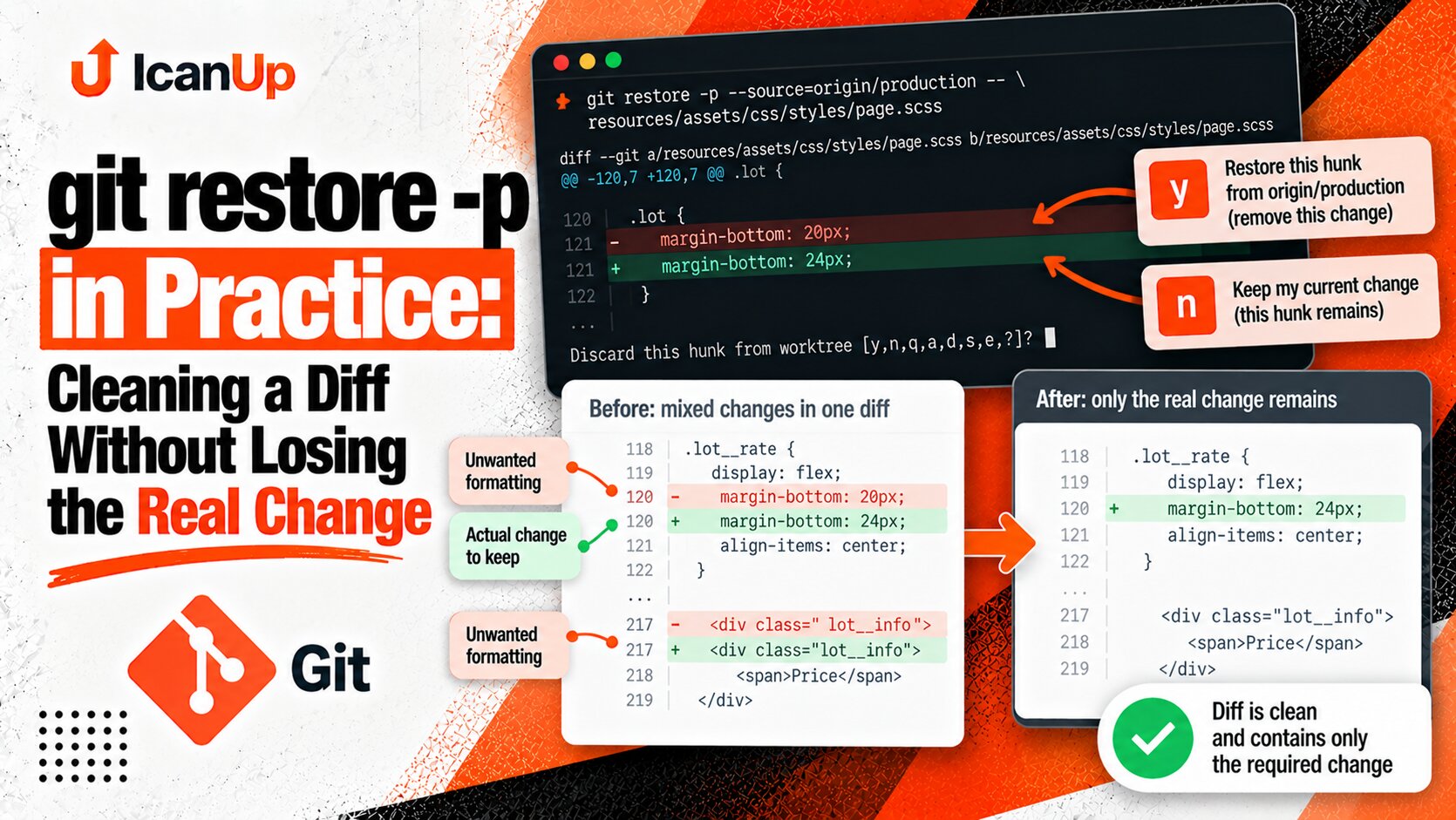
In the article about git restore -p and keeping a diff clean I showed how to remove unrelated local changes while keeping the required part of a diff.
The same principle applies at task level: one feature branch should contain one understandable piece of work, and unfinished changes from another task should not accidentally enter its history.
My Short Check Before a New Feature Branch
- I know which branch owns the WIP.
- Tracked and untracked changes are stored with
stash -u. - The working tree is clean.
git fetch originhas already run.- The new branch starts directly from
origin/master. - HEAD matches
origin/masterat creation time. - The old stash is not applied to the new task.
I Keep the Boundary Between Two Tasks Clean
This workflow solves two problems at once: old WIP is preserved, and the new feature branch gets a clean, current base.
The stash protects the old work. Fetch refreshes remote refs. The new branch starts directly from origin/master. I do not need a destructive reset and I do not need to mix two tasks.
A new task should not inherit the unfinished diff from the old one. I keep WIP separate and create the feature branch from a specific current remote commit.