
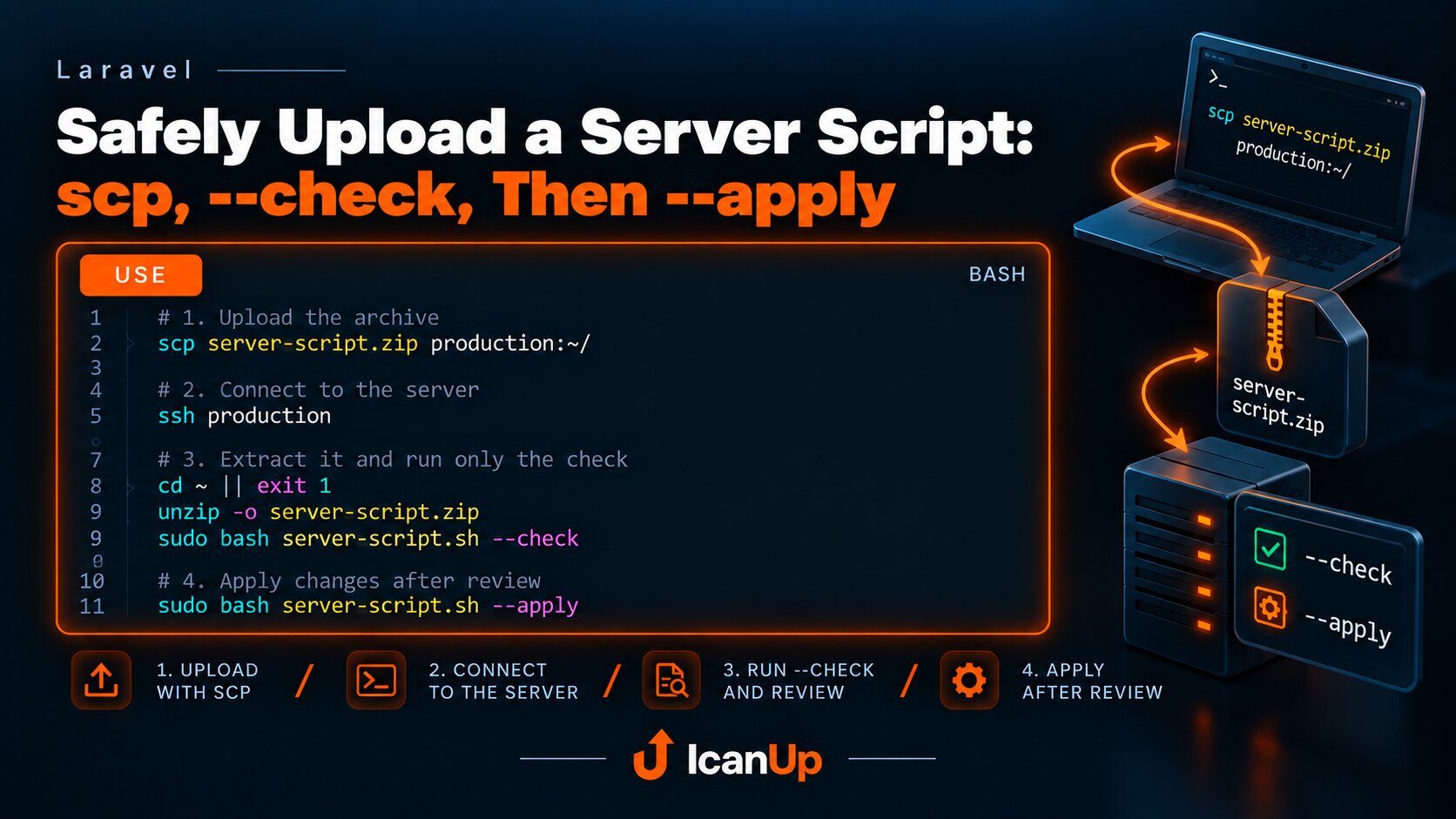
Safely Upload a Server Script: scp, --check, Then --apply
Upload the archive with scp through an SSH alias, connect to the server, extract it, and run only --check first. Use --apply only after reviewing the result.
When a script that changes server configuration or protection needs to be delivered to production, I do not run it immediately after copying it.
The simple flow is: upload the archive with scp, connect through an SSH alias, run only --check, review the result, and only then use --apply.
1. Upload the Archive Through an SSH Alias
scp ~/Downloads/server-protection.zip \ production-vps:~/An SSH alias such as production-vps keeps the connection settings in ~/.ssh/config, so the IP address, user, port, and key do not need to be typed manually every time.
The archive first lands in the user's home directory instead of overwriting a live file or production configuration.
2. Connect to the Server
ssh production-vps3. Extract It and Run Only the Check
cd ~ || exit 1 unzip -o server-protection.zip sudo bash server-protection.sh --check--check should inspect the current state and show whether the environment is ready for the change. At this stage, the production configuration should remain unchanged.
If the check exposes an error, an unexpected path, an incorrect configuration, or another problem, the process can stop before any changes are applied.
4. Apply Changes Only After Review
sudo bash server-protection.sh --applyThis flow separates file delivery from production changes. scp only delivers the archive.
--check verifies it in the real server environment.
Only --apply is allowed to change the system.
The main rule is simple: delivering a script to a server is not permission to apply its changes. First scp, then --check, and only after review - --apply.