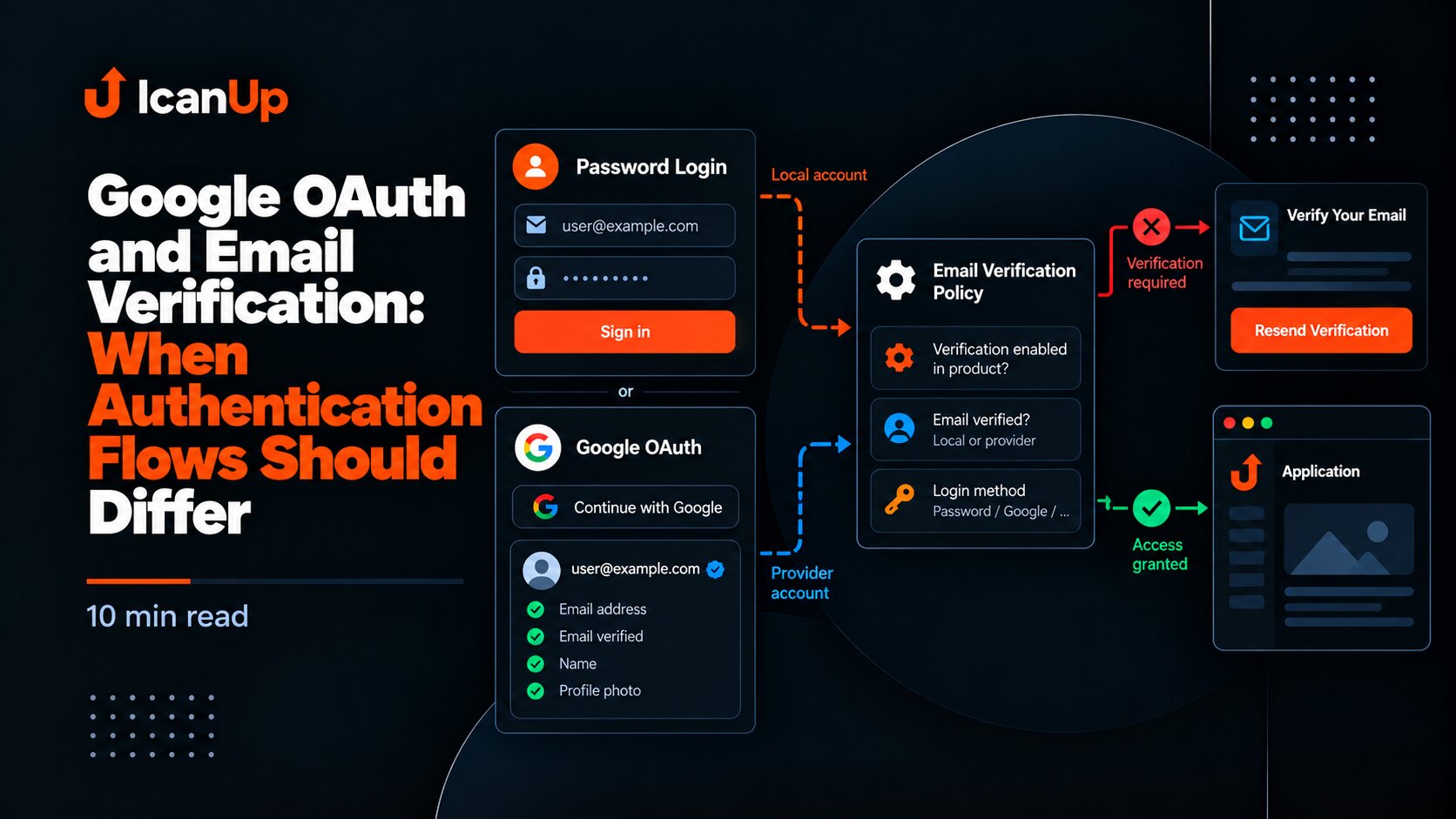
After fixing the Ziggy integration, everything looked good. Normal public pages worked, UK/EN navigation was clean, and the admin area no longer showed routing errors.
But Laravel logs still occasionally contained an Inertia\Ssr\SsrException.
The strange part was that I could no longer reproduce it on a normal page.
This is the third part of my routing case. I started with logical route names and localized URLs, then moved on to making Ziggy consistent across Blade, Vue and Inertia SSR.
At this point, the normal routing flow was already working. One very specific edge case was left - the 404 page.
The Strangest Part of the Error
The error looked as if Ziggy simply did not know about posts.index. That did not match what I could see in the application.
The route worked in the browser, logical Ziggy configuration was already connected, and normal pages rendered correctly through SSR.
So instead of changing the routing code again, I decided to first prove which request was actually creating the exception.
TypeError: Cannot read properties of undefined (reading 'posts.index')I had seen a similar browser-versus-SSR difference before, when meta tags were visible in the browser but missing from the HTML during Inertia SSR. So this time I separated the browser flow from server-side rendering from the start.
Start With Fresh Logs
When a log already contains several old SSR errors, it is very easy to investigate an exception that does not belong to the latest test at all.
Before the controlled request, I simply recorded the current number of lines in the Laravel log.
wc -l storage/logs/laravel-2026-08-11.log1874 storage/logs/laravel-2026-08-11.logI Tested a Normal Request First
First I opened a normal public page. Not an error page and not a special test URL - just a page that should work.
After the request, I inspected only the new log lines.
There were none.
tail -n +1875 storage/logs/laravel-2026-08-11.logThen I Triggered a Controlled 404
The next step was simple: instead of waiting for the exception to happen again, I created a controlled 404.
I opened a URL that definitely did not exist and then checked only the lines after the same marker.
This time the error appeared immediately.
/icnup-165-test-404Normal public page
No new Laravel log entries
Controlled 404
Inertia\Ssr\SsrException
TypeError: Cannot read properties of undefined
(reading 'posts.index')
The Stack Trace Finally Became Useful
After the controlled 404, the stack trace was no longer just old noise in the log. I knew exactly which request had produced it.
The trace went through ziggy-js and then into the compiled PublicLayout.
Inside the layout, the error surfaced on a route used by the public header.
TypeError: Cannot read properties of undefined (reading 'posts.index') at ziggy-jsat ComputedRefImpl.fn (...PublicLayout...)...Inertia\Ssr\SsrExceptionIn the source, that matched a normal route-helper call in the public header.
const blogUrl = computed(() => route('posts.index'));But posts.index Definitely Existed
At this point, it would have been easy to blame Header.vue or the route name itself.
But I already suspected something else: perhaps the error page was receiving a different Ziggy configuration from a normal page.
So I checked the backend directly through the Laravel container first.
$ziggy = app(Tighten\Ziggy\Ziggy::class);$data = $ziggy->toArray(); echo get_class($ziggy);echo isset($data['routes']['posts.index']) ? 'YES' : 'NO';CLASS:Avn\LaravelLocalization\Infrastructure\Laravel\Integration\Ziggy\LogicalZiggy posts.index: YESWhat This Actually Proved
posts.index exists in Laravel.
The LogicalZiggy container binding works.
posts.index is present in Ziggy configuration.
A normal public SSR request creates no error.
Browser navigation works.
A controlled 404 consistently reproduces the SSR exception.
At that point, the search area became much smaller.
The problem no longer looked like a general Ziggy bug or a route-registration issue.
It was specific to the SSR error-response flow: a normal Inertia page and a 404 error page were clearly not behaving the same way.
Why I Did Not Fix the Header
The stack trace pointed to PublicLayout and Header, but that did not mean the cause was there.
The header was making a normal route('posts.index') call that worked in a normal page context.
Adding a fallback or a 404-specific condition could have hidden the routing-context problem instead of fixing it.
A stack trace shows where an error surfaced. That is not always where it started.
What I Suspect in the Error-Page Flow
At this stage, the most likely explanation was a different or incomplete set of Inertia props during error-page rendering.
Normal SSR received a Ziggy configuration where posts.index worked. The controlled 404 consistently failed on that same route.
That was enough to isolate the problem to the error-page SSR context without continuing to change the main localization integration.
My Checklist for This Kind of SSR Error
Place a log marker before testing.
Make one normal request.
Confirm that it creates no new errors.
Make one controlled error request.
Inspect only the new log lines.
Verify the route directly in Laravel.
Inspect Ziggy configuration through the container.
Do not modify the component until you know whether it is actually the problem.
Compare the normal-page context and error-page context separately.
Why the Log Marker Helped So Much
The commands were very simple, but they removed most of the confusion.
When I looked at the last few hundred log lines, old and new SSR errors were mixed together.
With a marker, every request had a concrete result: either it added a new exception or it did not.
For me, this was much more reliable than trying to identify a fresh error from timestamps alone.
A Separate Edge Case Deserves a Separate Task
By this point, the main integration already passed normal public and admin smoke tests. The browser console was clean, the SSR process was running, and a normal request created no new Laravel log errors.
I did not want to keep expanding the main integration with one very specific error-page case.
The 404 SSR issue therefore got its own task with a clear regression scenario.
What Should Pass After the Fix
A normal public page creates no SsrException.
The 404 page renders successfully through SSR.
route('posts.index') is available in the error-page context.
There is no ReferenceError: route is not defined.
There is no Cannot read properties of undefined (reading 'posts.index').
The browser console remains clean.
Laravel logs contain no new Ziggy SSR exception after a controlled 404.
UK/EN navigation has no regression.
What I Kept for Next Time
Do not trust old SSR logs without a controlled marker.
Separate the normal flow from the error flow first.
Verify backend routing configuration separately from the frontend stack trace.
Do not fix a component only because it is the last application code in the stack.
A reproducible request is more useful than a random error in the log.
Previous Parts of the Series
Laravel Localization: Using Logical Route Names with Localized URLs
Making Ziggy Work Consistently in Blade, Vue and Inertia SSR
Conclusion
At first, this looked like an unstable Ziggy or SSR problem that appeared randomly.
Two controlled requests made the problem much smaller: the normal page was clean, while the 404 consistently reproduced the exception. The backend Ziggy configuration still contained the required route.
The main lesson for me was not only about Inertia SSR. When an error appears “sometimes”, first prove which exact request creates it, and only then start changing the code.
One controlled 404 gave me more useful information than dozens of old log lines.