
I Didn't Expect This
After spending several days improving my site's SEO, I decided to update the favicon and application icons. It seemed like a small change, but the next time I opened the website, Chrome suddenly offered to install it as an app.
One of those SEO fixes was making sure that meta tags were present in the initial HTML with Inertia SSR, rather than appearing only after JavaScript started. After that, I moved on to smaller presentation details such as the favicon and application icons.
I honestly didn't expect that.
What Changed
updated the favicon;
added a complete set of app icons;
created a Web App Manifest;
added a maskable Android icon;
added a Safari Pinned Tab icon;
configured the theme color;
verified all icon references.
After these changes, Chrome considered the website ready to be installed.
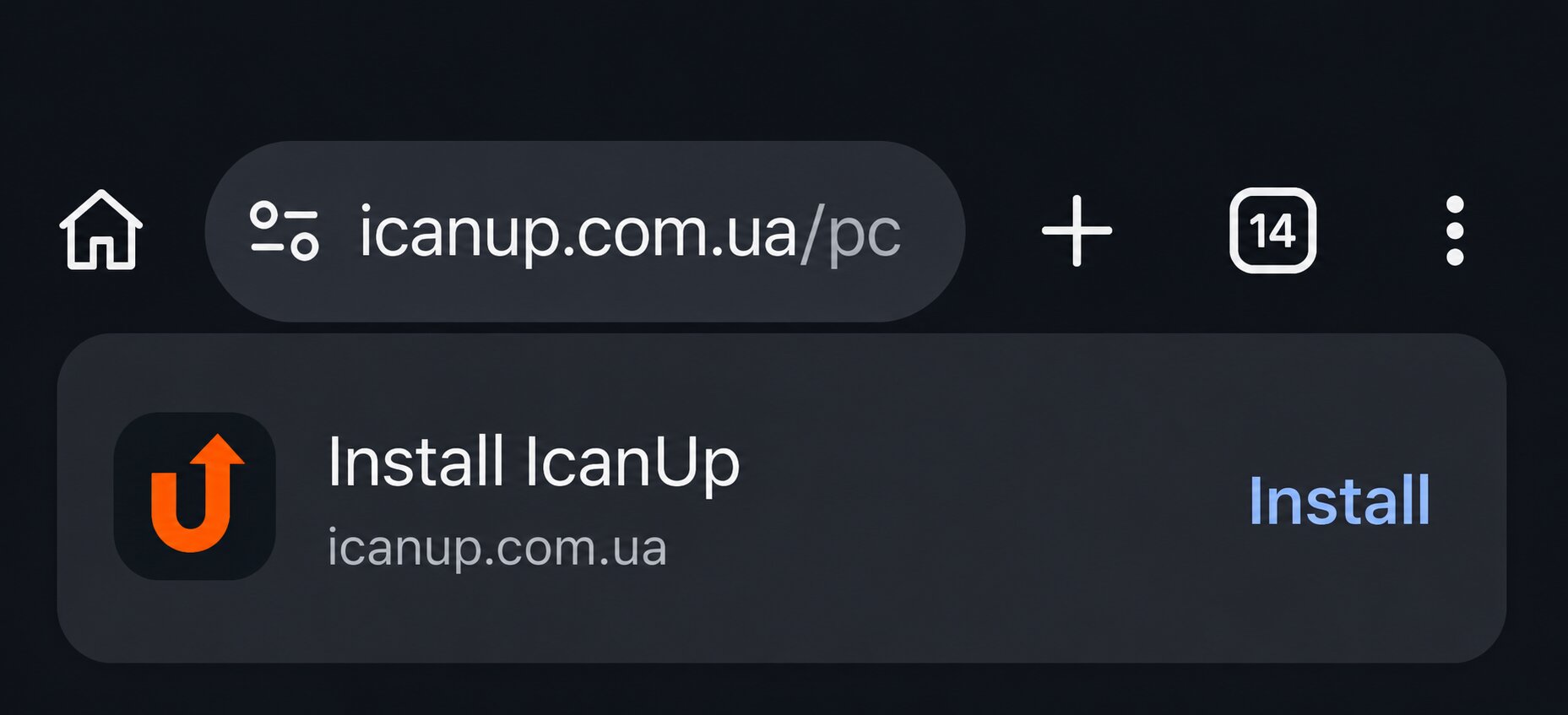
Why Did This Happen?
Chrome doesn't look for just one requirement. Instead, it checks several conditions before showing the install prompt.
If the website has a valid manifest, proper icons, HTTPS, and meets the browser requirements, users may be offered the option to install it as an application.
| What Chrome checks | Why it matters |
|---|---|
| HTTPS | Secure installation |
| Secure installation | Application metadata |
| Application metadata | Icons for different devices |
| Theme Color | Better system integration |
| Display Mode | App-like experience |
It Isn't a Full PWA Yet
Seeing the Install button doesn't automatically mean the website is a complete Progressive Web App.
For example, offline support requires a Service Worker, and my project doesn't have one yet.
So the website is already installable, but there are still several steps before it becomes a fully featured PWA.
Sometimes a small change unlocks a feature you weren't even trying to implement. In my case, it started with a favicon update.
What's Next
add a Service Worker;
implement caching;
test offline mode;
verify installation on different devices;
explore more PWA capabilities.